
Shape how customer workspaces are created
A product can serve different kinds of customer account. Organisation types give each kind its own available roles, membership defaults and authentication requirements.
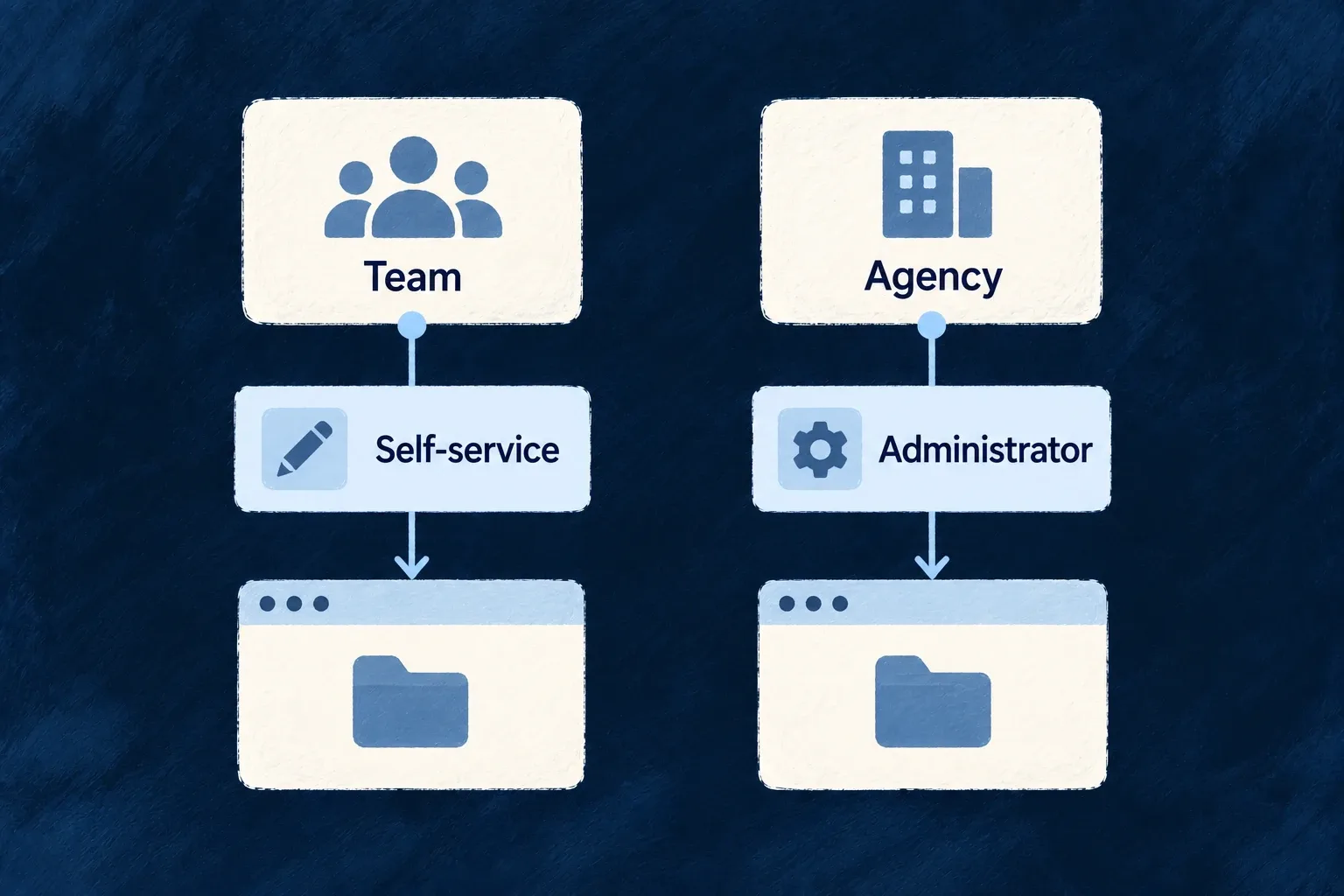
Creation policy connects a type to registration when a workspace should appear as someone signs up. Other workspaces can be created through the authorised self-service or administrator paths.
Example — Create a workspace during sign-up
A business registration creates a customer workspace and makes the registrant its initial owner. The application can give another customer type a different onboarding path.
For engineers
Declare the type and its creation policy together
The example below illustrates an organisation-type entry in organizationTypes. business-user is an application-owned user-type key: define that user type before referring to it here.
customer: {
  userTypes: ['business-user'],
  availableOrgRoles: [
    CORE_ORG_ROLES.ORG_OWNER,
    CORE_ORG_ROLES.ORG_ADMIN,
    CORE_ORG_ROLES.ORG_MEMBER,
  ],
  defaultMemberRole: CORE_ORG_ROLES.ORG_MEMBER,
  creationPolicy: {
    createOnUserTypeRegistration: ['business-user'],
    orgNameSource: OrganizationNameSource.ASK,
    defaultOwnerRole: CORE_ORG_ROLES.ORG_OWNER,
  },
},
Import the named role and name-source values from @wildo-ai/saas-models. userTypes describes the application user types membership grants; availableOrgRoles and defaultMemberRole describe authority inside this organisation. They are different dimensions.
Follow the creation path
When the configured user type registers, the registration flow creates the organisation through its internal create variant and establishes the owner membership. ASK, AUTO and ONBOARDING select how its name is obtained. A registering user type may match at most one organisation type; ambiguous matches are configuration errors.
The create prefix validates the type and rejects a policy-managed type outside the registration-managed path. Omitting creationPolicy leaves that type outside automatic registration creation; it does not itself grant permission to create it.
Make membership-dependent user types explicit
The two directions are configured separately. organizationTypes.customer.userTypes grants business-user when a person joins. To make that user type depend on continued membership, add requiresOrgMembership to the corresponding entry in the application’s userTypes map:
import type { UserTypeDefinition } from '@wildo-ai/saas-models';

// existingBusinessUserType is your complete, already configured user type.
const membershipBoundBusinessUser: UserTypeDefinition = {
  ...existingBusinessUserType,
  requiresOrgMembership: {
    orgTypes: ['customer'],
  },
};
Use membershipBoundBusinessUser as userTypes['business-user'] in the existing authored backend configuration, alongside organizationTypes.customer above. Keep the existing full auth policy, application roles and frontend usersManagement entry. This excerpt adds the membership condition; it does not replace the application’s identity or authentication setup.
| Change | Effect on the membership-dependent user type |
|---|---|
| An invitation is still pending | No user-type grant from that invitation yet |
| The person accepts and joins | The organization’s configured user types are added |
| One qualifying membership is lost, another remains | The user type is preserved |
| The last qualifying membership is lost | The configured membership-dependent type is removed |
requiresOrgMembership is absent | This leave-time reconciliation does not remove the type |
A remaining membership qualifies only when it is active and its organization still confers authority. Losing a type can invalidate sessions; a membership change that removes no type does not imply that every session is terminated. Organization roles still govern access inside each workspace independently of this application-level type lifecycle.
Choose how organisation authentication may vary
A type can also carry authOverrides. Method changes follow the application’s orgAuthMethodPolicy: RESTRICT_ONLY removes methods, EXPAND_WITHIN_SET permits additions from expandableOrgMethods, and UNRESTRICTED accepts the override method set. Do not assume every application uses the restrictive default.
MFA, password and step-up settings have their own merge rules. Review the resolved policy, not just the type’s override block. Creation policy, access roles and authentication policy remain separate decisions.