
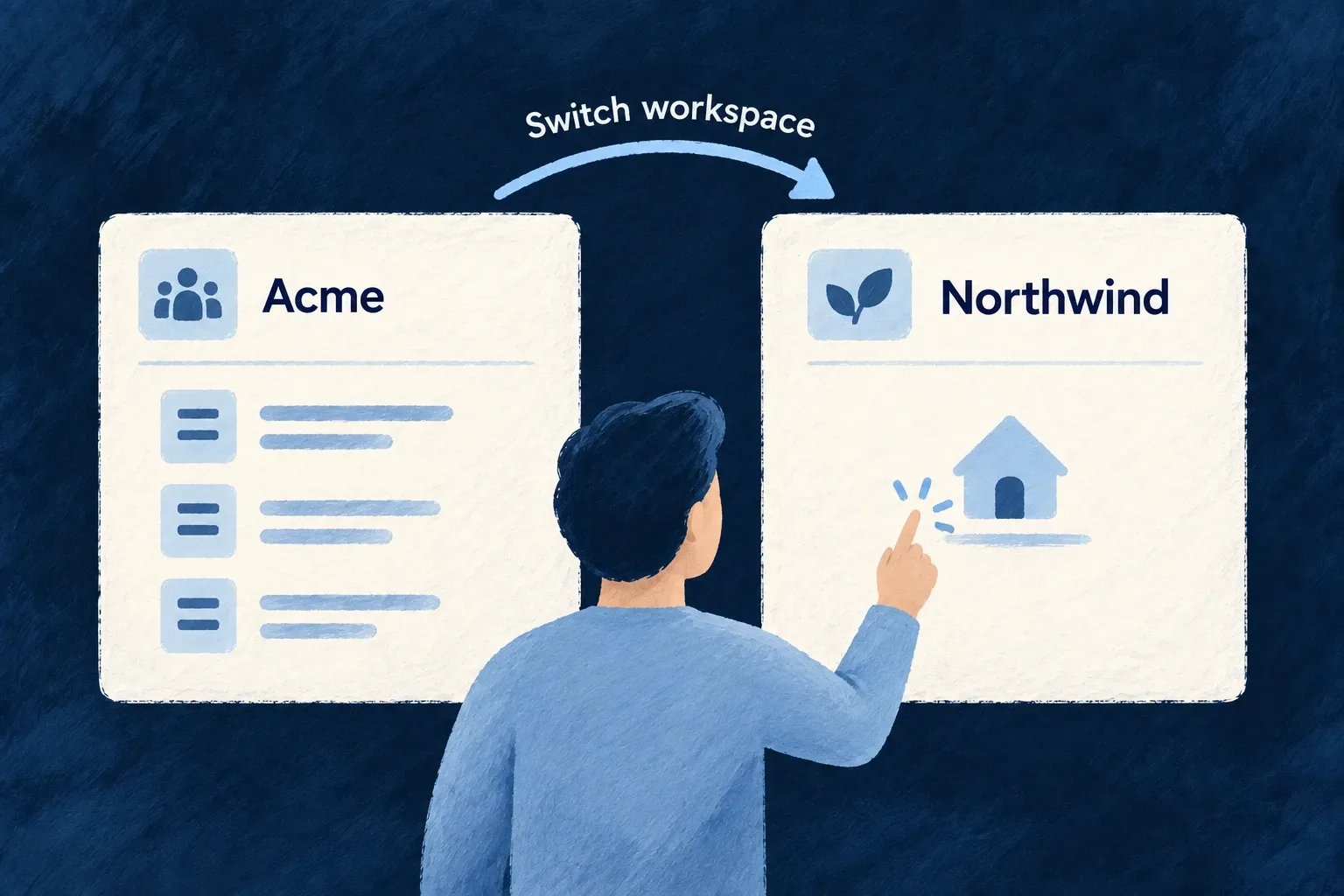
Move between customer workspaces smoothly
People who belong to several organisations can switch workspace from the user menu. The application changes context without requiring a full page reload.
The switch clears the previous organisation’s navigation and updates the live connection. The server continues to enforce the selected workspace’s access rules on requests.
Example — Finish with one customer, open another
A consultant switches from one customer to the next. The application returns to its home context, clears the old navigation and changes the live connection’s organisation subscriptions.
For engineers
Use the shell’s organisation switcher
Place the organisation switcher in the application user menu. Its behavior commits the new organisation through the scope context; custom controls should use that same path rather than only changing a stored ID.
The central commit in AppScopeContext.tsx is:
const commitOrganizationScopeValue = useCallback((organizationId: string | null) => {
  setCurrentOrganizationId(previousOrganizationId => {
    if (previousOrganizationId === organizationId) {
      return previousOrganizationId;
    }

    tokenStorage.setOrganizationId(organizationId);

    if (previousOrganizationId && organizationId) {
      notifyOrganizationSwitch(organizationId, previousOrganizationId);
    }

    return organizationId;
  });
}, [notifyOrganizationSwitch, tokenStorage]);
Use the public switch operation in custom controls
A custom React control can use the public hook instead of reproducing the internal scope commit:
import { useUserOrgs } from '@wildo-ai/saas-frontend-lib';

export function useWorkspaceSelection() {
  const { setCurrentOrganization } = useUserOrgs();
  return (organizationId: string) => {
    setCurrentOrganization(organizationId);
  };
}
This illustrative hook belongs beneath the application’s normal providers, including UserOrgsProvider. Connect its returned callback to the existing organization picker and pass an ID from that user’s loaded organization list. The setter checks that list, ignores an unknown ID and does nothing when the selected organization is already active. It returns no new membership or server authorization; the backend still checks each request.
Follow the consumers of that change
AuthSessionContext re-points WebSocket organisation subscriptions. NavigationContext handles PRIMARY_SCOPE_CHANGED inside a navigation transaction and clears old stacks before going home. WebSocketContext independently releases room claims for the previous organisation.
The read cache has a separate owner. In the standard ApplicationMainContext composition, ResourceReadCacheBridge mounts inside AppScopeProvider. An organization change clears cached reads and releases its coverage claims; subsequent reads establish coverage for the new scope. Pending room replies are checked against the current request so a late reply cannot restore retired coverage or remove a newer claim.
Initial organisation establishment is treated differently from switching between established organisations. A refresh that restores the existing organisation must preserve a legitimate deep link rather than send the person home.
Verify with two real memberships
Use one account with access to two organisations containing different records. Open a record, switch, then inspect navigation, list results and live updates. A same-organisation no-op and a hard refresh of a deep link are separate checks; neither proves a genuine organisation-to-organisation transition.