
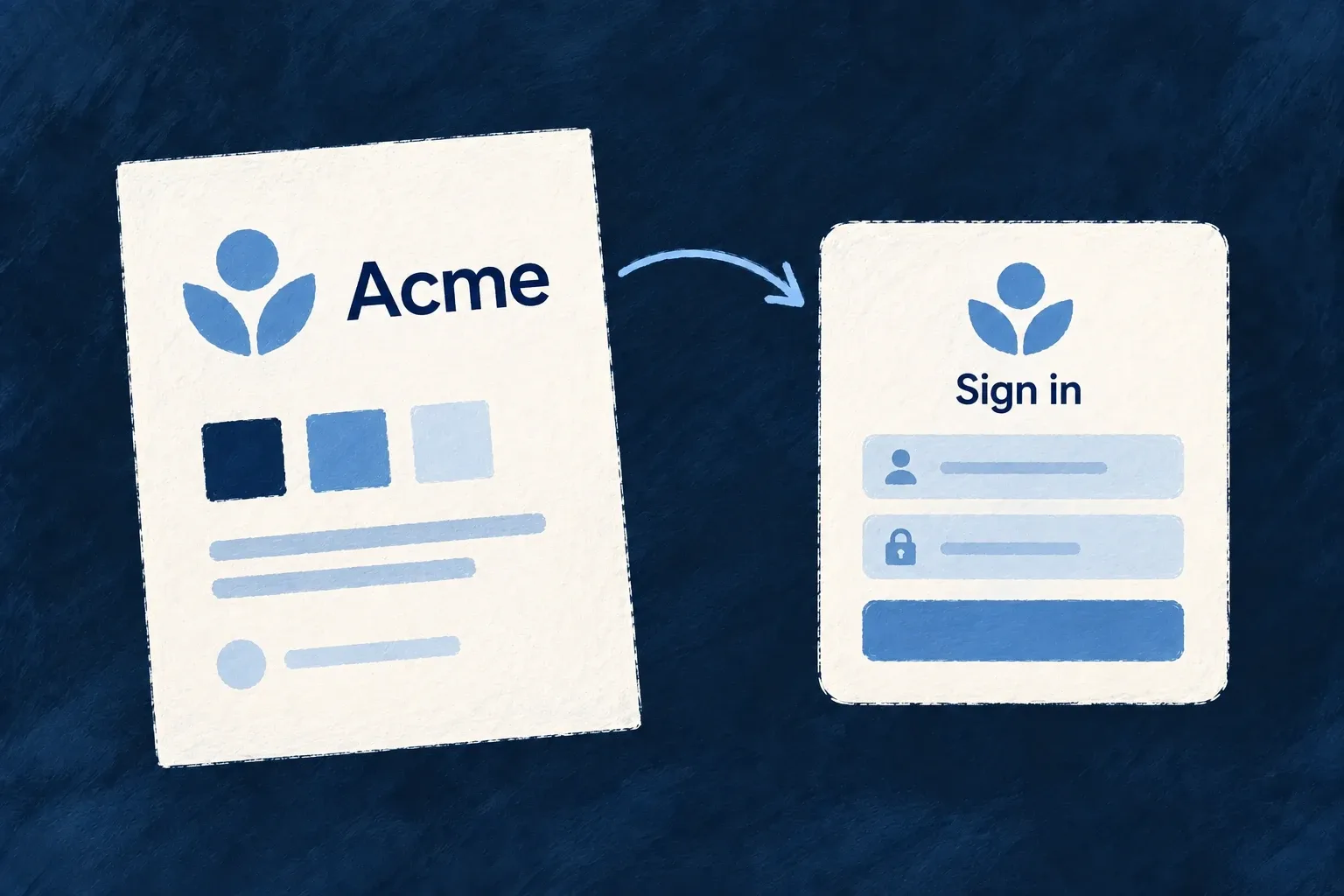
Give each organisation its own identity
Each organisation has a profile for its business information: name, contact details, location and social links. Its identity stays separate from the people who administer it.
Store a customer logo and primary colour alongside that profile. The standard sign-in page can present the identified customer when the public brand header is enabled. Custom layouts can use the same presentation contract.
Example — Recognise the customer workspace
A customer adds its logo without choosing a colour. After identification, the enabled sign-in brand header displays the customer logo and keeps its existing colour treatment when the tenant has supplied none.
For engineers
Update the profile, not the tenant’s lifecycle record
The profile is a resource associated with the organisation. This illustrative profile payload shows company information alongside the branding values used by sign-in presentation:
{
  "displayName": "North Studio",
  "website": "https://north.example",
  "branding": {
    "logo": "https://north.example/logo.png",
    "primaryColor": "#234C72"
  }
}
Submit the fields through the organisation profile’s generated update operation, with authority over that organisation. The logo is an absolute URL. A profile edit does not verify ownership of a sign-in domain or change how users authenticate.
Follow branding to its consumer
authentication-orchestrator.backend.service.ts loads branding for the organisation resolved during identification. resolveTenantBrandPresentation resolves fields independently. The caller supplies the application logo as fallback; it supplies no application primary colour for this DTO, so an unset tenant colour remains absent.
The standard AuthPage_Main passes auth.identification?.organizationBranding to its public layout. usePublicShellLayout applies that input only for the login card layout, when no explicit shell identity overrides it. The header must be enabled with publicShellIdentityMode: PublicShellIdentityMode.BRAND_HEADER in the frontend configuration; an absent header is not enabled merely because a profile has a logo.
Reuse the presentation contract in a custom login layout
A custom public-layout implementation can obtain the same resolved identity through the exported hooks:
import { useAuthSession, usePublicShellLayout } from '@wildo-ai/saas-frontend-lib';

export function useIdentifiedLoginLayout() {
  const { auth } = useAuthSession();
  return usePublicShellLayout(
    true,
    auth.identification?.organizationBranding,
  );
}
This illustrative hook belongs in a custom login layout beneath the normal application, UI and authentication providers. Render the returned brandHeader only when it is present. It supplies the resolved name and optional logo; brandAccentColor supplies the optional decorative tenant colour. Keep the existing label beside an unclassified logo and use the application’s design-system colour handling rather than treating an arbitrary profile colour as a text-contrast policy.
| Situation | Resolved login presentation |
|---|---|
| No identified organization | Application identity |
| Identified organization with a logo | Tenant logo; identified name when supplied |
| Tenant logo absent | Application logo fallback |
| Tenant primary colour absent | No tenant accent override |
| Explicit shell identity present | Shell identity takes precedence |
| Public brand header not enabled | No brand header |
A verified organization domain can supply login branding even when SSO is disabled. The name comes from the organization record; the logo and colour come from its profile. This presentation lookup does not select sign-in methods, grant membership or change access rules. Pass identification branding only to the intended login layout; registration and legal pages should not inherit the last login attempt’s tenant.
That is the supported presentation contract here. The stored favicon, secondaryColor and customDomain fields do not imply corresponding sign-in DTO fields or automatic domain provisioning. Business-profile content is available through the resource pipeline; custom screens can choose how to present it.
Keep domain verification in the authentication configuration. A business website or profile domain describes the organisation; it is not proof that the organisation controls that domain.