
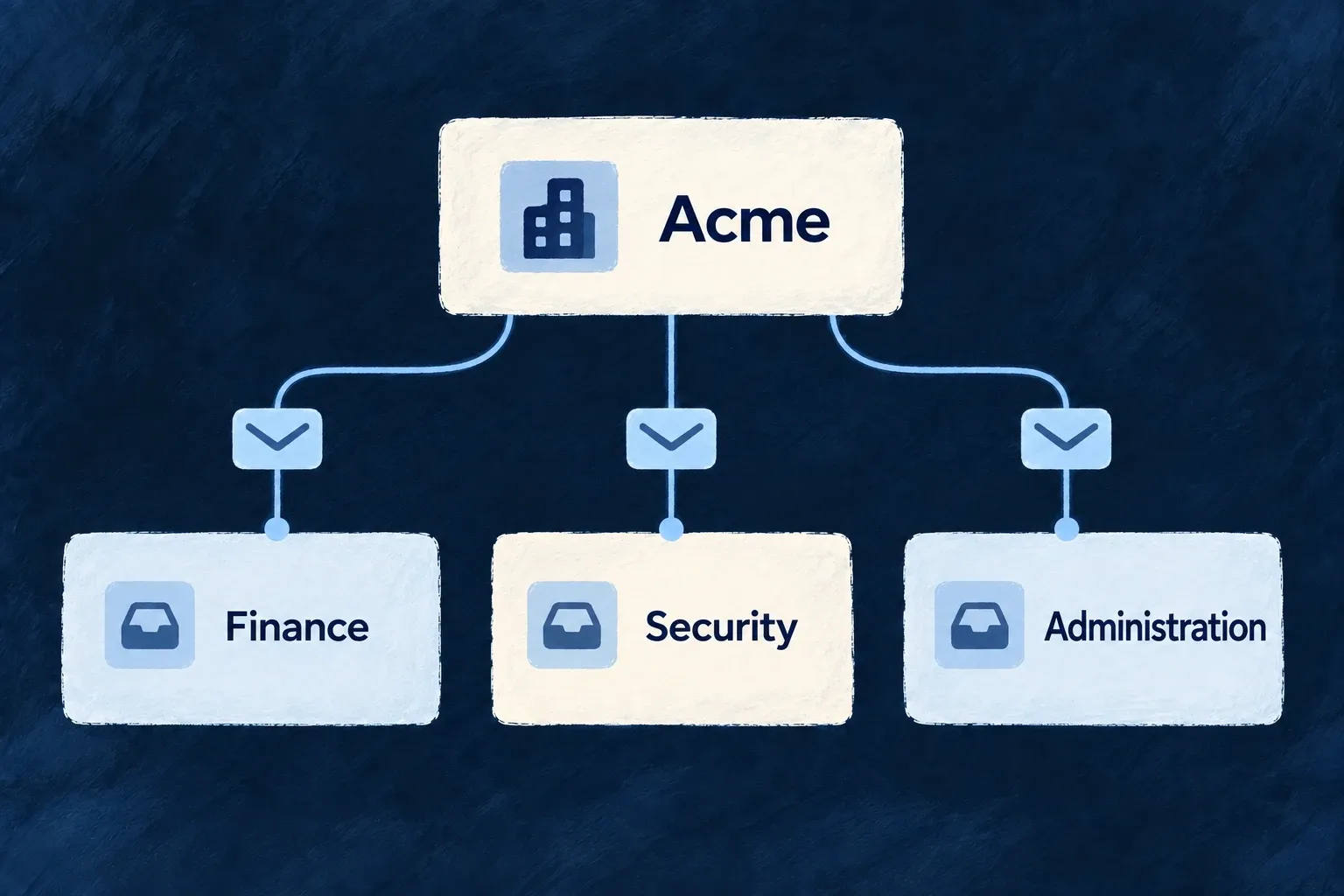
Send workspace emails to the right people
A workspace can direct billing, security, administration and user-management emails to the addresses responsible for them. A category address replaces the usual member delivery for that category.
The organisation can also disable a category. Messages intended for every member remain a separate audience rather than being collapsed into one shared mailbox.
Example — Route security messages to a shared inbox
A customer sends its security-category emails to its security team’s address and billing emails to finance. Each message goes to the configured destination instead of also being copied to the ordinary member audience.
For engineers
Configure addresses and category switches together
This illustrative emailNotifications value routes two categories and leaves the others enabled with a default address:
{
  "emailNotifications": {
    "defaultEmailAddress": "operations@example.com",
    "billingAddress": "finance@example.com",
    "securityAddress": "security@example.com",
    "billing": true,
    "security": true,
    "administrative": true,
    "usersManagement": true
  }
}
The organisation notification resource is seeded during organisation creation. Update its settings through the generated organisation-scoped resource operation; no custom dispatcher is needed for these standard categories.
Routing still needs a registered email template and a configured delivery provider. Follow the template registration example and transactional email setup for those prerequisites. Saving a destination address does not supply either one or prove message delivery.
Understand delivery precedence
For an email with a mapped organisation target, the dispatcher checks the category switch first. false suppresses the category, including ordinary member fan-out. Otherwise it uses the category address, then defaultEmailAddress, then the existing member-target resolution when neither address is set.
ORGANIZATION_USERS intentionally remains member fan-out. These settings route email; they do not redirect every channel or every notification target.
Keep fallback behavior visible to operators
A missing settings record or a failed settings read falls back to member delivery. It does not silently drop the message. If a customer requires all mail to remain in a shared inbox, monitor failed settings reads as part of operating that requirement.
The category is derived from the notification target. Declaring another category flag on each notification would create a second answer that could disagree with the routing policy.