
Watch and steer data pipelines in production
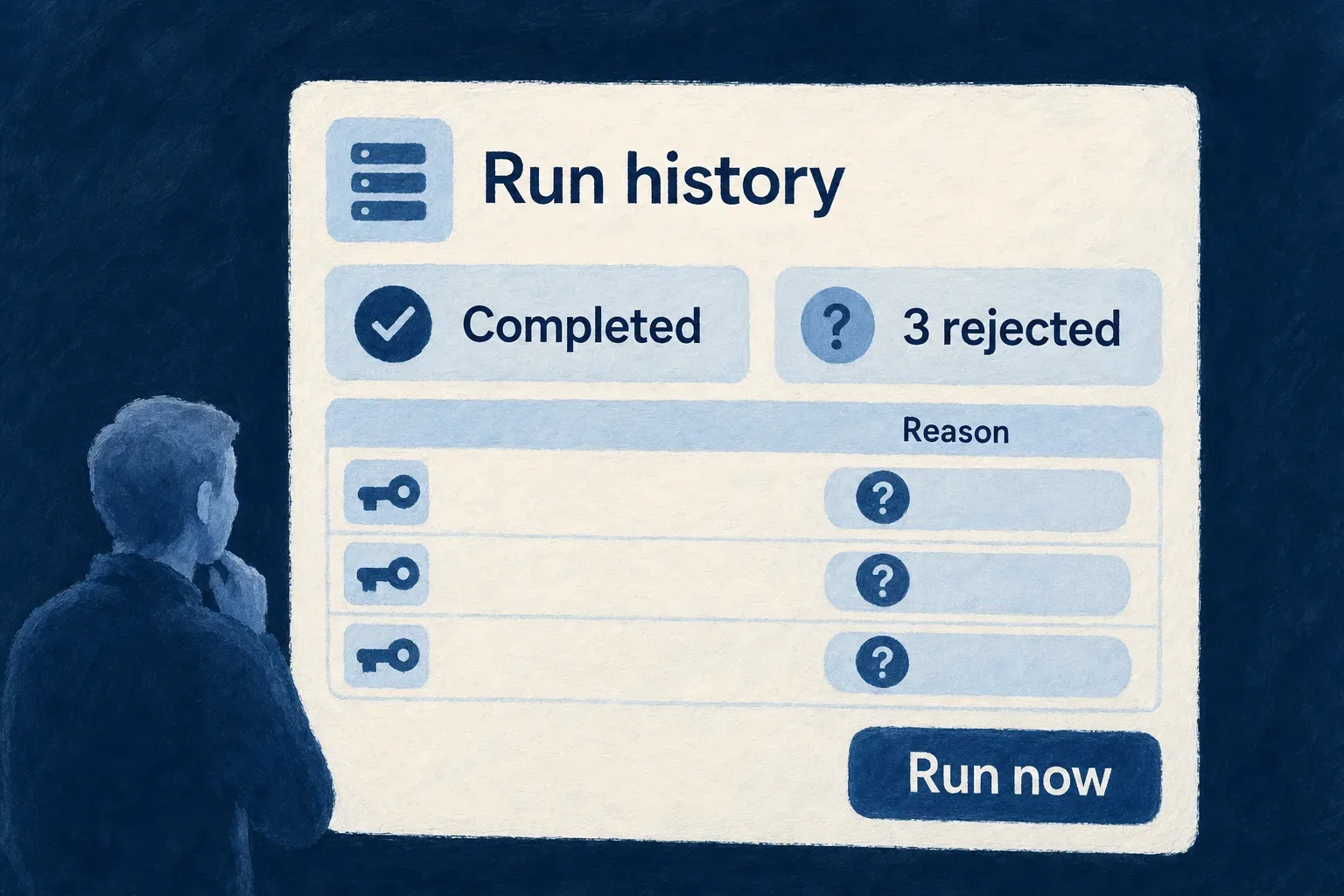
A pipeline that copies or sends ERP records runs on its own schedule, against a system nobody on the team controls. Operators need to know whether it is keeping up, what it refused, and how to move it on when it stops. Every run writes a history entry: how it ended, why it failed if it did, and the ERP records it rejected, each with its identifier and the reason. From that history the pipeline’s health is derived: when it last completed a pass, when it last completed a full one, and how many runs in a row have failed.
People reading the copy are told where a value comes from. A field a pipeline wrote shows a short note beneath it, such as “Synced from Odoo · as of 12 minutes ago”. The time is the start of the most recent completed pass, so the note describes how current the copy is as a whole; before any pass completes it says nothing.
Operators act through a small set of protected routes: run a pipeline now, read its history, restart a pass it refuses to continue, and answer the cases it holds for a person — a write of unknown outcome, a two-way conflict, a record linked to the wrong ERP record, erasure blocks whose source changed. Each answer requires a written reason and is recorded in the audit trail. Developers can read the same listing and history from the command line.
The pipelines also look after themselves. When the ERP cannot be reached, scheduled runs back off instead of repeating the same warning every hour, and the first run that gets through says so. When the ERP is busy, a run waits within a declared budget and stops cleanly at its deadline, keeping what it loaded. Only one run of a pipeline works at a time across all the application’s servers.
Example — A nightly pass that rejected three records
An operator sees that last night’s pass completed but rejected three client records. The run history shows each one’s ERP identifier and the reason: a status code the declaration does not map. They add the code to the mapping, deploy, and run the pipeline now rather than waiting for the next scheduled pass.
For engineers
The routes are mounted at /internal/admin/external-data, outside the application’s API, and require the X-Admin-Secret header to match the application’s APPLICATION_ADMIN_SECRET. When that secret is not set, every route answers 503, so a fresh deployment never exposes a door into a third party’s system by accident.
| Route | What it does |
|---|---|
GET /pipelines | every declared pipeline with its cursor, incremental track, last-run summary, unreachable streak and health |
POST /run | run one pipeline now; passMode may force full, incremental or keyed |
GET /runs | one pipeline’s run history, newest first, with rejected rows (at most 100 runs) |
POST /reset | discard a refused pass: restart-pass, or full-resync, which also drops the incremental watermark; reason required |
POST /erasure-suppressions/reconcile | carry over or release erasure blocks filed under a source identity the pipeline no longer has; reason required |
GET /outbound-changes, POST /outbound-changes/resolve | list and answer sends of unknown outcome |
POST /outbound-changes/unlink | detach a row from an ERP record it holds wrongly |
GET /outbound-changes/conflicts, POST /outbound-changes/conflicts/resolve | list and decide refused two-way conflicts |
For example, to force a full pass:
curl -X POST "$BACKEND_URL/internal/admin/external-data/run" \
  -H "X-Admin-Secret: $APPLICATION_ADMIN_SECRET" \
  -H "Content-Type: application/json" \
  -d '{ "resourceType": "externalCustomers", "passMode": "full" }'
A run is single-flight per pipeline, so a second request while one is running answers already-running rather than starting another. A run started through this door goes ahead even while scheduled runs are backing off from an unreachable ERP: a person asking now is the best evidence there is.
A reset writes two audit rows under one attempt id: one before anything is discarded, naming what will be, and one when the attempt ends, saying whether it completed, failed before or after discarding, or ended with an unknown outcome.
Read it from the command line
wildo context pipelines
wildo context pipelines --runs externalCustomers --limit 20
The first lists each pipeline with its system of record, its last completed pass and full pass, how long ago that was, and whether it is failing. The second prints one pipeline’s runs with their failure kinds and rejected rows. The command asks the locally running backend with the admin secret from the local environment’s secrets, issues only reads, and refuses a remote environment.
Show where a value came from
The cue needs no declaration. The display chrome asks, for each field, whether a pipeline writes it: the remote key, every mapping entry that reads an ERP field, and the partition stamps, but not a constant and not a field the application owns. For those fields it reads GET …/<resource>/external-data-provenance once and shows the instance’s display name, from the systems_of_record.<name>.displayName label, with the time. The note appears where one record is read and is left out of table cells and cards. An outbound pipeline’s fields carry no cue, since they are the application’s own.
When the ERP is down, busy or has changed
Only transport failures count as unreachable: a timeout, a network failure, a transient status. A 401 or a malformed page is a real answer and is reported at once. After the first failure, the run logs one warning and records the streak on the pipeline’s state; scheduled ticks then skip 1, 3, 7, 15… occurrences of the schedule, never more than a day apart and never sooner than a Retry-After the ERP named. Each later failed attempt logs one summary line, escalating to an error from the third.
A busy ERP is paced within the run: when the binding’s maxRequestsPerMinute is spent, or the ERP answers 429 or 503 with Retry-After, the run waits, up to its maxRunDurationMs deadline, and then ends as a partial pass that the next run continues.
On an OData source, every run first compares the fields it will request with the service’s $metadata and logs a warning for each one the service no longer declares; a missing partition column is called out as a confinement risk. The probe never fails a run.
One runner at a time
A run holds a lease on the pipeline, stored in the application’s database and renewed while it works, so two servers never run the same pipeline at once. Every bookkeeping write a run makes, from loaded rows and checkpoints to agreed versions and change markers, commits in the same transaction as a check that the lease is still this run’s. A run paused long enough to lose its lease therefore cannot overwrite what the next run has done.