
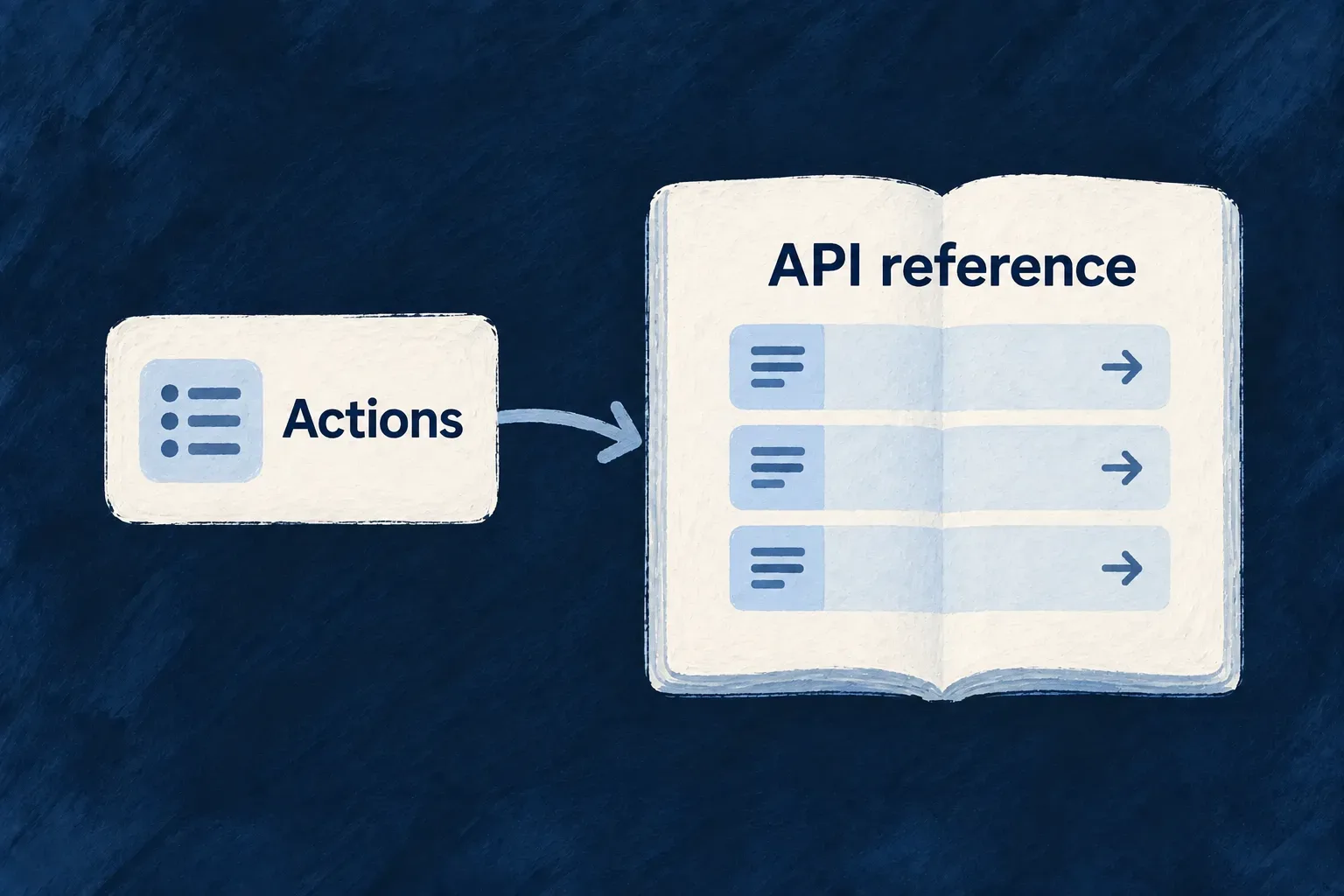
Keep the API reference connected to the application
An integration needs to know which actions exist, what to send and what it will receive. Those details are already part of the application’s operation model.
Wildo uses that model to produce an OpenAPI reference. Addresses and data contracts come from registered operations, reducing the second description a team would otherwise maintain by hand.
You supply the operation contracts and their useful descriptions, then publish the reference with the application changes it describes.
Example — Describe a new field once for API consumers
When an operation’s request accepts a due date, its generated contract describes that field for an integrator. The API reference follows the operation’s actual request shape, including the difference between creating a record and updating it.
For engineers
Author the action that the reference will describe
For example, Wonder Todos’ status-change action accepts one business field. This excerpt is from its default API variant in todos.resources-config.ts; bulk settings and the eligibility function are omitted here:
variantType: ResourceOperationVariantType.API_CALL,
isDefault: true,
roles: [CORE_ORG_ROLES.ORG_MEMBER],
resourceOperationLike: CoreResourceOperation.UPDATE,
requestDto: z.object({
  status: z.enum(Todos_Status),
}),
The complete variant also restricts the default action to the current assignee while the task is not completed. Its organization-administrator variant has a separate condition. The DTO supplies the accepted value shape; it does not replace those access rules.
The matching entry in todos.resource.specification.ts adds the caller-facing meaning. Selected fields from that entry:
[Todos_Operations.CHANGE_STATUS]: {
  operationId: Todos_Operations.CHANGE_STATUS,
  purpose: 'Move the todo forward in its execution lifecycle.',
  outcome: 'The todo reflects its new execution state for the owning user or admin.',
  whenToUse: 'Use when the business intent is progress tracking rather than full content editing.',
  responseStatuses: [
    { code: HttpResponseStatusCode.OK_200, meaning: 'The todo with its new status is returned.' },
  ],
},
That specification also describes errors and provides a request/response example. Variant-specific semantics can refine the default description. Those descriptions explain behavior; the operation and implementation enforce it.
Follow the declaration into the generated reference
The generated Wonder Todos reference contains this operation and named contracts:
| Generated element | Result |
|---|---|
| Method and address | PUT /api/v1/organizations/{organizationId}/todos/{todoId}/change-status |
| Request schema | TodosChangeStatusRequest, requiring status with the values from Todos_Status. |
| Example request | { "status": "in_progress" } |
| Successful response | HTTP 200, described as “The todo with its new status is returned.” |
| Response schema | TodosChangeStatusResponse, derived from the resolved operation response contract. |
The request is an object with no additional properties. The generated field description also explains each status value using the specification. The response is the operation’s resolved result, not a copy of its one-field request.
The companion projects the assembled application into generateOpenApiDocuments. That generator validates the projection, selects HTTP-bearing operations, groups them by consumer API section and checks that the selected operations are represented. Internal and scheduled variants do not acquire an HTTP endpoint merely because they have a specification.
Let contracts describe what callers send and receive
Request and response schemas are converted into OpenAPI 3.1 schema definitions. Collection operations contribute their declared query and pagination parameters, and resource descriptions can enrich the reference. A custom request or response belongs to the operation contract before it belongs in generated documentation.
This matters when an action returns something other than the resource: its response declaration is the source the reference should describe. Keep API-only and internal variants distinct so a scheduled or repository-only operation is not presented as an HTTP endpoint.
Publish the reference as part of the change
Generation reads the assembled model; it does not make a previously published site update itself. Use the application’s technical-documentation workflow to regenerate and publish the reference after the relevant contract changes.
Review the resulting request examples, response shapes and descriptions from an integrator’s point of view. OpenAPI supplies the precise interface, while tutorials and explanations can show how to use several operations together for a real task.
Generate for inspection or publish the files
Use the application’s development companion, with its configured local address and companion authentication. These are the actual no-body POST routes, relative to that companion origin:
POST /api/companion/technical-doc/generate-openapi
x-wildo-companion-token: <local-companion-token>
Generation returns the documents and diagnostic metadata for inspection. To materialize the reference, use:
POST /api/companion/technical-doc/publish-openapi
x-wildo-companion-token: <local-companion-token>
Publish calls generation itself, then writes the verified output. A separate generate request is optional, useful when inspecting a change; it is not a prerequisite. The publish result reports rootPath and outputPaths so you can inspect the actual files produced.
| Section | Files under technical-doc/src/generated/api-reference/openapi/ |
|---|---|
| Ordinary application API | api.json and api.yaml |
| Application-administration API | application-administration-api.json and application-administration-api.yaml |
Section selection follows accepted authorities. Organization administrators are still consumers of the ordinary application API; a variant named admin does not automatically belong to the application-administration reference. Empty sections are omitted.
The companion owns generation and file publication. The documentation application consumes those outputs; editing the generated JSON or YAML creates a change that the next publication replaces. Publishing here updates the local generated reference tree, not a deployed website. Review its diff and use the application’s normal documentation delivery workflow to release it.