
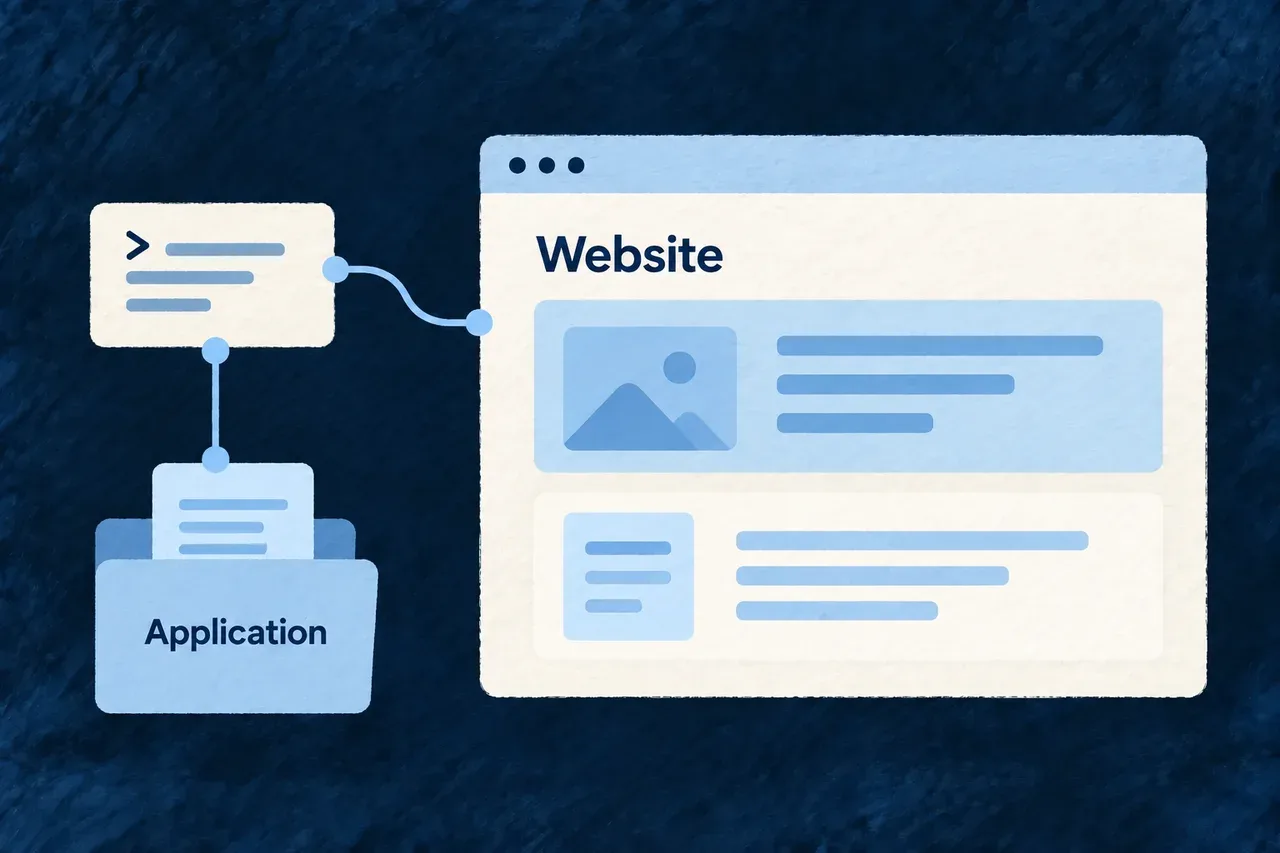
Add a connected marketing site
A product website needs a place in the project as well as page files. It needs its service configuration, workspace membership and connections to the application.
Wildo composes that starting structure together. Your team then develops the message, content and visual identity in application-owned website code.
Example — Give a new product its public site
A team adds a marketing site beside its application. The composed structure connects the site to the project, while the team replaces the starting content with its positioning and customer-facing pages.
For engineers
Supply the application’s destinations
Run this illustrative command from the existing application root. Replace the product identity, domain and ports with your own values:
wildo compose add-website \
  --var slug=acme --var displayName="Acme" \
  --var publicDomain=acme.com \
  --var websitePort=4243 --var backendPort=4241 --var appPort=4242 \
  --dry-run
Review the proposed changes, then repeat without --dry-run to apply them. This produces the framework-based application website; Wildo’s own standalone marketing site is a separate project.
Follow the generated connections
| Connection | What the scenario establishes |
|---|---|
| Website source | A starting Astro site for application-owned content |
| Service configuration | The website service and its declared ports |
| Provider scope | The site’s own configured provider context |
| Workspace | Package membership for the added site |
After applying, follow the scenario’s setup notes:
pnpm install
wildo config sync
wildo dev sync-csp --service website
Configuration synchronization and the service’s browser policy prepare different outputs. For remote environments, configure serviceHosts.website for the intended destination.
Prepare the site for publication
Replace the initial content and brand assets, verify links to the application and check the served site in its target environment. Search indexing is an explicit production choice through PUBLIC_ALLOW_INDEXING=true; the starting default is noindex.
Composition supplies connected structure, not a finished brand website or a deployment. Review content and browser behavior before publishing.