
Add a documentation portal to your application
Users and integrating services need documentation for the application they use. A portal gives that information a navigable home alongside the product.
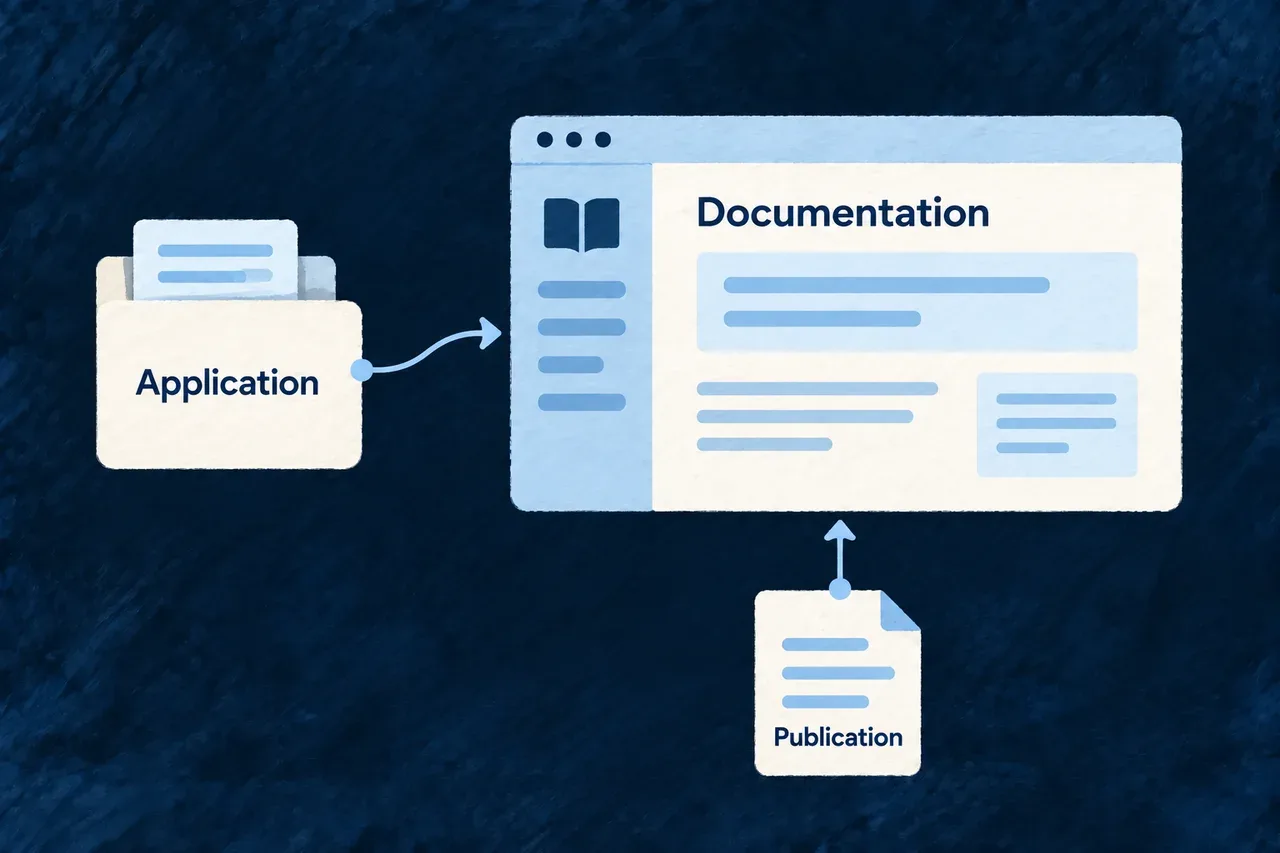
Wildo composes the documentation site and its project connections. The portal consumes the application’s generated documentation publication; your team shapes its presentation and customer-facing explanation.
Example — Publish a guide for customers and integrations
A team adds a documentation portal to its product. It checks the published guides and API material together, then adapts the portal’s branding and navigation for its audience.
For engineers
Preview the portal structure
This example uses the docs service and illustrative product values:
wildo compose add-technical-doc \
  --var slug=acme --var displayName="Acme" \
  --var publicDomain=acme.com \
  --var docsPort=4244 --var backendPort=4241 \
  --dry-run
Apply the reviewed invocation without --dry-run. The scenario adds the Docusaurus portal, its service and provider scope, and workspace registration. Follow the generated setup notes for dependency installation and environment configuration.
Separate portal ownership from generated content
| Part | Owner |
|---|---|
| Portal shell, branding and navigation choices | Application |
| Documentation publication and generated API material | Documentation producer |
| Service and environment configuration | Application declarations and generation |
| Completeness and usefulness for readers | Product team review |
Generated documentation and OpenAPI output should be changed through their sources and producer. Editing the published files creates changes the next generation can replace.
Wait for the producer, then validate the result
The portal’s startup preparation waits for the publication manifest, generated docs directory and sidebar file. That lets the producer supply its output before the portal starts against an empty structure.
The existence check establishes that those paths are present. The portal’s subsequent validation and a review of the served pages establish more: valid content, working navigation and the expected publication. Existing files alone do not prove that the latest source is reflected.
If opting into API taxonomy, cover the exact generated operation inventory. Check the final documentation from the customer’s perspective as well as the producer’s: useful explanation and a correctly rendered endpoint reference answer different questions.