
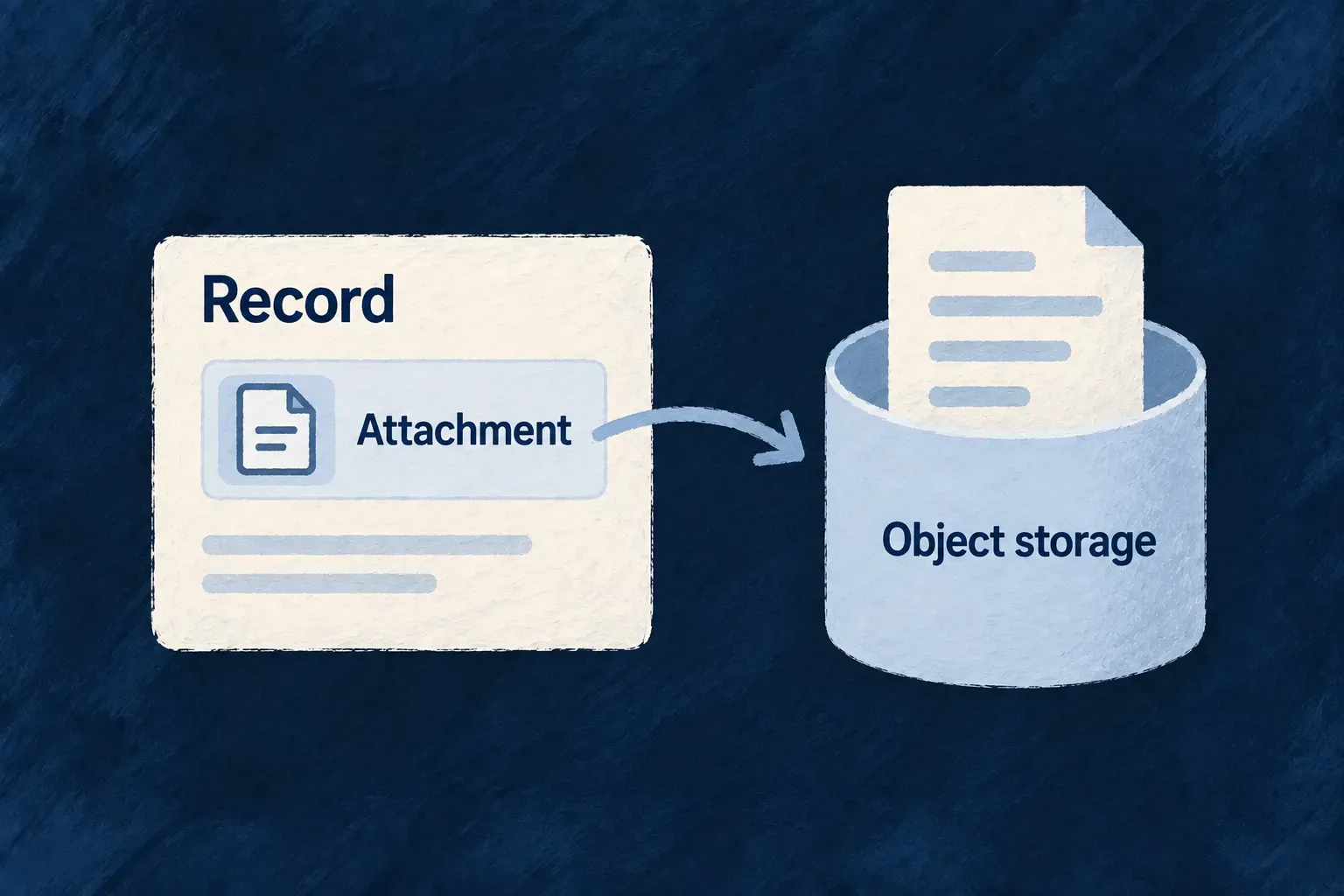
Keep uploaded files in managed object storage
Uploaded files can live in S3-compatible object storage while the application keeps their metadata and permissions. Wildo’s managed provider supplies that connection through the common file-storage contract.
In a platform-provisioned deployment, fields without a storage preference use the configured managed store. Applications and workers obtain scoped session credentials rather than receiving the store’s root key.
Example — A worker can read the same attachment as the API
An API accepts a document and stores its file reference. A background operation can later retrieve the bytes through the same configured storage provider, without depending on the API process’s local upload directory.
For engineers
Provide topology and the credential channel
Managed storage reads its endpoint, TLS, bucket and prefix from resolved configuration. Platform provisioning and the credential issuer must be available; the field declaration does not provision an object store for an independently hosted application.
The provider obtains a cached session credential through its configured resolver and rebuilds its client when the credential identity changes. Failure to obtain a session propagates instead of falling back to ambient root credentials.
Follow the object key through the write
wildo-managed-storage-provider.backend.service.ts composes the key, sends the bytes and returns the actual provider handle. Earlier size validation is omitted; the key branch is shown so its configuration remains visible.
const includeAppId = options?.includeApplicationId ?? true;
const key = includeAppId
  ? await this.resolveApplicationObjectKey(effectiveFileId, executionContext, undefined, options?.linkedResourceType, options?.scope)
  : effectiveFileId;
const client = await this.getClient();

try {
  await client.putObject(
    this.bucketName,
    key,
    fileStream,
    size,
    {
      [WildoHeaderKeys.CONTENT_TYPE]: mimeType,
    },
  );
} catch (error) {
  this.convertStorageError(error, 'upload', executionContext, {
    fileId,
    storageRef: key,
    provider: this.providerId,
  });
}

return {
  storageRef: key,
  provider: this.providerId,
};
Use limits that fit the managed path
The normal key includes the application, resource and owner scope. Persisted references are checked before reads and deletes; an object address is not accepted merely because it came from the database. The provider also enforces the configured maximum file size and a 5 GiB single-put ceiling.
This implementation deliberately avoids multipart upload because its required bucket-level operations do not fit the prefix-confined session policy. Keep application limits below that ceiling. Object storage holds the durable bytes, but HTTP upload handling can still use temporary local files; this is not a promise that the server never touches disk.
Connect an application to its provisioned object store
An omitted storageAccepted list already selects managed storage. An explicit declaration makes that requirement visible to a reader:
import { FileStorageAccepted, z_file } from '@wildo-ai/zod-decorators';

const attachment = z_file({
  storageAccepted: [FileStorageAccepted.WILDO_MANAGED],
  maxSize: 25 * 1024 * 1024,
});
This illustrative environment describes a provisioned object-store service reachable as minio from the application backend. The bucket must be the one provisioned for the application; the example does not create it:
STORAGE_ENDPOINT=minio
STORAGE_PORT=9000
STORAGE_USE_SSL=false
STORAGE_BUCKET=application-files
These values seed storage.managed. Use the deployment’s actual endpoint, TLS setting and bucket. Endpoint configuration is only half of the setup: the normal application credential channel also needs its provisioned bootstrap identity.
| Input | Responsibility |
|---|---|
PLATFORM_APPS_MANAGER_URL | Reach the platform service that issues storage sessions |
APPLICATION_ID | Identify this provisioned application |
PLATFORM_APPLICATION_PRIMARY_SECRET | Authenticate that application to the issuer; supply through deployment secrets |
| Storage topology | Match the bucket and prefix allowed by the issued session |
The installed resolver obtains short-lived, prefix-confined credentials from apps-manager. It caches sessions and reacquires them as needed; issuer failure does not select root keys from the environment. Do not copy object-store administrator credentials into application configuration.
This is the application credential channel. Platform services can inject their own resolver and must use their corresponding identity path; the issuer must not be configured as an application client of itself during startup. Verify both session issuance and an authorized object operation before treating a configured endpoint as usable storage.