
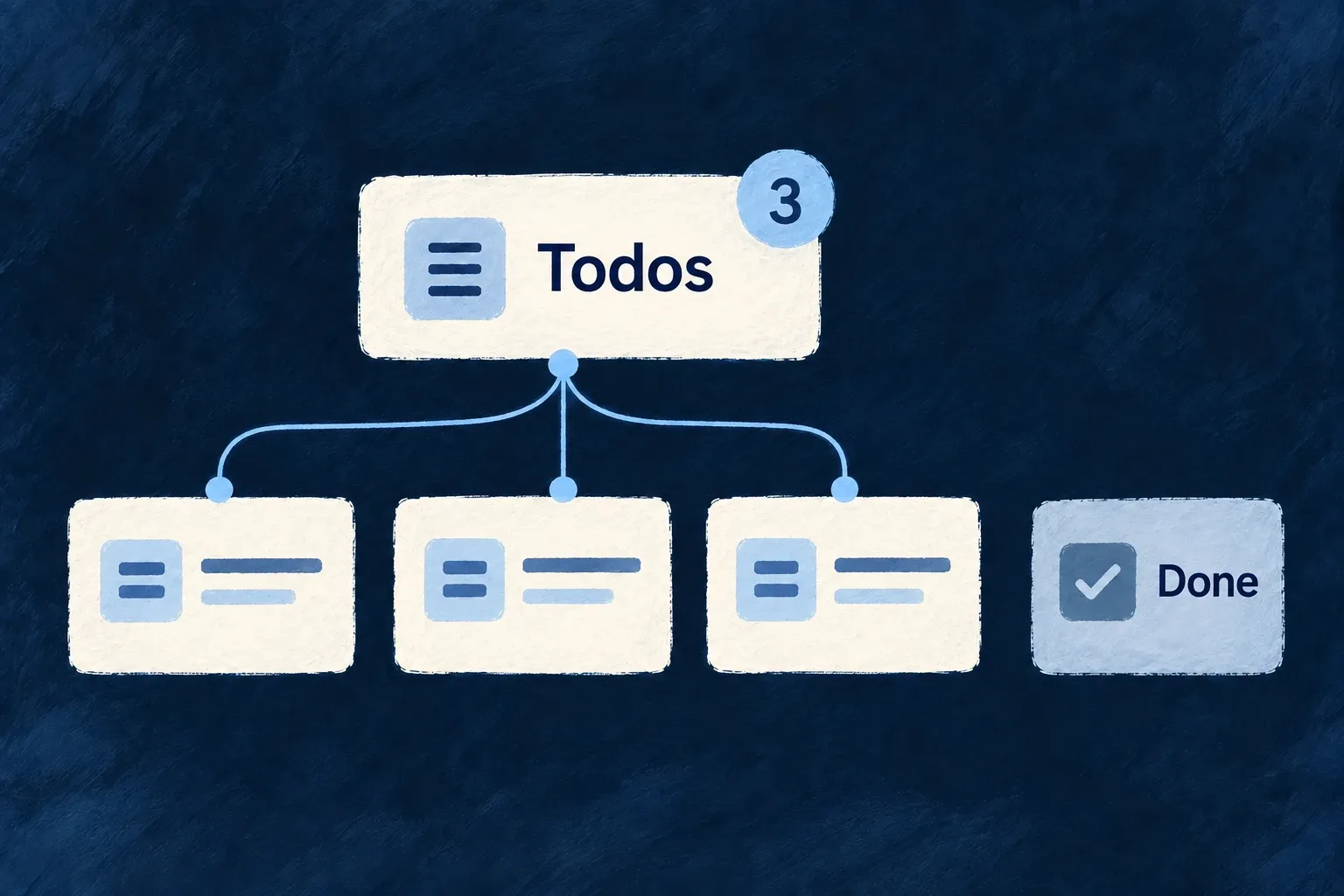
Show how much work needs attention
A badge is useful when its number means something specific: items assigned to a person, requests still open or work awaiting attention. Define that meaning as a query.
Wildo recomputes derived badges from matching records and delivers updates to their scope. The application chooses the filter, ownership field and display treatment.
Example — Count my unfinished todos
The Todos navigation item shows the number of todos assigned to the current person whose status is neither completed nor cancelled. Completing one removes it from that query.
For engineers
Define the count and its scope together
This complete badge declaration comes from Wonder Todos; imports and its identifier constants are omitted:
export const tasksManagerNotificationBadgeDefinitions: NotificationBadgeDefinition[] = [
  {
    identifier: USER_SELF_INCOMPLETE_TODOS_BADGE_IDENTIFIER,
    scope: ResourcePrimaryScope.USER_SELF,
    source: {
      kind: NotificationBadgeSourceKind.DERIVED_QUERY,
      resourceType: TasksManager_ResourceType.TODOS,
      filter: { status: { $nin: [Todos_Status.COMPLETED, Todos_Status.CANCELLED] } },
      scopeField: 'assignedToUserId',
    },
    display: {
      mode: NotificationBadgeDisplayMode.COUNT,
      tone: IndicatorVariant.INFO,
      pulse: NotificationBadgePulse.ON_INCREASE,
    },
  },
];
scopeField: 'assignedToUserId' ties the query to the badge owner. The status filter selects unfinished work. COUNT controls presentation and ON_INCREASE asks the badge to pulse when its value rises; neither changes which records are counted.
Register once, reference from navigation
The shared module contributes tasksManagerNotificationBadgeDefinitions through notificationBadgeDefinitions. The navigation item uses the key derived by buildNotificationBadgeKey(ResourcePrimaryScope.USER_SELF, identifier) as its notificationBadgeRef. This keeps the scope named in the definition and in the reference aligned.
On the backend, the notification dispatcher requests recomputation after relevant resource mutations. The badge service counts with the declared filter plus the owner’s scope field, persists the result and emits its update. Connection seeding recomputes the derived value as well; the frontend hook receives badge updates for the subscribed scope.
Do not mix counting models
A derived-query badge is recalculated from source records. Event-driven badges have a different update contract and should not be used to increment/decrement the same meaning in parallel. When the filter or assignment field changes, check both a newly matching record and one leaving the set. For user-scoped badges, verify two users independently rather than only observing the number on one navigation item.