
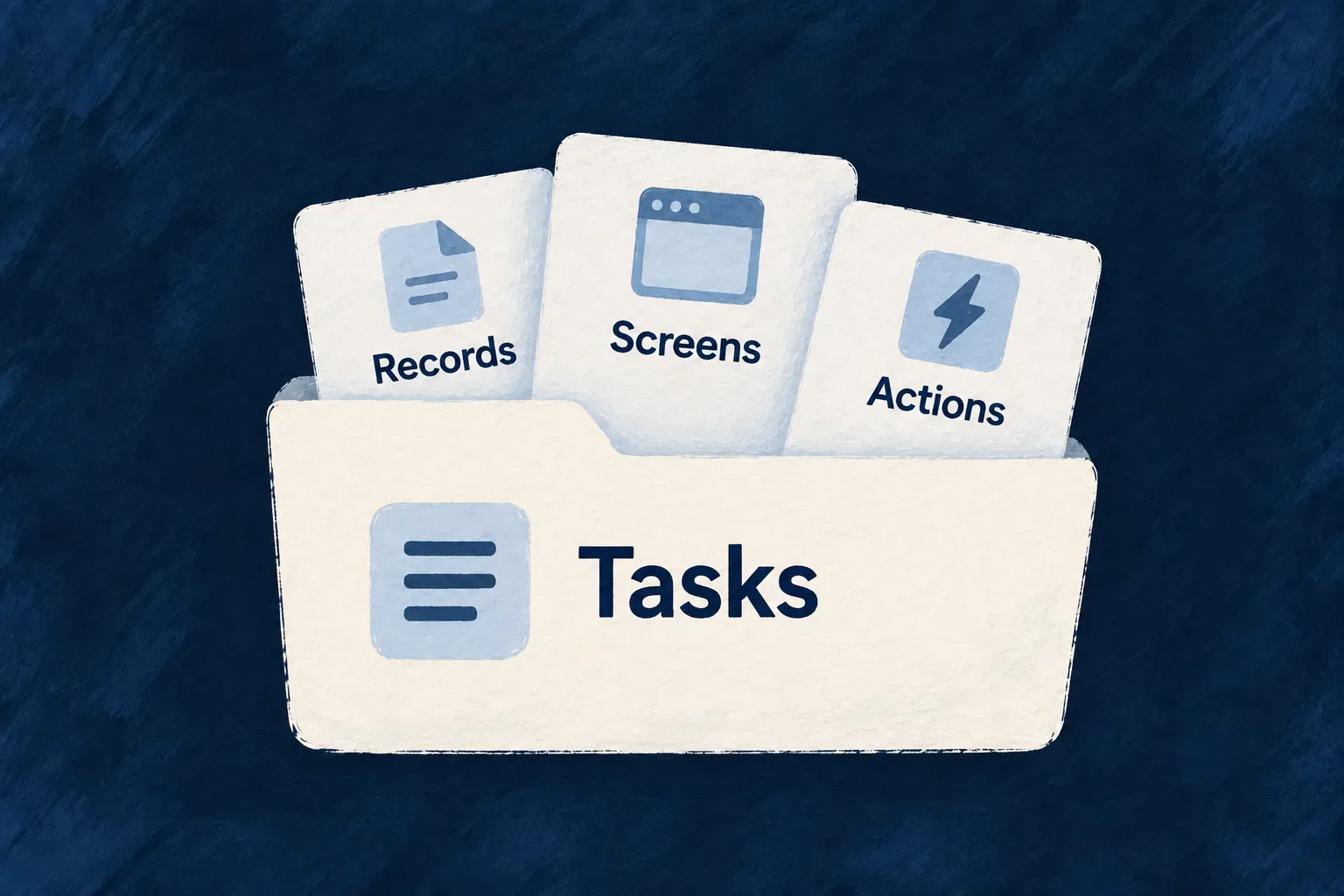
Give each product area a clear home
A feature is more than a set of records. It also has relationships, screens, business actions and work that runs behind the scenes.
Wildo organizes those parts as a module with a recognizable identity across the application. The shared model, backend behavior and frontend experience each live in the layer that needs them, while remaining part of the same product area.
That gives a growing application a structure people can follow. A developer looking for task management can start with its module instead of reconstructing the feature from unrelated registries.
Example — Keep task management together
The tasks module brings together task definitions and relationships with the screens and behavior used to manage work. The application registers that module alongside the engine’s capabilities, making its product structure explicit.
For engineers
Declare the shared part of the module
A shared module carries cross-runtime definitions such as resource factories, field identifiers and relationships. Backend and frontend module slices contribute the code needed by their own runtimes.
The shared tasks-manager/index.ts in Wonder Todos declares:
const tasksManagerModule: SharedSaaSModule = {
  moduleId: 'tasks-manager',
  kind: 'domain',
  resourceConfigurations: moduleResourcesConfigurationsFactoryMap,
  resourceFieldIdentifiers: TasksManager_ResourceFieldIdentifier,
  resourceRelationships: moduleResourcesRelationships,
  customMilestoneDefinitions: moduleMilestonesDefinitions,
  notificationBadgeDefinitions: tasksManagerNotificationBadgeDefinitions,
};
moduleId gives the area one identity. The factory map and relationship list connect its resources, while milestones and notification badges add other shared declarations. This object references their owning definitions; it does not inline the feature into one large file.
Register the module with the application
Wonder Todos assembles its shared registry in modules-registry.shared.ts:
export const applicationSharedModules: SharedSaaSModule[] = [
  tasksManagerModule,
];

export const sharedModules: SharedSaaSModule[] = [
  engineSharedModule,
  ...applicationSharedModules,
];

export const sharedRegistry: SharedSaaSModulesRegistry = buildSharedSaaSModulesRegistry(
  ...sharedModules,
);
The engine module and application modules are passed to the same registry builder. The builder collects their declared contributions for consumers. Relationship assembly happens before resource initialization, so resources are built against the application’s combined graph.
The application configuration also declares its modules and the services that host them. The shared and frontend registries use explicit lists; the standard backend loader discovers module owners from emitted default exports. Each boundary has its own registration mechanism.
Put implementation where it runs
The backend slice can provide handlers, controllers, data seeds and document templates. The frontend slice provides resource UI behavior, navigation and views. Keep shared contracts free of runtime-specific implementation, then connect the slices through their module identity and shared declarations.
Use the module creation and registration workflows to scaffold and wire the area, and verify that the intended frontend and backend both load it. Creating a folder alone does not make its resources part of the application.
Declare where the module belongs
The root configuration names the services that host a module. In Wonder Todos’ wildo.saas.config.ts, task management belongs to the backend API and the application frontend:
modules: {
  'tasks-manager': {
    services: ['backendApi', 'app'],
    haveSamlIntegration: false,
  },
},
These names refer to services declared in the same root configuration. This selects the intended topology; it does not replace the shared registry above or load a frontend component by itself. Keep tasks-manager as the same module identity in every participating layer.
Make the frontend contribution explicit
The frontend imports module owners and includes them in its application list. This is the actual Wonder Todos list, followed by the registry assembly in modules-registry.frontend.ts:
import tasksManagerFrontendModule from './tasks-manager';
import exampleDevFrontendModule from './example-dev';

export const applicationFrontendModules: FrontendModule[] = [
  tasksManagerFrontendModule,
  exampleDevFrontendModule,
];

// In modules-registry.frontend.ts, which imports that list:
export const frontendModules: FrontendModule[] = [
  engineFrontendModule,
  ...applicationFrontendModules,
];
export const frontendModuleRegistry = buildFrontendModuleRegistry(...frontendModules);
Importing a file without including its module in the list does not register its screens. The module’s own moduleId remains tasks-manager; the application adds the engine contribution when assembling the final registry.
Let the backend discover the module owner
Wonder Todos’ backend-api/src/modules/tasks-manager/index.ts default-exports this owner. Its backendModule is the separately assembled object holding resource implementations, flows, chart definitions, PDF bindings and seeds:
const tasksManagerBackendModule: BackendOwnedModule = {
  moduleId: 'tasks-manager',
  kind: 'domain',
  backendModule,
  emailTemplateDefinitions,
};

export default tasksManagerBackendModule;
The parent backend-api/src/modules/index.ts discovers those owners:
const applicationBackendOwners = await scanSubdirDefaultExports<BackendOwnedModule>({
  importMetaUrl: import.meta.url,
});

const applicationBackendDomainModules: BackendDomainModule[] = applicationBackendOwners.flatMap((ownedModule) =>
  ownedModule.backendModule ? [ownedModule.backendModule] : []
);
const backendModules = mergeBackendDomainModules(...applicationBackendDomainModules);
The scanner visits immediate subdirectory index files. A new source folder must have an emitted JavaScript index before runtime discovery can load it. An owner without backendModule adds no backend domain contribution. There is no per-module import list to maintain in this scanner.
The application-level modules-registry.backend.ts combines the discovered owners with the engine owner, merges their backend contributions and passes that registry together with sharedRegistry to buildApplicationInitializationConfigFromModules. That is the connection from a discovered file to application initialization.
| If a feature is absent | Check its registration boundary |
|---|---|
| The module targets the wrong process. | Root modules[slug].services and the declared service keys. |
| Its resources or relationships are missing. | Shared module contributions and applicationSharedModules. |
| Its screens do not appear. | Frontend module identity, imported list membership and frontend registry. |
| Its backend behavior is absent. | Emitted child index, default owner, backendModule and initialization registry. |
Source declarations establish the intended assembly. To verify a running application, also confirm its accepted compiler output and inspect the loaded resource or operation; a correct source list alone does not prove that a process has loaded it.