
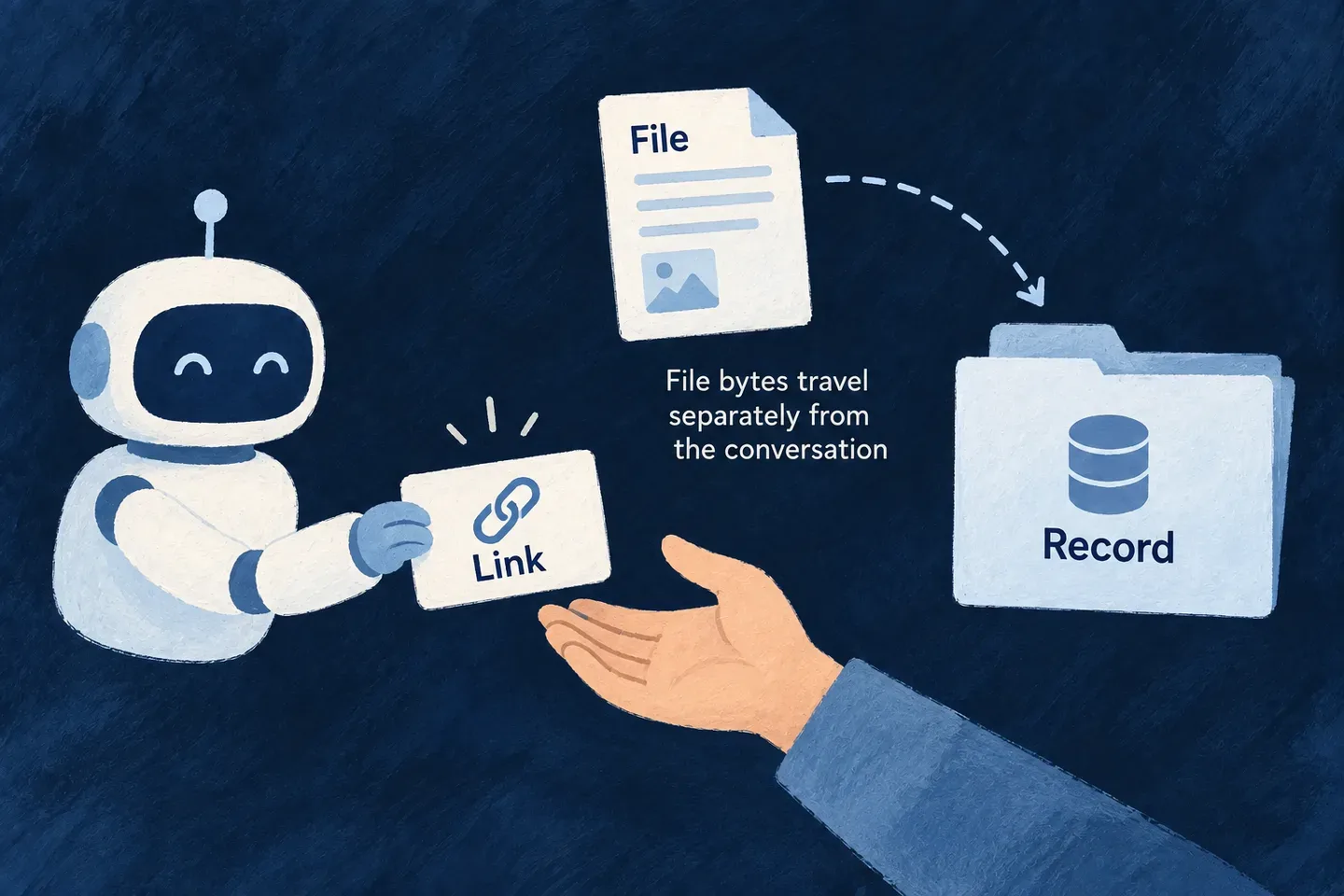
Let assistants attach files without carrying the bytes
An assistant can request a short-lived upload link for a file field, then attach the uploaded file to a record. The document’s bytes travel through the upload path rather than through tool-call arguments.
The same flow supports an assistant that can upload a local file and one that needs the person to choose it in a browser.
Example — Attach a receipt to an expense
The assistant requests the receipt upload link. After the person uploads it, the assistant uses the returned file identifier when creating the expense.
For engineers
The engine derives an upload-grant tool for each user-uploadable file field on an exposed create or update operation. Generated-document fields do not acquire a user upload tool. No second hand-authored MCP operation is needed.
Discover the derived name and its schema in tools/list. Supply the existing record ID for an update, and optionally the declared name, MIME type, size and requested lifetime. These file facts let the engine reject an impossible upload before issuing a link.
Request, transfer, then save
| Stage | What the integration uses | Result |
|---|---|---|
| Request permission to upload | Discovered upload-grant tool and arguments | uploadCommand, uploadPageUrl and statusUrl |
| Transfer the actual file | Returned command, or browser upload page | An uploaded file identifier |
| Save the business record | Parent operation with the field’s fileId or fileIds | The attachment becomes part of the record |
Reuse the discovered contracts
In an initialized, authenticated MCP client, first call tools/list and select the derived grant tool for the intended field and its parent UPDATE tool. Use the actual names and record-ID property from those descriptors. This illustrative client function takes those selections as arguments; it does not assume a universal tool name or an id field.
async function requestFileHandoff({ client, grantTool, grantArguments }) {
  const decode = (response) => {
    if (response.isError) throw new Error('MCP tool refused the request');
    if (response.structuredContent !== undefined) return response.structuredContent;
    const text = response.content.find((item) => item.type === 'text')?.text;
    if (!text) throw new Error('MCP tool returned no JSON result');
    return JSON.parse(text);
  };
  const grant = decode(await client.callTool({
    name: grantTool.name,
    arguments: {
      ...grantArguments,
      expiresInMinutes: 10,
    },
  }));

  return {
    uploadPageUrl: grant.uploadPageUrl,
    uploadCommand: grant.uploadCommand,
    async finish({ parentTool, parentArguments, fieldName, multiple }) {
      const response = await fetch(grant.statusUrl);
      if (!response.ok) throw new Error(`Status HTTP ${response.status}`);
      const status = await response.json();
      if (status.state !== 'redeemed' || !status.file?.fileId) {
        throw new Error('Wait for the file upload before saving');
      }
      const value = {
        ...(multiple ? { fileIds: [status.file.fileId] } : { fileId: status.file.fileId }),
        updatedAt: new Date().toISOString(),
      };
      return decode(await client.callTool({
        name: parentTool.name,
        arguments: { ...parentArguments, [fieldName]: value },
      }));
    },
  };
}
For an UPDATE, both grantArguments and parentArguments must identify the same record using the property advertised by their tool schemas. fieldName and multiple come from the declared file field and parent input schema. Supply any other required parent arguments. The example replaces that field with one file; preserve existing IDs for an append workflow.
Show the returned page to the person, or follow the returned upload command locally. Call finish only after the upload; a pending result is a reason to wait, not to save an invented ID. Scanning and the ordinary parent write can still refuse attachment. The shared upload recipe shows the actual multipart transfer, status response and final record read-back. Keep token-bearing handoff/status URLs out of logs.
The public upload origin comes from backend configuration. Configure that public URL correctly so the returned links can be reached outside the server. The grant authorizes one upload to the selected field; it does not replace the parent operation’s permission check. If it expires, request a new grant rather than fabricating a file ID.