
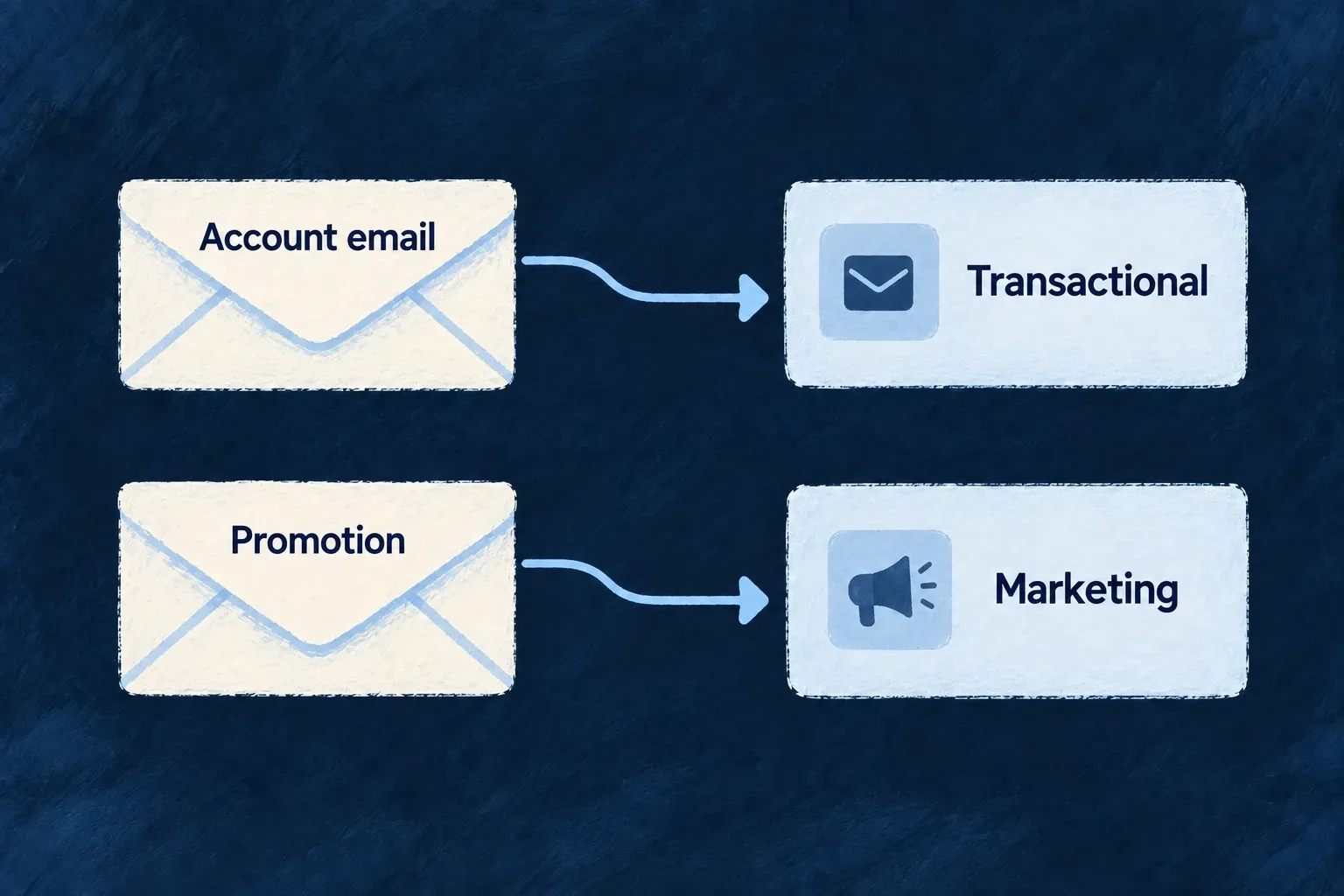
Separate promotional email routing
Promotional messages can select a different provider capability from account and business email. The distinction is made on the template, keeping delivery routing explicit.
This is a sending classification. Campaign planning, audience management and scheduling remain application or external-tool responsibilities.
Example — Keep a promotion on its own route
A promotional template selects the marketing capability while the password-reset template continues to use transactional delivery.
For engineers
Declare the classification on the template
Application example: a complete template.tsx for a promotional announcement, using the existing template interface. Its visible words come from the co-located labels file. Place it in the application’s resource-template tree under the reference your producer will request; register it through the same backend template map used by transactional messages.
import * as React from 'react';
import type { EmailTemplateDefinition } from '@wildo-ai/saas-backend-lib';
import { EmailTemplateType } from '@wildo-ai/saas-models';

type AnnouncementLabels = {
  subject: string;
  heading: string;
  body: string;
};
const template: EmailTemplateDefinition<AnnouncementLabels> = {
  type: EmailTemplateType.MARKETING,
  subject: ({ labels }) => labels.subject,
  body: ({ labels, brand }) => (
    <div style={{ fontFamily: brand.fontFamily, color: brand.foregroundColor }}>
      <h1>{labels.heading}</h1>
      <p>{labels.body}</p>
    </div>
  ),
};
export default template;
A matching labels.en.ts exports the words:
export const labels = {
  subject: 'Discover our new collection',
  heading: 'A new collection is here',
  body: 'Explore the latest additions in your account.',
};
The template’s declared type takes precedence over the caller’s requested type. It resolves EMAIL_MARKETING; the regular sender still submits an individual email request.
Make the marketing capability reachable
In wildo.saas.config.ts, enable [EngineCapability.EMAIL_MARKETING]: { enabled: true }. The following complete provider configuration section selects Brevo for marketing. Merge it with existing backend providers and keep transactional selection separate:
import { EngineCapability } from '@wildo-ai/saas-models';
import { defineSaaSProviders } from '@wildo-ai/platform-config-lib';

const marketingProviders = defineSaaSProviders({
  scopes: {
    backend: {
      providers: {
        brevo: {
          engineCapabilities: [EngineCapability.EMAIL_MARKETING],
          providerCapabilities: ['EMAIL_MARKETING'],
          protocols: ['EMAIL_PROVIDER'],
        },
      },
      selection: {
        [EngineCapability.EMAIL_MARKETING]: { primary: 'brevo' },
      },
    },
  },
});
Assign the merged configuration to providers, supply BREVO_API_KEY through the deployment secret configuration and configure email.from. Regenerate with wildo config sync --env <environment> from the application root.
Invoke the sender after the application’s audience decision
An explicit backend caller requests the registered reference through EmailBackendService.send, supplying the recipient, locale, context and type: EmailTemplateType.MARKETING. For example, the existing scanner maps resources/announcements/release to email.announcements.release; that is the reference a matching producer requests. Inspect the returned providerId and submission outcome to confirm the selected route.
Application caller example for that registered reference. The caller supplies a complete EmailSendRequest context and stable submission identity where retries are possible; this helper fixes the reference and classification without choosing an audience:
import type { EmailBackendService, EmailSendRequest } from '@wildo-ai/saas-backend-lib';
import { EmailTemplateType } from '@wildo-ai/saas-models';

export function sendAnnouncement(
  emailService: EmailBackendService,
  request: Omit<EmailSendRequest, 'templateRef' | 'type'>,
) {
  return emailService.send({
    ...request,
    templateRef: 'email.announcements.release',
    type: EmailTemplateType.MARKETING,
  });
}
Await the returned result and handle it using the submission outcome contract.
The application or an external tool owns consent, audience selection, unsubscribe handling and scheduling. This template and provider configuration do not create those workflows, nor do they turn an ordinary send into a campaign request. Keep recovery and security messages on their transactional route.