
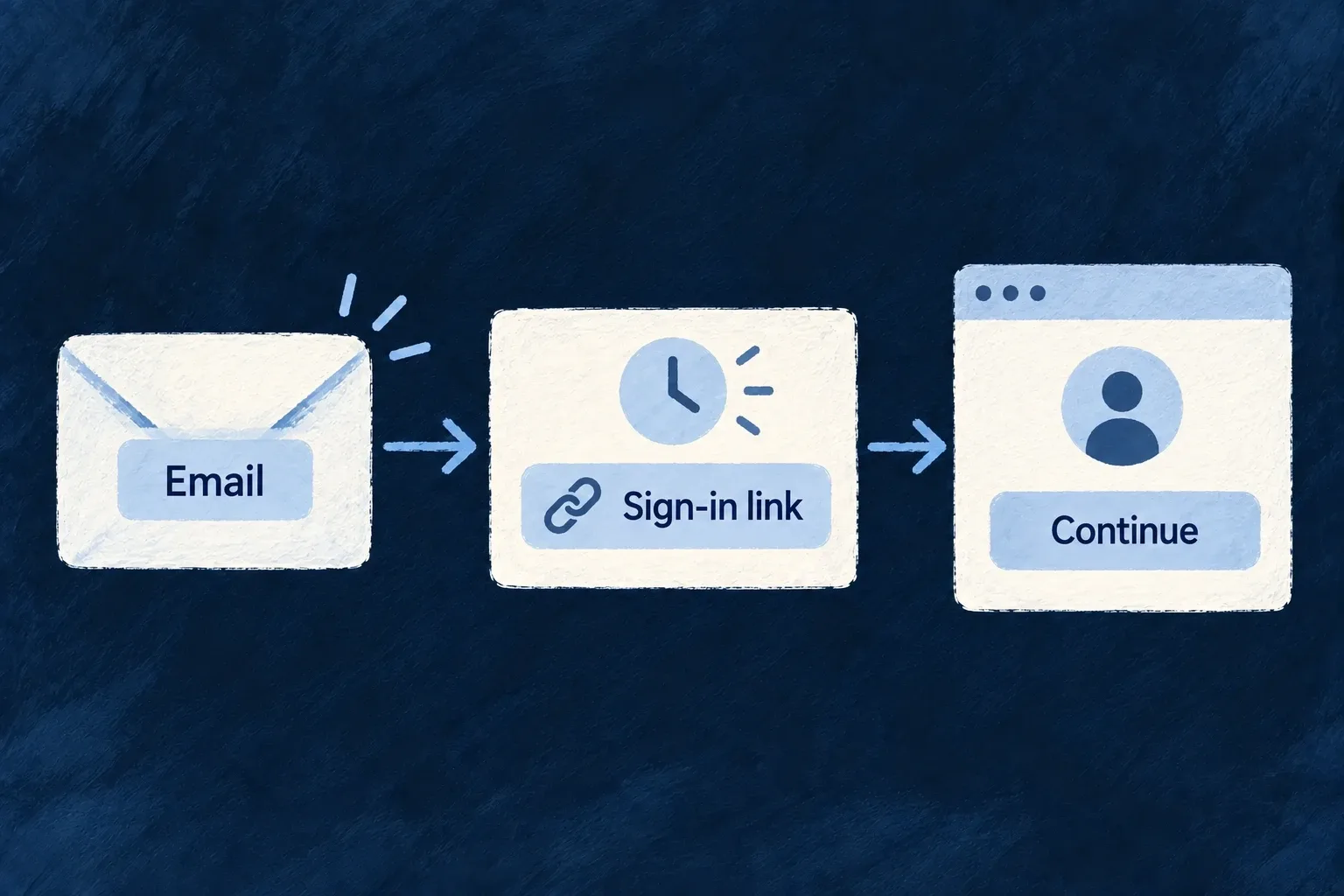
Sign in from an email link
Give people a passwordless route through their inbox. Wildo sends an expiring link, verifies it and continues the account’s normal authentication requirements.
The link replaces the password step. Account status, organization policy and any required second factor still apply.
Example — Return without remembering a password
A member requests a sign-in email and opens its link. If their account requires MFA, they complete that next before entering the application.
For engineers
Enable sign-in and arrange delivery
Wonder Todos enables [AuthMethod.MAGIC_LINK]: true in the member’s authMethodsEnabled. Email delivery and the frontend public URL must also be configured. Passwordless public signup is a separate choice in registration.allowedMethods.
The controller builds the link from the selected frontend and passes it to the transactional email service. Verification checks the declared frontend’s origin, then checks whether the resolved account type may authenticate on that frontend before creating a completed or MFA session. The frontend’s default type is a routing hint; it does not grant a type the account does not hold.
Preserve the authentication continuation
After the link is consumed and its policy checked, the orchestrator evaluates MFA using the effective policy:
await this.updateSession(sessionId, {
  state: AuthenticationSessionState.MFA_REQUIRED,
  requiresMFA: true,
  availableEnrollmentMethods: availableEnrollment,
  requireStrongMFA: mfaResolution.requireStrongMFA,
  availableSecondFactorMethods: mfaResolution.availableMethods,
  enrolledSecondFactorMethods: mfaCheck.enrolledMethods,
  usableSecondFactorMethods: mfaResolution.usableMethods,
});
The standard Auth_MagicLinkVerify screen follows the returned state. A custom screen must do the same: do not treat successful link verification as permission to skip MFA or assume every result contains a final access token.
Keep issuance and redemption consistent
The send path and verification path both enforce whether the method is available. Directory-managed accounts cannot regain a local first-factor route through an older link. Send requests are limited by address and client IP; verification uses an IP-keyed limit so replacing the token value does not reset the guessing budget.
Links are secrets and expire. Keep them out of application logs and avoid presenting successful email submission as proof that the person received the message. The supplied flow owns expiry and refusal; your application owns the delivery configuration and user-facing recovery path.