
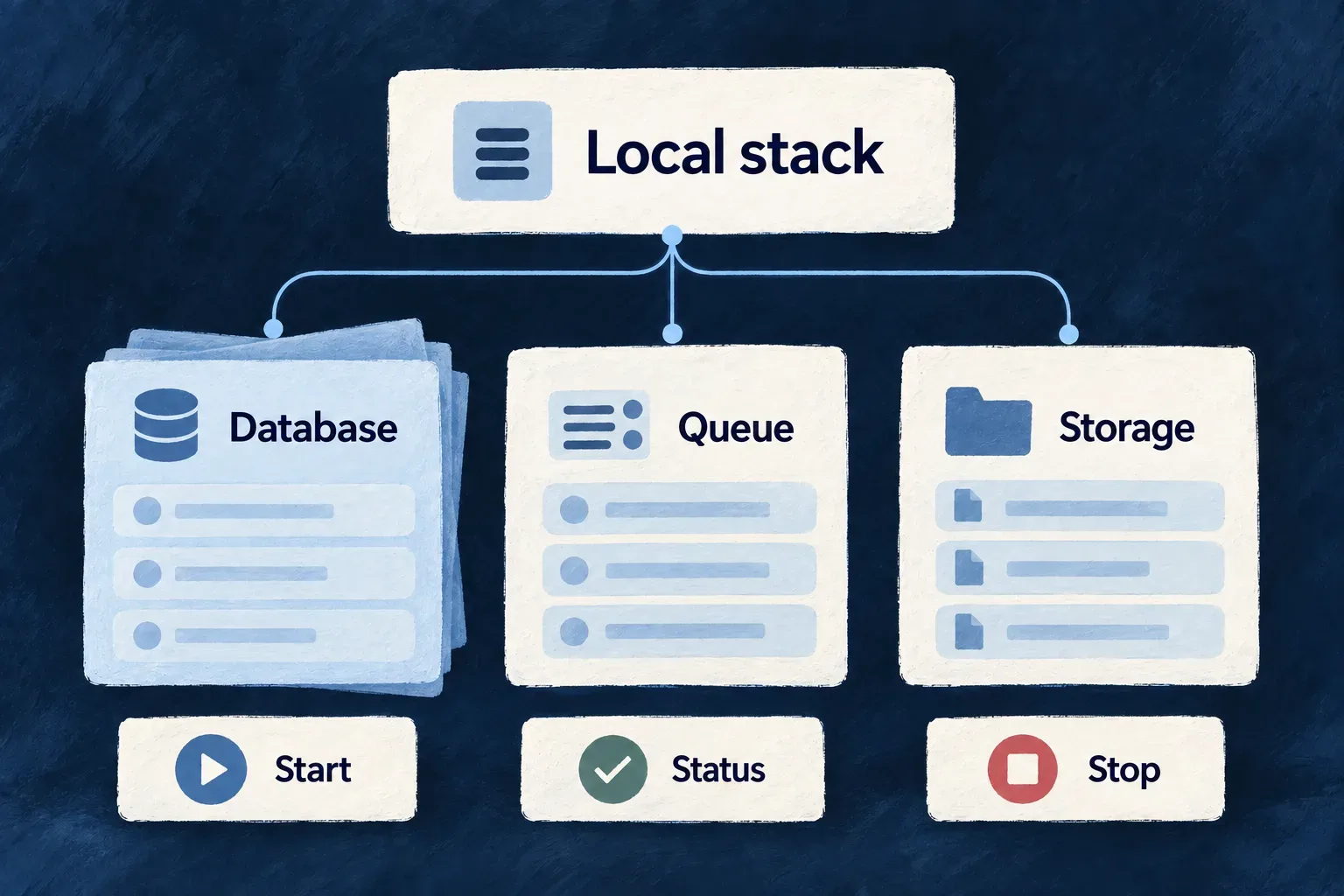
Run and recover your local workspace
Wildo coordinates the supporting services and application processes needed for local development. Startup checks the environment and waits for dependencies before launching the work that relies on them.
When something is wrong, inspection, repair and reset are separate actions. You can diagnose the workspace or repair its setup while keeping local data, and choose a fresh start deliberately.
Example — Resume work after an interrupted session
A developer checks the workspace after a machine restart, reads the diagnostic result and starts a new supervised session. If setup needs repairing, initialization restores the local environment without deleting backing-service data.
For engineers
From the application workspace, use this supervised sequence with a local Docker Compose environment. The inspection commands are independent reads; run them in another terminal while the session remains active.
# Own the development session in this terminal.
wildo local dev

# In another terminal, inspect what is running.
wildo local status
wildo local doctor
local dev claims ownership before replacing stale root-scoped processes, checks startup prerequisites, prepares infrastructure and waits for readiness. Application runtimes start after their prerequisites. The supervised session is more than a command that launches several processes simultaneously.
local dev-status adds build, runtime-gate, supervisor and endpoint detail when a framework checkout and its diagnostic collector (local-dev-status.mjs) are available for the targeted application. It is not a prerequisite for ordinary status and doctor inspection. local status addresses infrastructure status. local doctor combines shared startup preconditions with runtime diagnostics, so a health problem can be located at the appropriate layer.
Choose the effect on processes and data
| Command | Intended result | Effect on local data |
|---|---|---|
wildo local up | Bring supporting infrastructure up | Retains existing backing data |
wildo local down | Stop local infrastructure and platform services | Retains backing data |
wildo local init | Initialize or repair setup and registration | Preserves backing-service data |
wildo local reinit | Recreate the local setup in framework-developer mode | Wipes local data before rebuilding; unavailable in application-creator mode |
wildo local reset | Stop and clear the local environment | Wipes local data; leaves startup as the next step |
Reset and reinitialization require destructive confirmation. They are not backup or restore operations. The shared data-wipe path is used for both supported local runtime lanes so removing containers or volume handles is not mistaken for removing their underlying host files.
Diagnose before changing the workspace
# Read the diagnosis, including structured output when needed.
wildo local doctor
wildo local doctor --json

# Read infrastructure logs; optionally name a service.
wildo local logs
The doctor reports findings; it does not kill orphaned watchers or repair stale files. Its checks distinguish prerequisites from observations that require a running stack. A stopped daemon can therefore be reported alongside another actionable environment problem.
If the intent is to stop the whole development stack, wildo dev stop-all combines development-process cleanup with infrastructure shutdown. wildo dev force-stop targets development processes, including orphaned root-scoped watchers. These are explicit mutation commands, separate from the diagnostic reads.
The lifecycle commands operate on local development. Remote environment deployment has its own generated artifacts and pipeline; a healthy local session is not evidence that a remote release has been applied.
Initialize without interrupting another owner
local up brings infrastructure up. local init also converges setup, application registration and generated runtime environment files, then checks the registered application’s managed configuration. Runtime targets are derived from the same prepared registration snapshot. This postcondition is narrower than proving every application process or business workflow healthy.
Full initialization can stop processes and refuses while a live development session owns the shared platform. Stop that owner first when full convergence is needed. If the platform is already running and only this application needs registration, use wildo local init --register-only; it reconciles the application without rebuilding the shared infrastructure. Preserving backing data does not mean preserving running processes.