
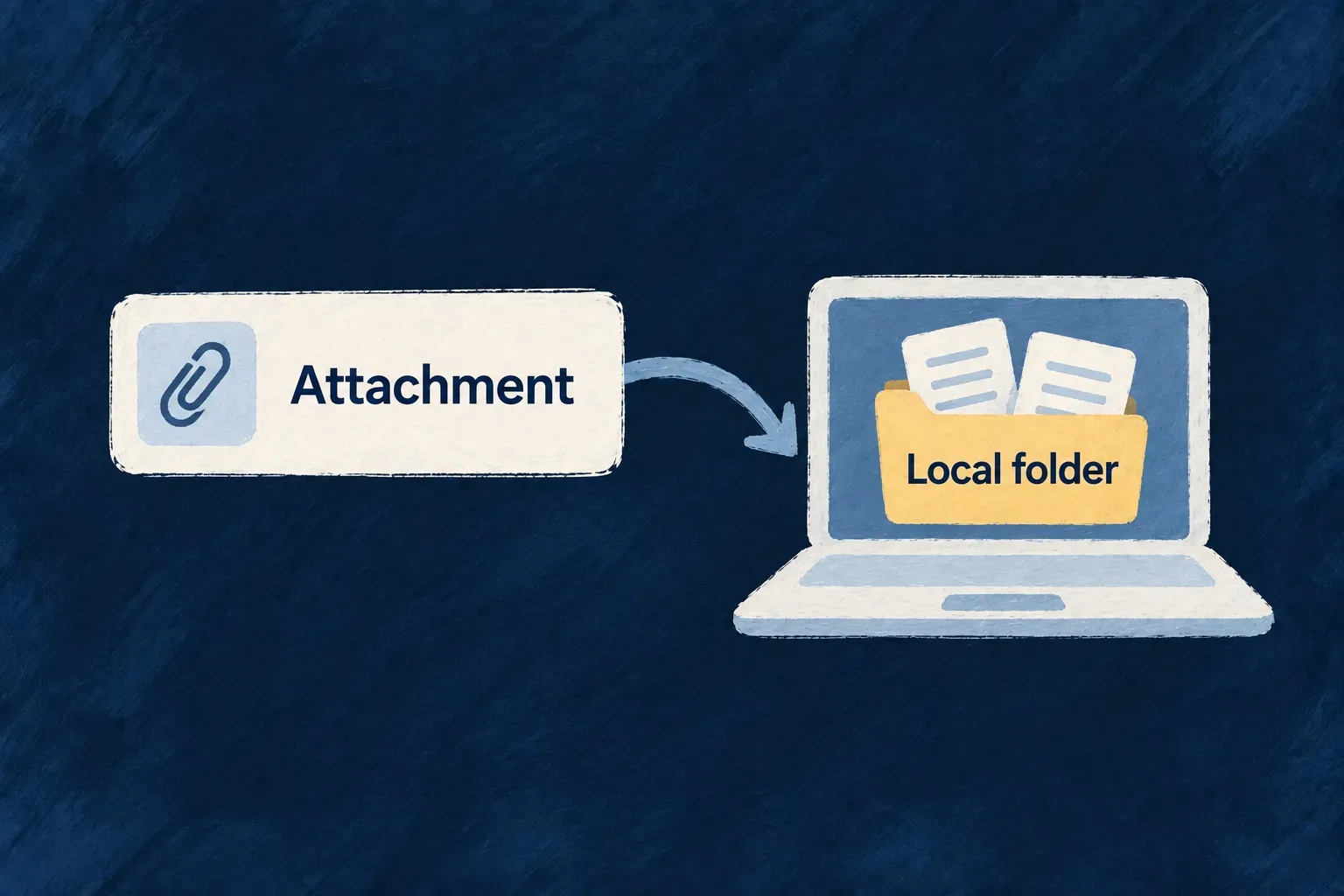
Keep files on a controlled local volume
Some deployments need file storage on a host-mounted volume. Wildo can route file fields to a local directory while retaining the same upload, metadata, authorization and cleanup machinery.
The destination changes; application records still carry file references. The deployment remains responsible for making that volume durable and available to every process that needs it.
Example — Use local storage in an on-premise deployment
A deployment binds a persistent directory and points a document field at the local provider. The standard upload control and authorized download route still work, while the operator can manage the volume’s backup and placement with the rest of the installation.
For engineers
Configure the directory and select the provider
The provider reads storage.localDirectory.baseDir, populated from STORAGE_LOCAL_BASE_DIR, and initializes the directory. Select FileStorageAccepted.LOCAL_DIRECTORY on the field. If no base directory is configured, the provider is not an eligible routing match.
The initialization in local-directory-storage-provider.backend.service.ts resolves and creates the root; the preceding missing-configuration error is omitted.
const resolved = path.resolve(rawDir);
await fs.promises.mkdir(resolved, { recursive: true });
this.baseDir = resolved;
Keep byte writes and content metadata together
The same provider composes a relative storage key, checks the resolved path stays beneath the root, streams the file and writes a small metadata sidecar. This excerpt follows file validation; the error handler is retained.
const relativePath = this.composeStorageKey(fileId, executionContext, options);
const filePath = this.resolveSafePathFromRelative(relativePath);

await fs.promises.mkdir(path.dirname(filePath), { recursive: true });

try {
  const writeStream = fs.createWriteStream(filePath);
  await pipeline(fileStream, writeStream);
} catch (error) {
  this.convertStorageError(error, 'upload', executionContext, {
    fileId,
    provider: this.providerId,
  });
}

const metadataRecord: LocalFileMetadataRecord = {
  contentType: mimeType,
  size,
  createdAt: new Date().toISOString(),
};
await fs.promises.writeFile(filePath + METADATA_SUFFIX, JSON.stringify(metadataRecord), 'utf-8');
Make deployment behavior explicit
Managed and local providers share the normal application/resource/owner key composer. Authored traversal segments are rejected before a write, and filesystem paths are checked against the configured root. Field folder and file-name bindings shape the leaf rather than changing the resource’s access rules.
The local provider enforces the application’s size ceiling, but it does not distribute files between hosts. Give API, workers and cleanup processes access to the same persistent volume when they handle the same files. Backups, filesystem permissions, capacity and replication belong to deployment operations.
Give every file-handling process the same persistent volume
This illustrative field explicitly selects local storage. It will refuse routing if the application has no local base directory, even when managed storage is available:
import { FileStorageAccepted, z_file } from '@wildo-ai/zod-decorators';

const attachment = z_file({
  storageAccepted: [FileStorageAccepted.LOCAL_DIRECTORY],
  maxSize: 25 * 1024 * 1024,
});
Configure the backend environment with an absolute path inside its mounted volume:
STORAGE_LOCAL_BASE_DIR=/var/lib/application-files
Provision that persistent volume and grant the process filesystem access. Directory initialization can create missing folders, but it cannot make an ephemeral container filesystem durable or synchronize another host’s directory.
| Process that handles the file | Required access |
|---|---|
| API upload and serving | The configured root, containing both file bytes and metadata sidecars |
| Scanner or worker reading the file | The same underlying files through its configured root |
| Cleanup process | The same volume, with permission to remove eligible files and sidecars |
| Backup and restore | Preserve bytes and sidecars together, along with the application’s file records |
Using the same path string on two unrelated hosts does not share their storage. Mount the same backing volume for processes that operate on the same records. Keep that root controlled by the application deployment; it is not a general-purpose filesystem browser.
Changing STORAGE_LOCAL_BASE_DIR does not move existing files. Plan the volume migration and keep recorded relative storage handles valid before switching processes to a new root.