
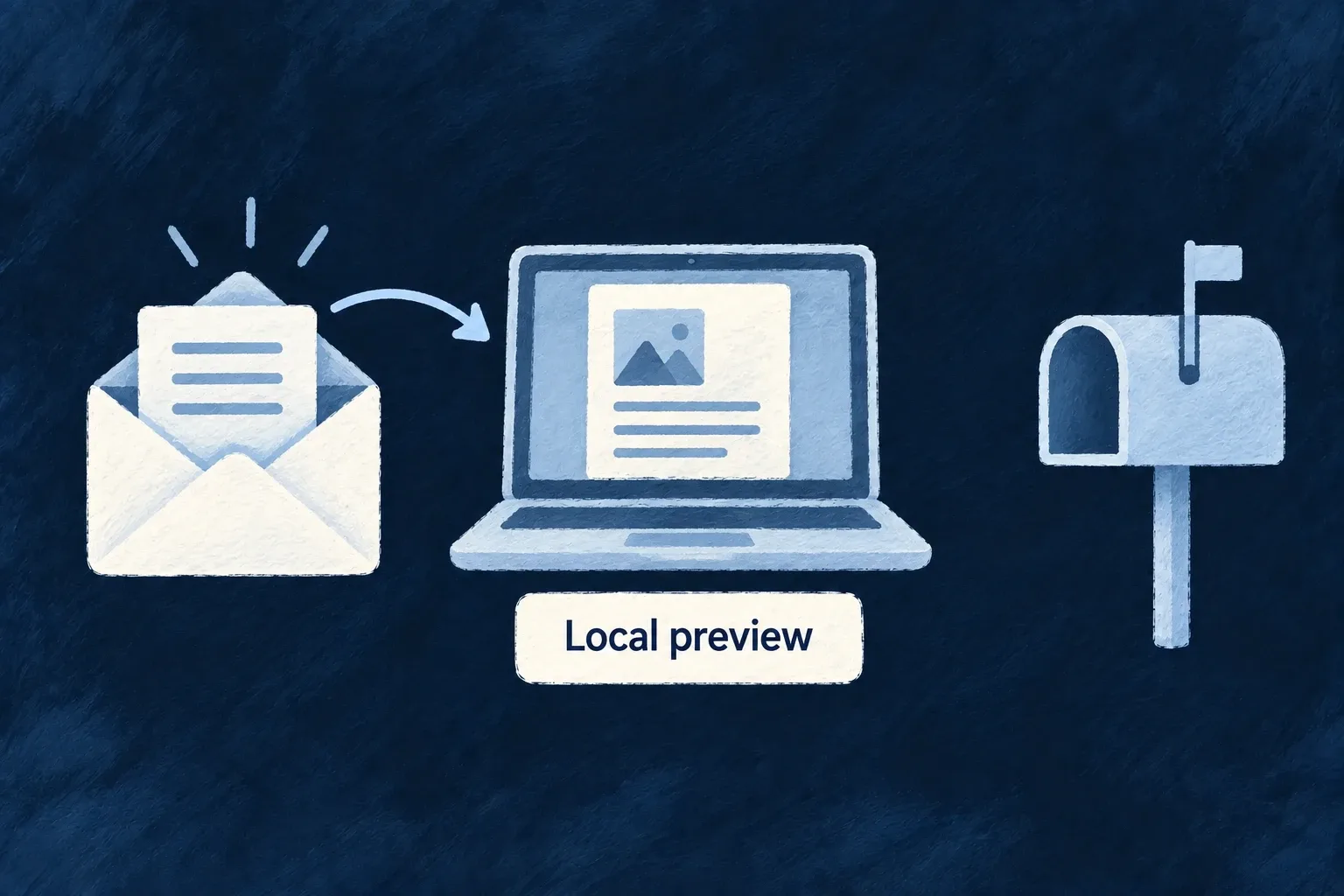
Inspect email without sending it
Use the normal application email flow during development without contacting a recipient. The preview provider renders the message and makes its subject, recipients and content available in local logs.
This helps you inspect links and wording while keeping test messages out of real inboxes.
Example — Check an invitation safely
Create an invitation in a local application and inspect the generated acceptance link from its email preview.
For engineers
Register before selecting
An environment override only selects an available provider. In wildo.saas.config.ts, add the following entry to providers.scopes.backend.providers, alongside the production provider. This is the complete entry used by Wonder CRM:
'email-preview': {
  engineCapabilities: [EngineCapability.EMAIL_TRANSACTIONAL],
  providerCapabilities: ['EMAIL_TRANSACTIONAL'],
  protocols: ['EMAIL_PROVIDER'],
},
Keep EMAIL_TRANSACTIONAL enabled, the template-bearing backend module registered and email.from configured. EngineCapability is imported from @wildo-ai/saas-models. The preview provider needs no API credential.
Inside infrastructure/local/wildo.infra.local.config.ts, select it for the local environment:
providerSelection: {
  [EngineCapability.EMAIL_TRANSACTIONAL]: {
    primary: 'email-preview',
  },
},
Run wildo config sync --env local from the application root to refresh the generated provider and environment configuration. Keep the ordinary application selection on the deployment provider; a local override need not change staging or production.
Trigger a message and inspect the result
For the invitation example, perform the application’s invitation operation and inspect the backend email-preview log. Check the recipient, subject and acceptance URL produced by that operation. This exercises recipient resolution, locale, context and rendering before the preview provider logs the content.
The returned outcome is EmailSubmissionOutcome.LOCAL_PREVIEW, with success: true, retryable: false and no provider receipts. Companion test-send and CLI output preserve that outcome; it does not describe provider acceptance or inbox delivery.
Choose the inspection surface for the question
| Surface | What to inspect |
|---|---|
| Actual operation with the local provider | Correct recipient, token/link and business context |
| Companion template preview | Rendered HTML, labels and layout for supplied context |
| Companion test-send with the local provider | Sending pipeline and the explicit preview outcome |
Local logs may contain usable invitation or recovery links. Keep them within the development environment. For the full availability/default/local-override arrangement, follow provider selection.