
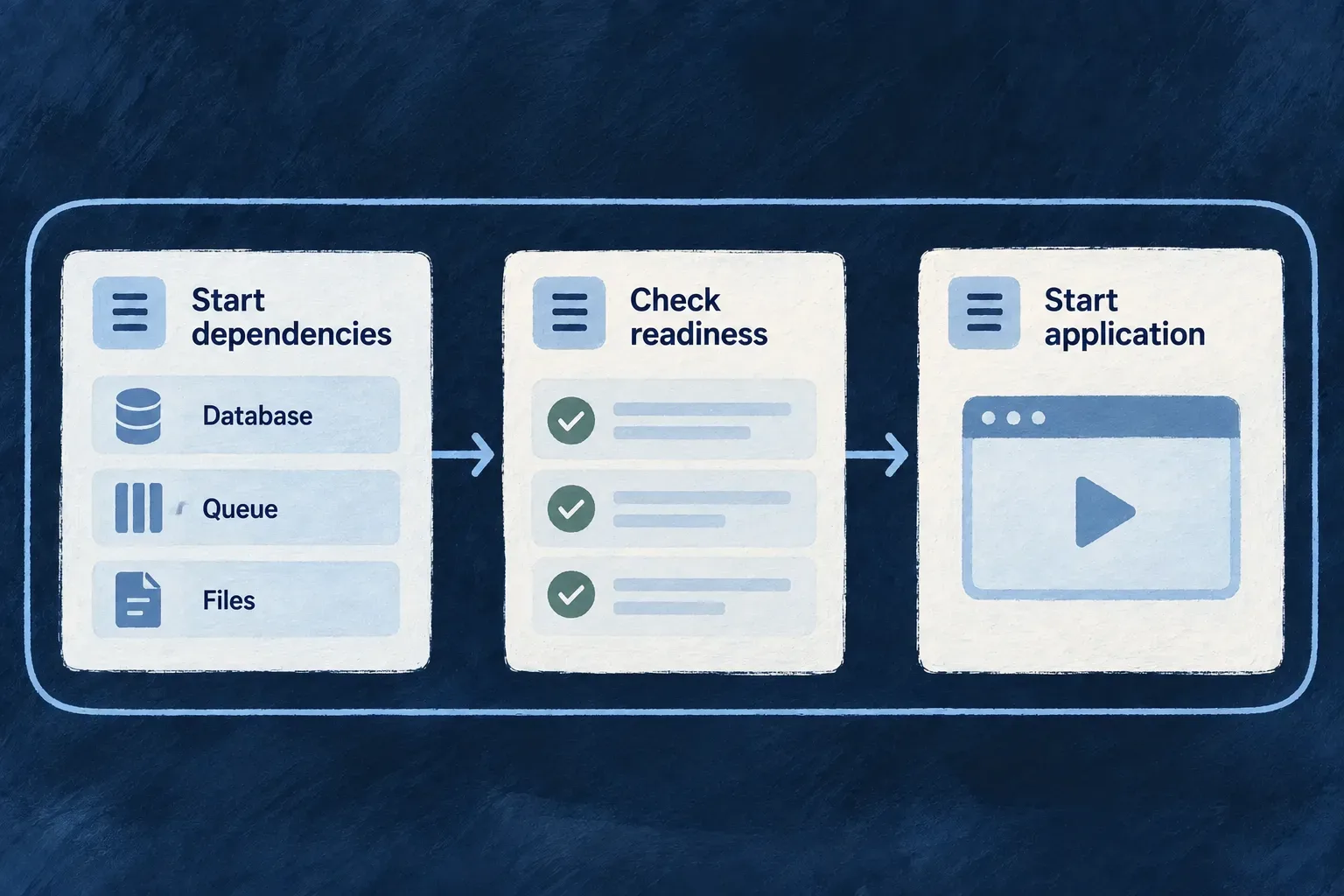
Start development in the right order
A local application needs more than a running frontend. Wildo prepares its supporting services and generated configuration before starting the development processes that depend on them.
One session coordinates ownership, startup, logs and shutdown, so failures can be understood in the context of the whole stack.
Example — Resume a working day with one session
A developer using a local Compose environment runs wildo local dev. The command checks prerequisites, prepares infrastructure and registration, then launches the application’s development processes. When the session ends, coordinated shutdown lets the processes finish writing their combined log, with a bounded wait if a process does not close.
For engineers
Start from a configured local Compose workspace
# Start the selected application's local Compose development session.
wildo local dev

# Inspect it from another terminal, without starting another session.
wildo local dev-status
local dev supports local Compose environments; it refuses Kubernetes environments. The local environment and its authored secrets must already exist. Initial application setup uses the registered setup/initialization journey; this command does not silently replace missing credentials with new values.
Understand the order before diagnosing a failure
| Stage | Why it precedes the next |
|---|---|
| Acquire session ownership | Avoid conflicting writers and cleanup against a live owner |
| Reap stale selected processes and run preconditions | Clear abandoned state and identify host blockers |
| Prepare artifacts and supporting services | Supply usable infrastructure inputs |
| Platform readiness and application registration | Materialize the application’s runtime configuration |
| Start the application development tree | Let processes consume the prepared environment |
Framework-development mode can supervise native platform processes, while the application-creator lane uses its platform containers. The application process set follows the selected development scripts; a runtime declaration alone does not prove that a particular worker is launched by those scripts.
Read the cause, not just the signal
createLocalDevShutdownCoordinator distinguishes an external interrupt from an internal bootstrap failure or a managed process exit. It sends termination to managed children, waits for their close/drain promises and then closes the combined output. Each process tree has a 15-second exit wait by default. A timeout is reported before the output is closed, so a process that never closes does not hold shutdown open indefinitely. A printed termination signal is therefore not sufficient evidence that another process killed the session.
The output boundary frames stdout and stderr independently and preserves the machine log while terminal presentation follows the authored logging policy. Use local dev-status to inspect compiler/supervisor and endpoint facts, including when the normal TypeScript CLI layer cannot load. It is an observation surface, not an automatic restart or repair loop.
Attach another application to a shared platform
A second session using the same owned roots is refused. In framework-development mode, another application can attach to a healthy platform already owned by a separate local Compose session. Run this from the second application’s configured workspace, leaving the owning session running:
# Reconcile only this application's registration and runtime configuration.
wildo local init --register-only

# Start this application's processes without starting the native platform again.
wildo local dev --skip-platform
--register-only avoids shared infrastructure initialization. --skip-platform keeps native platform startup and platform-root process cleanup out of the second session; when a live foreign owner is detected, shared container convergence is skipped too. If that owner’s infrastructure is down, the attaching session refuses to start it from the second application.
This is the framework-developer shared-platform path. Application creators use the platform-container lane described above; the native-platform attachment sequence is not a general Kubernetes startup recipe.