
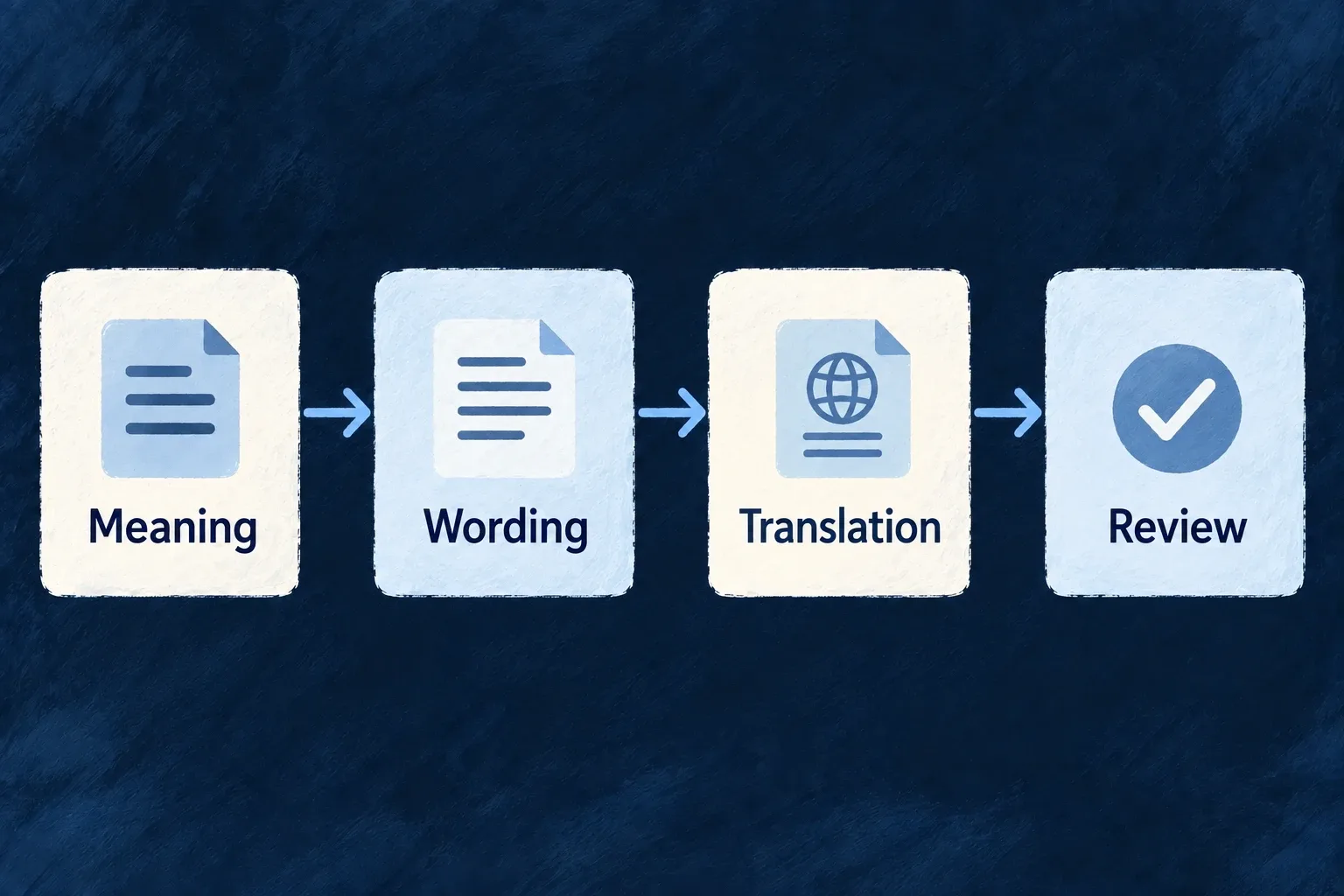
Prepare interface wording from its meaning
Wildo’s development tooling prepares labels from the application’s structure and the meaning recorded in its specifications. Translation carries that context into other languages.
The output is a set of application-owned language files that can be reviewed before delivery. The running interface reads those files; it does not invent copy while people use it.
Example — A new action with the right words
A product adds an approval action and explains its purpose in the specification. The label pipeline discovers the action, prepares its primary-language wording and translates the selected unit with the same context.
For engineers
From the application’s Wildo CLI context, with its development companion running, inspect the label plan:
wildo generate labels plan --list
The planner derives units from the connected application registries: resources, components and other supported label owners. This command reads the plan without calling the language model. Confirm the new unit is present before spending a generation run on it.
For example, after confirming the application’s resource:todos unit, the CLI supports:
wildo generate labels --units resource:todos
wildo generate translate --units resource:todos --locales fr
These are command examples using the actual CLI flags, not a claim that generation was run here. The first command uses appPreferences.languages.defaultLanguage; the second targets French. The companion requires its configured model/provider access for generation.
Follow the output into the running application
The companion writes one TypeScript label file per unit and locale under the backend’s owner-scoped i18n tree. The backend’s label loading consumes those files at startup. Translation receives the primary wording and the specification context rather than inferring meaning solely from a key.
| Stage | What to review |
|---|---|
| Specification | Purpose, audience and terminology actually describe the user action |
| Plan | Expected unit and keys are discovered through the registries |
| Primary wording | Labels are concise, accurate and appropriate to the intended audience |
| Translation | Meaning, placeholders and terminology are preserved |
| Rendered screen | Long labels fit; accessible names and empty states remain useful |
Incremental runs skip unchanged work. --force asks to regenerate the selected units; use it deliberately because reviewed wording may change. Generation reduces repetitive authoring, but the application team remains responsible for reviewing the published language.