
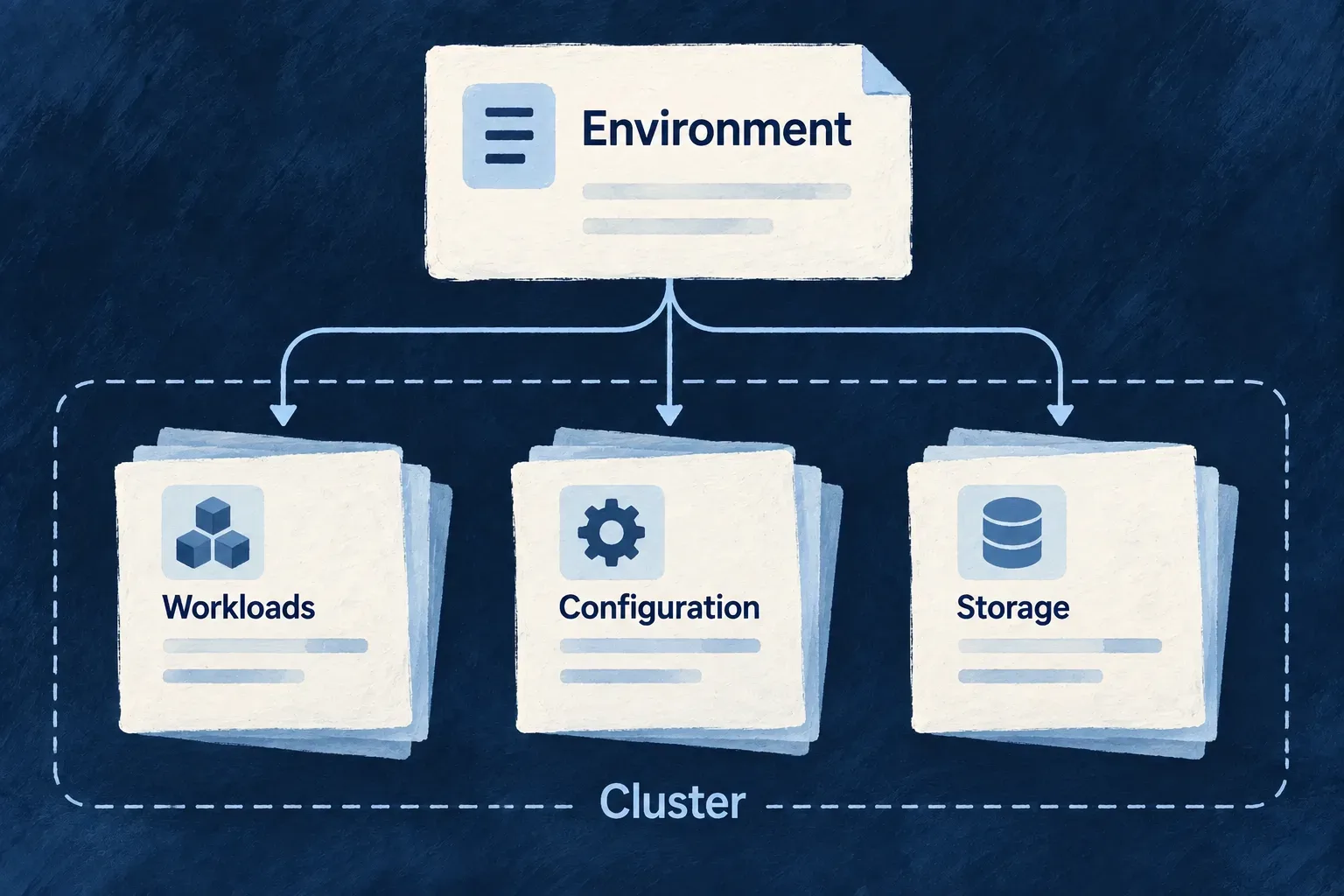
Describe the stack for a cluster
Wildo translates an environment into Kubernetes workloads and their supporting configuration. Application processes, selected backing services, storage and public routes are described together instead of maintained as unrelated manifests.
You choose the cluster and deployment policy. The generated manifests provide deployment inputs; the cluster and its controllers perform the running work.
Example — Give production its own deployment shape
An application can declare a production namespace and several backend replicas while retaining the same service roles used locally. The resulting cluster manifests express that environment’s placement and routing choices.
For engineers
Author the cluster-facing fields
This excerpt follows Wonder Todos’ production descriptor, with a neutral domain and names. Backing services and other policy blocks are omitted.
export default defineInfraEnvConfig({
  environment: WildoEnvironment.PRODUCTION,
  locationType: WildoLocationType.REMOTE,
  runtime: WildoDeploymentRuntime.KUBERNETES,
  runtimeEnvironment: RuntimeEnvironment.PRODUCTION,
  publicDomain: 'example.com',
  serviceHosts: { app: 'app', docs: 'docs', website: '' },
  remoteProvider: {
    provider: 'scaleway', registryEndpoint: 'rg.fr-par.scw.cloud/example',
  },
  kubernetes: {
    namespace: 'application-production',
    ingressClass: 'traefik',
    services: {
      backendApi: { replicas: 3 },
      app: { replicas: 3 },
      website: { replicas: 2 },
    },
  },
  deployment: {
    branch: 'main', runtime: WildoDeploymentRuntime.KUBERNETES,
    namespace: 'application-production',
  },
});
The configuration helpers and environment enums come from @wildo-ai/platform-config-lib. Service keys match the application’s declared service keys, such as backendApi, app and website, rather than generated image names. Synchronization carries their replica counts into each deployment; an omitted count defaults to one. An override without a matching emitted application deployment produces a warning, including frontends served through a CDN. Worker replicas remain in the worker declaration. Replica declarations describe desired workload size; they are not proof of availability or spare cluster capacity.
Import RuntimeEnvironment from @wildo-ai/saas-models. Remote generation also needs runtimeEnvironment and the authored remoteProvider.registryEndpoint shown above. That endpoint is the only image registry: synchronization carries it into the workload configuration, and the generated deployment workflow pushes images to the same place. The deployment block has no registry field to keep aligned with it.
Understand the two application boundaries
Locally, the bootstrap creates a Kind cluster, prepares storage, installs the ingress stack, applies manifests and checks readiness. Host storage is mounted into the node. Remotely, generation supplies manifests and the deployment workflow applies them to the selected cluster.
getDeployableInfraServicesForK8s selects local backing workloads through the same self-hosting predicate used by Compose. The readiness loop follows emitted workloads; MongoDB search readiness follows its database initialization. Storage manifests have their own rendering path using the same selection policy.
Keep each process’s configuration explicit
Application deployment templates consume a runtime environment secret and provider-specific secret material. Required environment material prevents a process starting with its essential configuration missing; optional provider material supports runtimes with no such provider declaration. These are generated per-runtime inputs, not an instruction to share one broad secret across every pod.
The backend deployment template makes that distinction directly. This template excerpt is generated structure, not a file to author; the names are supplied by the shared runtime-secret naming functions.
envFrom:
  - secretRef:
      name: {{runtimeEnvSecretName}}
  - secretRef:
      name: {{providersSecretName}}
      optional: true
The missing optional flag on the first reference is significant: losing essential runtime configuration must prevent startup. The second reference is optional because a runtime may declare no external providers.
Cluster storage, ingress, certificates and controller installation remain operational concerns to verify after applying the artifacts. The local Compose telemetry collector does not establish a Kubernetes collector deployment; a cluster environment must have a reachable telemetry destination of its own.
Check the generated configuration before deployment
Run these from the configured application workspace, selecting the environment you intend to change:
wildo config sync --env=production --domain config
wildo config validate --env=production --domain manifest
wildo config validate --env=production --domain manifest --deployment-artifacts
Confirm synchronization actually produced the deployment artifacts. A skip message can mean the platform is unavailable or the application credential was refused; restore platform access and application registration before retrying.
The first validation command checks freshly rendered infrastructure and platform manifests in a temporary directory. Adding --deployment-artifacts also checks the application files produced by synchronization under .wildo-saas/deploy/production/k8s: workloads, ingress, Secrets and every other YAML/YML document in that directory. Missing or empty deployment output fails.
Both checks parse YAML and require resource identity fields. They leave persisted files intact, omit document payloads from diagnostics and do not contact a cluster. Inspect service addresses and mounts before applying the artifacts; Kubernetes admission and working credentials require deployment checks.