
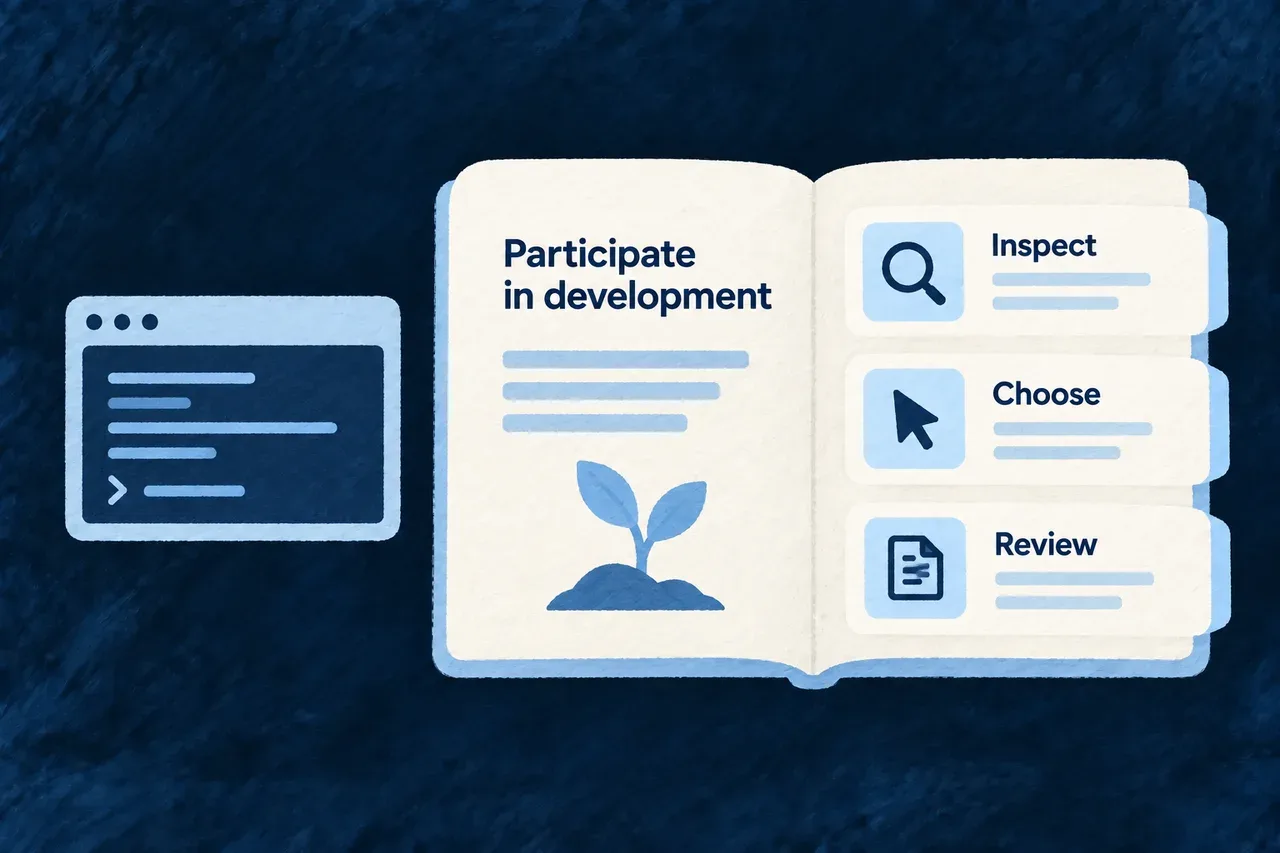
Give your agent a way to follow the work
A long-running project needs more than a remembered conversation. Before continuing, the agent should inspect what exists, what can run and what the previous work produced.
Wildo provides separate journey guides for those activities. They connect the agent’s next action to project evidence and distinguish doing work from accepting its result.
Example — Resume development with evidence
Ask the agent to read the current state, explain the available next work, run the chosen step and show the result for review. The conversation starts from the project rather than assuming that last session’s plan was completed.
For engineers
Keep inspection, execution and acceptance distinct
These are installed agent skills, not wildo journey-* shell commands:
| Skill | Responsibility |
|---|---|
journey-status | Read current project and journey evidence |
journey-next | Explain eligible work and unmet prerequisites |
journey-run | Execute a selected method and inspect its result |
journey-approve | Guide acceptance under the declared autonomy basis |
journey-report | Separate accepted work from current edits |
journey-bootstrap-scope | Collect requested information without treating it as approval |
Readiness and sequencing are different. Missing required inputs cannot be bypassed; a sequencing-only restriction can allow an explicitly selected run. The current response supplies the reason to interpret.
Understand the request boundary
This is HTTP request notation for a custom companion run, with an illustrative playbook reference and answer. Replace them with a discovered method and its declared question. Mutation requests require the companion’s local credential; use the normal tool client to handle it.
POST /api/companion/playbooks/<playbook-ref>/run
Content-Type: application/json

{
  "creatorBrief": "Implement the selected change using the current product definition.",
  "elicitationAnswers": [
    { "questionRef": "<declared-question-ref>", "answer": "<creator-answer>" }
  ]
}
Discover methods through /api/companion/playbooks and current next-work information through /api/companion/build/next. The skill supplies the workflow around those operations; the answer array follows the selected method’s questions.
Inspect the kind of result returned
A run may request further input, produce specification files, compose application structure, dispatch coding work or return an assessment without an artifact. Do not assume every successful response creates a specification.
Read the result, inspect the affected files and run the relevant checks. A judge report is review input. Acceptance follows the declared autonomy policy and the project’s accepted state; a run’s own response does not approve itself.