
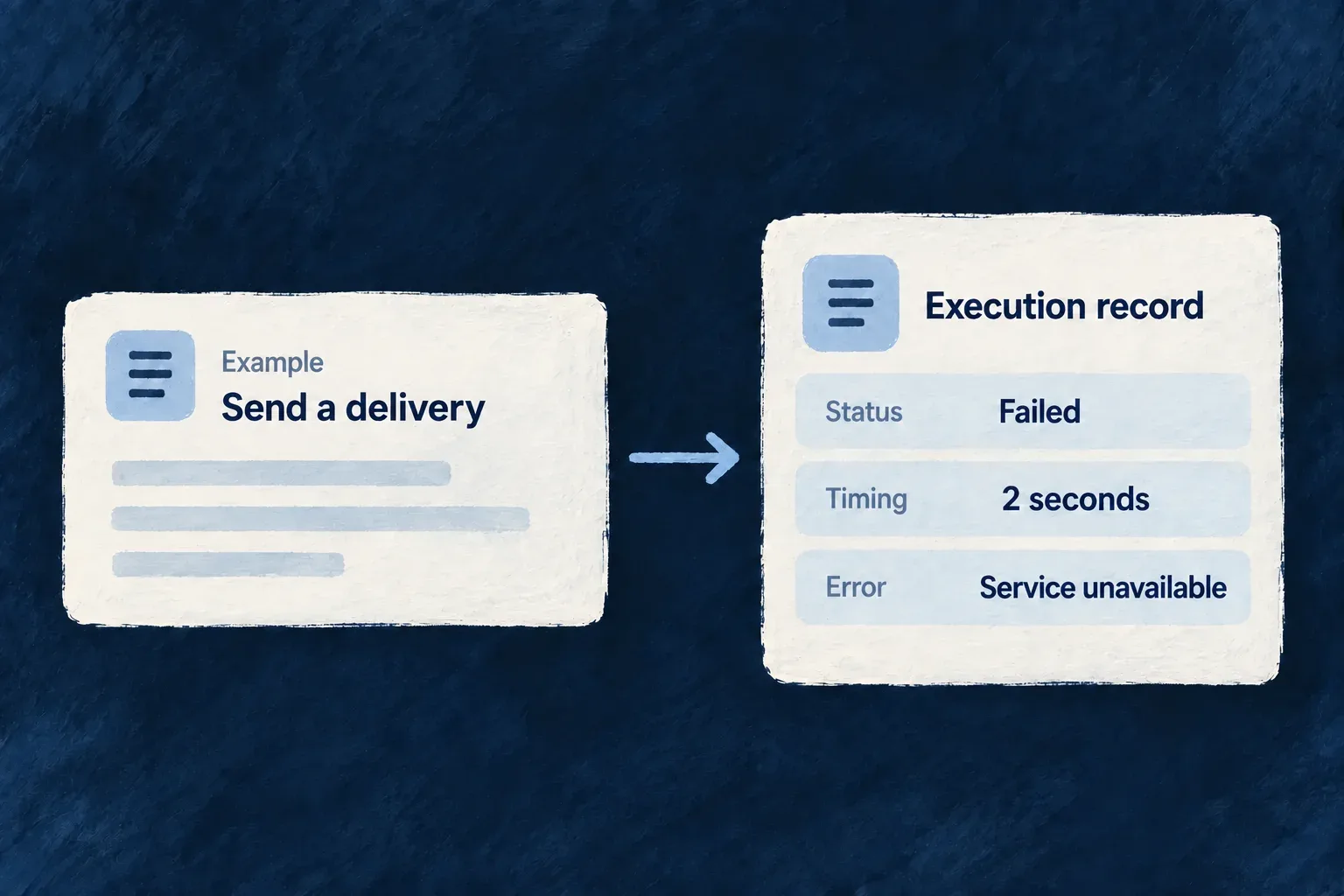
Keep a history of background work
A job execution record brings together what was requested, where it ran and what happened. Identity, timing and error details can be queried together instead of reconstructed from scattered log messages.
Wildo keeps these records through its resource and repository system. They support operational investigation; access to them belongs in trusted backend tooling.
Example — Investigate a delivery that did not finish
Use the job ID to find the recorded start time, processing host and error. Compare that history with the broker’s current message state to decide whether the delivery is still waiting, executing or parked.
For engineers
Use the tracking service from trusted backend code
JobStatusTrackingBackendService maintains the JOB_EXECUTIONS resource. The enqueueOperation, enqueueAndWait, enqueueWithCallback and enqueueCustomBatch paths create a record before publication; the consumer updates that record when processing starts and completes. For scheduled jobs, the application creates or reuses the record after verifying the signed trigger and its target application, before execution. Each signed run has its own job ID; receiving it again does not reset history. The record’s lifecycle and the broker’s settlement remain separate concerns.
Resolve the public tracker from the initialized backend container, then call getByJobId. This adapted trusted-tooling function uses exported types and the registered service token. The enclosing tool must authorize its operator before calling it; a caller-supplied job ID is not an access grant.
import {
  SAAS_SERVICE_TYPES,
  type InversifyContainer,
  type JobStatusTrackingBackendService,
} from '@wildo-ai/saas-backend-lib';

async function readRecordedJobStatus(container: InversifyContainer, jobId: string) {
  // The enclosing backend tool has already authorized its operator.
  const tracker = container.get<JobStatusTrackingBackendService>(
    SAAS_SERVICE_TYPES.JobStatusTrackingService,
  );
  const execution = await tracker.getByJobId(jobId);

  if (execution === null) {
    return null;
  }
  return { jobId, status: execution.status, startedAt: execution.startedAt };
}
A null result means no retained record was found, not that the job succeeded or never existed. It may have expired or come through a path that does not create a row. Let a repository failure surface separately; do not convert it into “not found.” Choose the output fields for the authorized audience instead of returning the entire internal record.
The tracker creates an internal repository context and uses the configured storage adapter. This is not a public job-history endpoint: resource operations are REPOSITORY_ONLY, so an administrative screen or API needs its own authorized application surface. Optional repository options belong to the second getByJobId argument; they do not replace that application access boundary.
Know what the record can explain
The following selected schema fields retain their current declarations; unrelated identity, context and lifecycle fields are omitted.
status: z.enum(JobExecutionStatusValues).isDBIndexed(),
queueName: z.string().isDBIndexed(),
priority: z.enum(JobPriorityValues),
retryCount: z.number().int().min(0).default(0),

startedAt: z.date().optional(),
completedAt: z.date().isDBIndexed().optional(),
durationMs: z.number().int().optional(),
error: WildoError_BackendSchema.optional(),
The identity fields connect a record to its application, operation or batch. Organization and user IDs are extracted when carried by the execution context. Worker identity and hostname identify the processing host; they do not refer to the separately declared HTTP-worker feature.
| Information | Operational question |
|---|---|
| Job ID, operation path, batch reference | Which requested action is this? |
| Queue, priority and recorded state | Where was it sent and what state was last written? |
| Start, completion and duration | Did processing start, and how long did the recorded attempt take? |
| Retry count and structured error | What failure information did the tracking path retain? |
| Input payload reference | Was the queued input stored separately from the broker message? |
| Optional output payload reference | Scheduled jobs retain defined JSON results through the payload store and link them here, including small counter objects. Ordinary queue consumers do not automatically retain their returned results. |
Interpret history together with delivery state
The record stores the latest lifecycle state, not a separate immutable row for every attempt. markStarted records the delivered attempt and replaces its start time; duration is calculated from that start. A confirmed retry records the next payload’s retry count. Terminal failure keeps the current count. The tracker records the consumer’s chosen outcome instead of calculating retry eligibility from its stored budget. Attempt guards prevent late writes from overwriting a newer attempt. Named statuses make records queryable, but the broker and consumer determine actual delivery and retry behavior.
The tracking write and broker action are not one transaction. Creation happens before publish. A failed start-state write can prevent execution. Once an ordinary, scheduled or domain job has succeeded or reached terminal failure, tracking errors do not retry that finished work. Ordinary-job callbacks and replies are also isolated. Retry tracking is best effort after confirmed broker handoff; a failed handoff requeues the original delivery without advancing its retry count. Do not use the presence of a row alone as proof of publication, or a status alone as proof of an external side effect.
For investigation, use the job ID to correlate the record, queue state and execution logs. Preserve enough application-level evidence to recognize a repeated business action independently of the queue’s tracking row.
Account for retention and sensitive detail
The execution schema declares a 30-day retention period; separately stored payloads use a 24-hour period. Framework-owned cleanup batches participate in removing expired records. An old history row may outlive its stored input or scheduled result. Output storage is separate from execution: if saving a result fails, the failure is logged without replaying completed business work.
Errors can contain backend context and stack details, and payloads can contain application data. Restrict operational access accordingly. Build any user-facing status view from the fields that audience needs rather than exposing the internal record wholesale.