
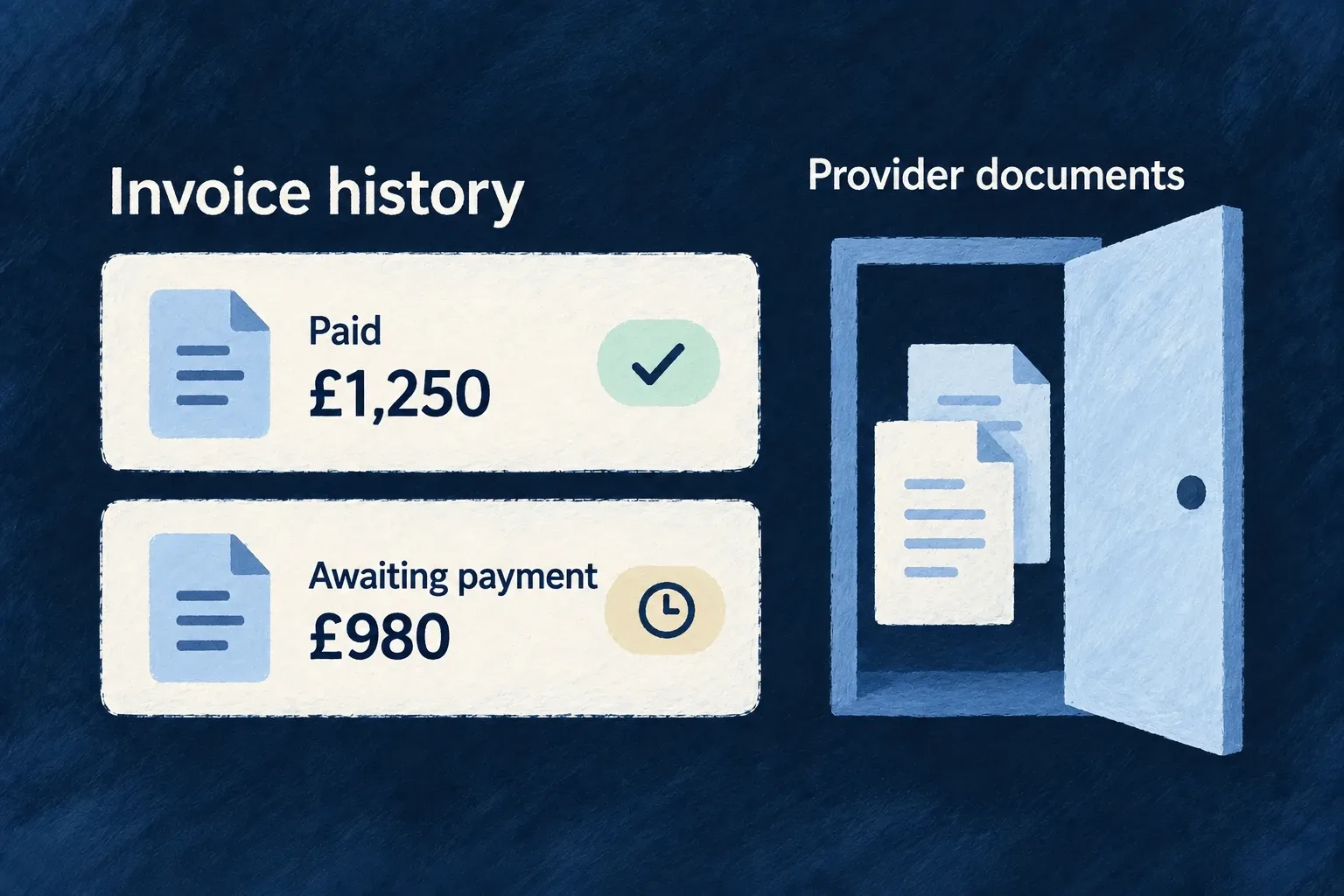
Keep invoice history close to the customer
Bring provider invoice status and totals into the application’s billing history. Wildo stores a scoped reference to each invoice while the billing provider remains responsible for the document itself.
Example — See an unpaid invoice without losing its amount
An invoice awaiting payment still shows the full invoice total. Payment status changes without replacing that total with the amount collected so far.
For engineers
useBilling().invoices contains the most recent fifty references. Check isSliceAvailable(BillingStateSlice.INVOICES) before interpreting an empty list. For a longer history, use the invoice resource’s scoped LIST operation.
This complete teaching component loads one page for an organization the caller is authorized to access. Mount it with a key derived from organization and billing account IDs when changing customers, so page state resets. The response type projects only fields used here; it does not claim that backend-only provider identifiers or hosted document URLs are public DTO fields. The application owns translations, amount formatting and visual components.
import { useEffect, useState } from 'react';
import { useResourceRegistry } from '@wildo-ai/saas-frontend-lib';
import {
  CoreResourceType, CoreResourceOperation, ResourceOperationVariantType, DataMode,
  type InvoiceRef, type Resources_PaginatedResult,
} from '@wildo-ai/saas-models';

type InvoiceRow = Pick<InvoiceRef, '_id' | 'status' | 'total' | 'createdAt'>;
type InvoicePage = Resources_PaginatedResult<InvoiceRow>;

export function OrganizationInvoiceHistory({ organizationId, organizationBillingAccountId }: { organizationId: string; organizationBillingAccountId: string }) {
  const { doOperation } = useResourceRegistry();
  const [page, setPage] = useState(1);
  const [retry, setRetry] = useState(0);
  const [result, setResult] = useState<InvoicePage | null>(null);
  const [loading, setLoading] = useState(true);
  const [failed, setFailed] = useState(false);
  useEffect(() => {
    let current = true;
    setLoading(true);
    setFailed(false);
    setResult(null);
    doOperation<InvoicePage>({
      resourceIdentifier: CoreResourceType.ORGANIZATION_INVOICE_REFS,
      operationIdentifier: CoreResourceOperation.LIST,
      variantType: ResourceOperationVariantType.API_CALL,
      isOperationDefault: true,
    }, {
      contextualParameters: { organizationId, organizationBillingAccountId },
      queryParameters: { page, limit: 20, sort: 'createdAt:desc' },
      dataMode: DataMode.RAW,
    }).then(value => { if (current) setResult(value); })
      .catch(() => { if (current) setFailed(true); })
      .finally(() => { if (current) setLoading(false); });
    return () => { current = false; };
  }, [doOperation, organizationId, organizationBillingAccountId, page, retry]);

  if (loading) return <p>Loading invoices…</p>;
  if (failed || !result) return <button onClick={() => setRetry(value => value + 1)}>Reload invoices</button>;
  return <section>
    <p>Page {page} — {result.pagination.total} invoices</p>
    <ul>{result.data.map(invoice => <li key={invoice._id}>
      {invoice._id}: {invoice.status}
    </li>)}</ul>
    {result.data.length === 0 && <p>No invoices on this page.</p>}
    <button disabled={page <= 1} onClick={() => setPage(value => value - 1)}>Previous</button>
    <button disabled={page >= result.pagination.totalPages}
      onClick={() => setPage(value => value + 1)}>Next</button>
  </section>;
}
The route is derived from the registered operation, with organization and billing-account context kept separate from pagination. Read the account ID from available useBilling().billingAccount state; do not render the history component until that account exists. The backend checks authorization; the component does not grant access by knowing an ID. For personal billing use USER_INVOICE_REFS with userId and userBillingAccountId, under that scope’s permissions. LIST is the browser API surface; the invoice resource’s internal SEARCH operation is not a replacement browser endpoint.
Preserve the meaning of the invoice
Finalized, paid and payment-failed provider events upsert invoice references for the resolved billing account. total remains the invoice total even when payment is outstanding; it is not replaced with the amount collected so far. Format its money value through the application’s normal money presentation and translate status using its registered labels.
The loading and error branches above distinguish “not read” from “no invoices.” The returned pagination metadata decides whether another page exists; a short aggregate or a locally filtered list is not a complete accounting history.
Open documents through the customer portal
Hosted invoice/PDF locations remain backend-only and are removed during subject erasure. Use useBilling().openCustomerPortal() for customer document access, with the same action error feedback as hosted checkout. Financial references can survive customer closure without exposing the original personal document to every API consumer.