
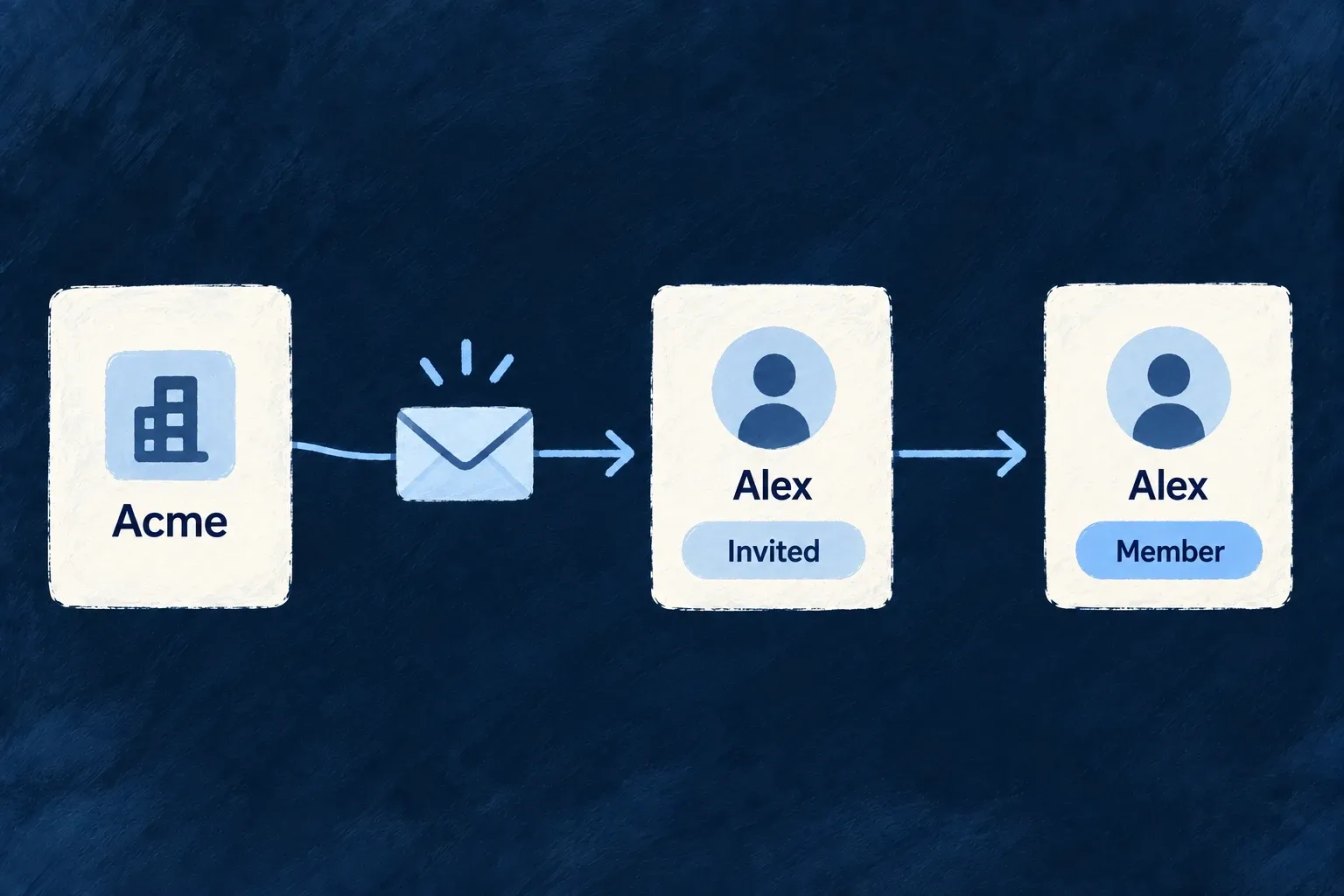
Invite people into the right workspace
Bring someone into an organization with a defined membership and role. Wildo connects the invitation, account and acceptance flow, whether the person is new or already uses the application.
The organization’s authentication policy follows them through acceptance. An invitation does not create a separate way around the customer’s sign-in requirements.
Example — Invite a colleague who already has an account
A colleague accepts an invitation to a second workspace. Their existing account remains the same; the new membership grants access to the inviting organization.
For engineers
The pending membership is the invitation
An invitation is an organization-member record in the INVITED state. Acceptance activates that membership instead of creating a disconnected invitation history and another membership by hand. The organization’s member operations own invitation creation, role assignment and revocation.
Create, resend or cancel the same invitation
Use an organization administrator’s token and the target workspace ID. The email-based CREATE path resolves the invited account and creates the pending membership; do not supply userId or force a lifecycle status:
curl "$BACKEND_URL/organizations/$ORG_ID/organization-members" \
  -H "Authorization: Bearer $ADMIN_TOKEN" \
  -H 'Content-Type: application/json' \
  --data '{"userEmail":"colleague@example.com","roles":["ORG_MEMBER"]}'
Read the created membership and retain its _id as MEMBERSHIP_ID. Confirm its status is INVITED. The caller must be allowed to grant the selected roles, and those roles must fit the organization type. A successful create is not evidence that the recipient received an email: delivery also needs the application’s configured email provider and invitation templates.
If the invitation remains pending, resend it on that same record:
curl -X PUT "$BACKEND_URL/organizations/$ORG_ID/organization-members/$MEMBERSHIP_ID/resend" \
  -H "Authorization: Bearer $ADMIN_TOKEN" \
  -H 'Content-Type: application/json' \
  --data '{}'
Resending replaces the acceptance token and invalidates the previous link. To withdraw the invitation instead, use its revoke operation:
curl -X DELETE "$BACKEND_URL/organizations/$ORG_ID/organization-members/$MEMBERSHIP_ID/revoke" \
  -H "Authorization: Bearer $ADMIN_TOKEN" \
  -H 'Content-Type: application/json' \
  --data '{"reason":"The invitation is no longer needed"}'
The optional reason is limited to 500 characters. Both resend and revoke require a still-pending membership and organization-administrator authority. Revocation removes that invitation and revokes its acceptance token; it is not the operation for removing an already active member. For an acceptance check, use the newest invitation link or the signed-in invitee’s own inbox, then verify the membership becomes ACTIVE. Do not run revoke before testing acceptance on the same invitation.
Match the acceptance path to the person
| Situation | Acceptance behavior |
|---|---|
| New person choosing password | Activate the invited account and establish the permitted credential |
| New person choosing magic link | Activate the account and send the sign-in link; no session is issued at this step |
| New person choosing passkey | Continue into enrollment for the invited account |
| Already authenticated person | Accept their own pending membership without replacing their session |
| Directory-managed organization | Do not establish a local credential that bypasses directory management |
The registration service first validates the token and current membership, then checks the selected method against the effective invitation policy. Token consumption is deferred until the guarded acceptance transition, so validation does not itself accept an invitation.
Keep existing users on their current account
The standard invitation screen uses the authenticated client and refreshes organization context after acceptance. This is its handler in AppPage_InvitationsSettings.tsx, with comments omitted:
const handleAccept = useCallback(
  async (membershipId: string) => {
    setBusyId(membershipId);
    setError(null);
    try {
      await getManualCallsHttpClient().acceptMyInvitation(membershipId);
      await refreshOrganizations();
      setSuccessMsg(t('acceptSuccess'));
      await refresh();
    } catch (e: unknown) {
      if (isWildoBackendError(e)) throw e;
      setError(t('errorGeneric'));
    } finally {
      setBusyId(null);
    }
  },
  [refresh, refreshOrganizations, t],
);
The service checks that the addressed pending membership belongs to the current user. Public token-based acceptance and authenticated acceptance converge on membership activation, but the latter does not issue a replacement session. A custom invitation inbox should use these ownership-checked operations rather than accepting an arbitrary membership identifier through an administrative update.
Revoking or rejecting an invitation withdraws the pending membership. An unusable public invitation produces a common refusal rather than exposing whether another person’s invitation exists.