
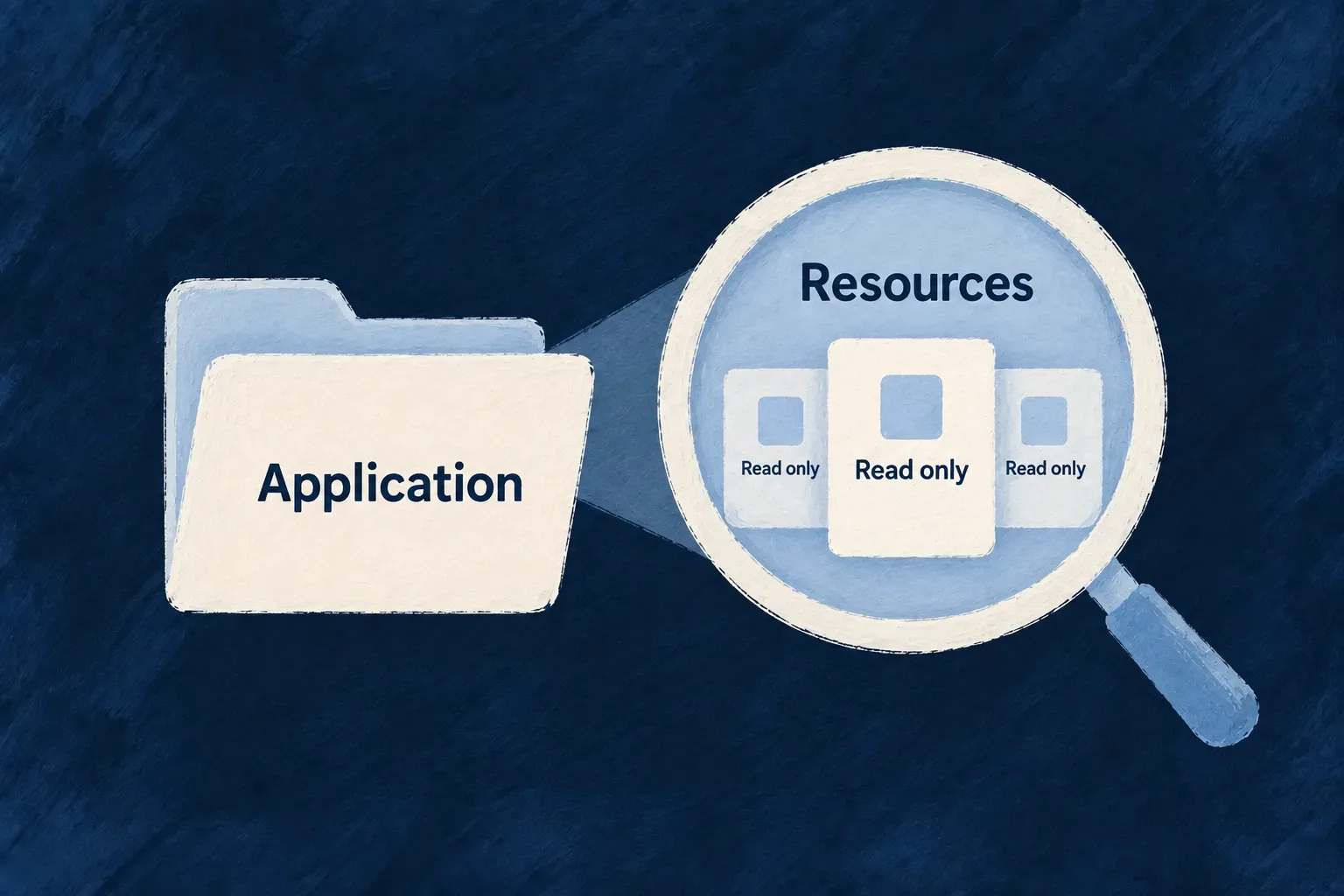
Explore what the application is made of
A development workbench needs to answer practical questions: which resources exist, which module owns them and how they connect. Storing a second list of those definitions creates another place that needs updating whenever the application changes.
Wildo can present derived information through the resource interface. The source computes the rows from application structure or runtime knowledge, while the resource supplies a familiar read contract and interface.
This turns inspectable structure into something a person or tool can navigate. The development companion supplies the current introspection source, drawing on its knowledge of the target application.
Example — Browse the application’s domain model
The workbench shows the application’s resources as records. Each entry comes from the companion’s domain-model behavior, so adding a resource to the actual model can be reflected in the derived catalogue without a separate manually maintained resource list.
For engineers
Select a behavior and the rows it produces
The workbench’s domain-resource configuration is declared in workbench-resources.custom.shared.resources-config.schemas.ts. This excerpt shows its adapter and binding; source comments are omitted, and later operation entries continue beyond the excerpt:
export const workbenchDomainResources_ResourceConfiguration_InitializationFactory =
  (resourcesRelationships: ResourceRelationship[]) => createResourceConfiguration_Initialization<
    typeof WorkbenchDomainResource_Operations,
    WorkbenchDomainResource_CoreOperations,
    typeof Workbench_DomainResource_Schema
  >({
    mainSchema: Workbench_DomainResource_Schema,
    resourceIdentifier: WorkbenchShared_ResourceType.DOMAIN_RESOURCES,
    resourceFieldIdentifier:
      WorkbenchShared_ResourceFieldIdentifier[WorkbenchShared_ResourceType.DOMAIN_RESOURCES],
    resourceRelationships: resourcesRelationships,
    isSystemResource: false,
    persistenceAdapter: PersistenceAdapter.INTROSPECTION,
    introspectionBinding: {
      behavior: 'application-domain-model',
      rowsPath: 'domainResources',
      tenancy: IntrospectionTenancyStance.APPLICATION_STRUCTURE,
      identityFields: ['resourceType'],
    },
    coreOperations: [CoreResourceOperation.READ, CoreResourceOperation.LIST],
    customOperation: WorkbenchDomainResource_Operations,
INTROSPECTION chooses a repository whose values are derived. behavior identifies the companion behavior, rowsPath selects the relevant array in its output, and identityFields defines a stable identity from each derived row. APPLICATION_STRUCTURE records that the information describes application structure rather than tenant-owned business rows.
Keep derivation with its owner
The engine defines IntrospectionResourceSourceBackendPort, including support discovery and row derivation. The companion supplies that port because it knows the application’s location, loaded modules and available introspection behaviors.
The repository calls the source when serving a read. Some behaviors project in-process state; others inspect built application modules through the companion’s execution machinery. Their returned rows then travel through the resource’s read-facing contract.
Separate reading compiled state from forcing computation
The companion’s requestInfo can reuse compiled derivation state. Its compileNow method deliberately bypasses that state and runs derivation. These are different operations, not two names for a guaranteed fresh read:
| Path | What the caller requests |
|---|---|
| Resource read through the source | Derived rows under the source’s current state and cache policy. |
requestInfo with a usable cache key | Read through the derivation-state owner, which can reuse compiled output. |
compileNow | Run the derivation without consulting or writing compiled state. |
Changing application code and opening an inspection view are therefore not, by themselves, proof that new modules have been compiled and observed. Keep the distinction visible when diagnosing an old result: resource projection, compiled artifacts and derivation state each have an owner.
Make inspection a read experience
The resource declares READ and LIST, with no stored row for CREATE or UPDATE to change. An inspection screen therefore uses resource navigation and presentation while the underlying definition stays with the application.
A failed derivation is reported as a failure to inspect, rather than an empty catalogue. This preserves the useful difference between an application with no entries and a source that could not currently be read. The source can likewise leave a total unknown when it cannot state one.
Use this pattern for information whose authoritative form already exists elsewhere inside the development system. Ordinary business data belongs in a stored resource; external business data can use a virtual read-through resource.