
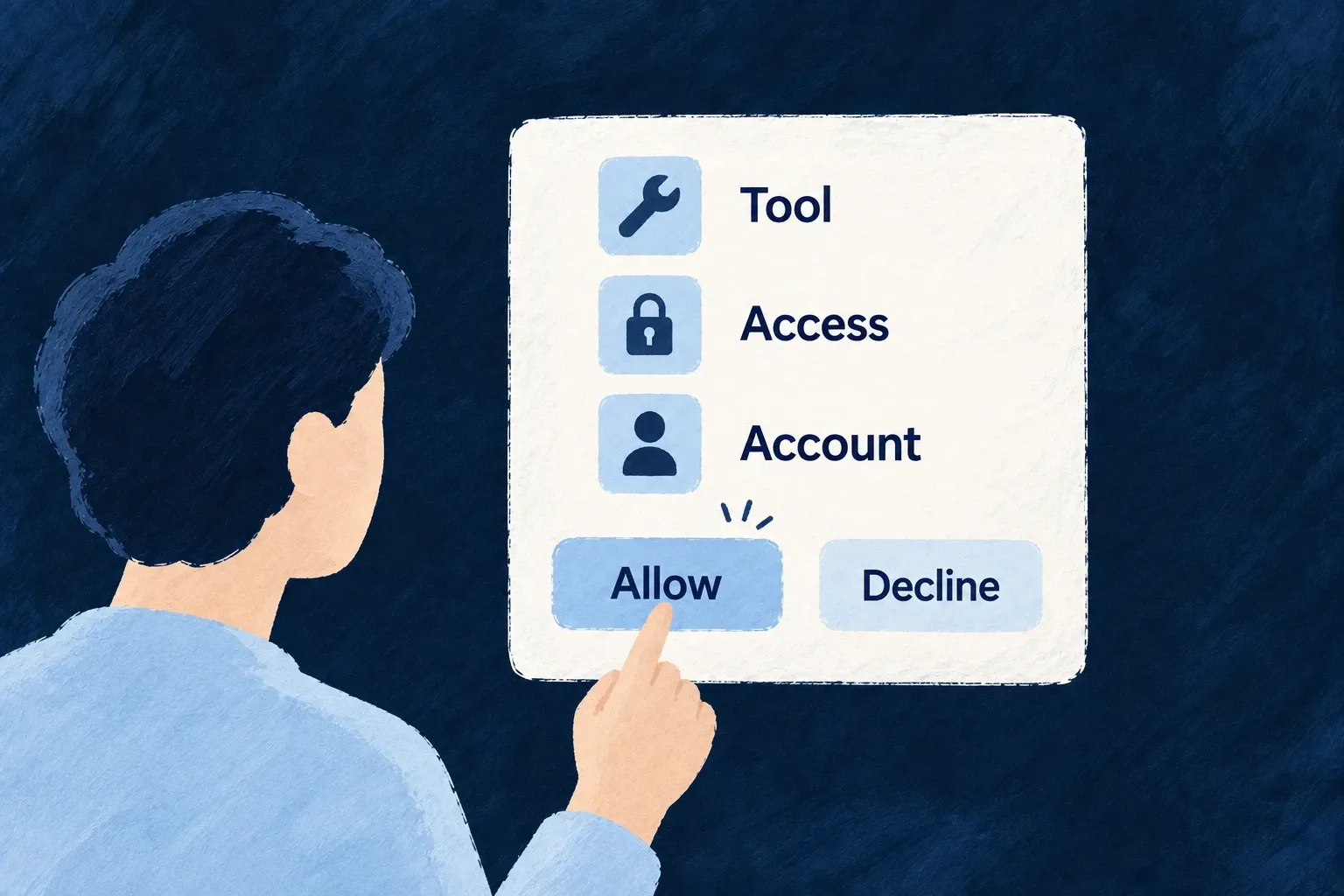
Show people what they are authorizing
People can see which application is asking, which destination it will return to and what identity information it requests before they approve. Wildo connects that decision to the pending authorization request.
Approval and refusal complete the same controlled handoff, instead of leaving each integration to invent its own permission screen.
Example — Approve the intended application
A person checks the requesting app and target resource, then approves. Denying ends that request without issuing its authorization code.
For engineers
The backend creates a single-use consent-request token containing the authorization details. The frontend sends the decision using that token; the client does not get to replace the destination or scopes in a second request. This is the decision callback in Auth_OAuthConsent:
This implementation excerpt from Auth_OAuthConsent.tsx shows the decision in context; explanatory source comments are omitted.
const decide = useCallback(
    async (decision: 'approve' | 'deny') => {
      if (!consent || submittingRef.current) return;
      submittingRef.current = true;
      setStatus('submitting');
      setErrorLabel(null);
      try {
        const { redirect_to } = await getManualCallsHttpClient().oauthConsentDecision(
          consent.consent_token,
          decision,
          decision === 'approve' && remember,
        );
        window.location.assign(redirect_to);
      } catch {
        submittingRef.current = false;
        setStatus('error');
        setErrorLabel(UserOAuthConsentLabel.ERROR_DECISION);
      }
    },
    [consent, remember],
  );
Distinguish a trusted client from a user-approved client
A registered client configured not to prompt can skip consent only within its trust boundary. An organization client does not silently gain the same treatment for users outside that organization. A membership lookup failure forces the prompt.
Self-registered and metadata-document clients cannot declare themselves trusted. They still need the person’s authorization and the permitted code flow.
Remember only an affirmative choice
The remember control starts off. An approval with that choice can create a remembered grant; denying does not store an approval. The grant avoids an unnecessary future prompt only when it covers the same user, client, target and requested identity scopes.
Consent authorizes the handoff, not every business action. The endpoint continues checking the person’s actual permissions when a tool uses the resulting token.