
Generate images through your application
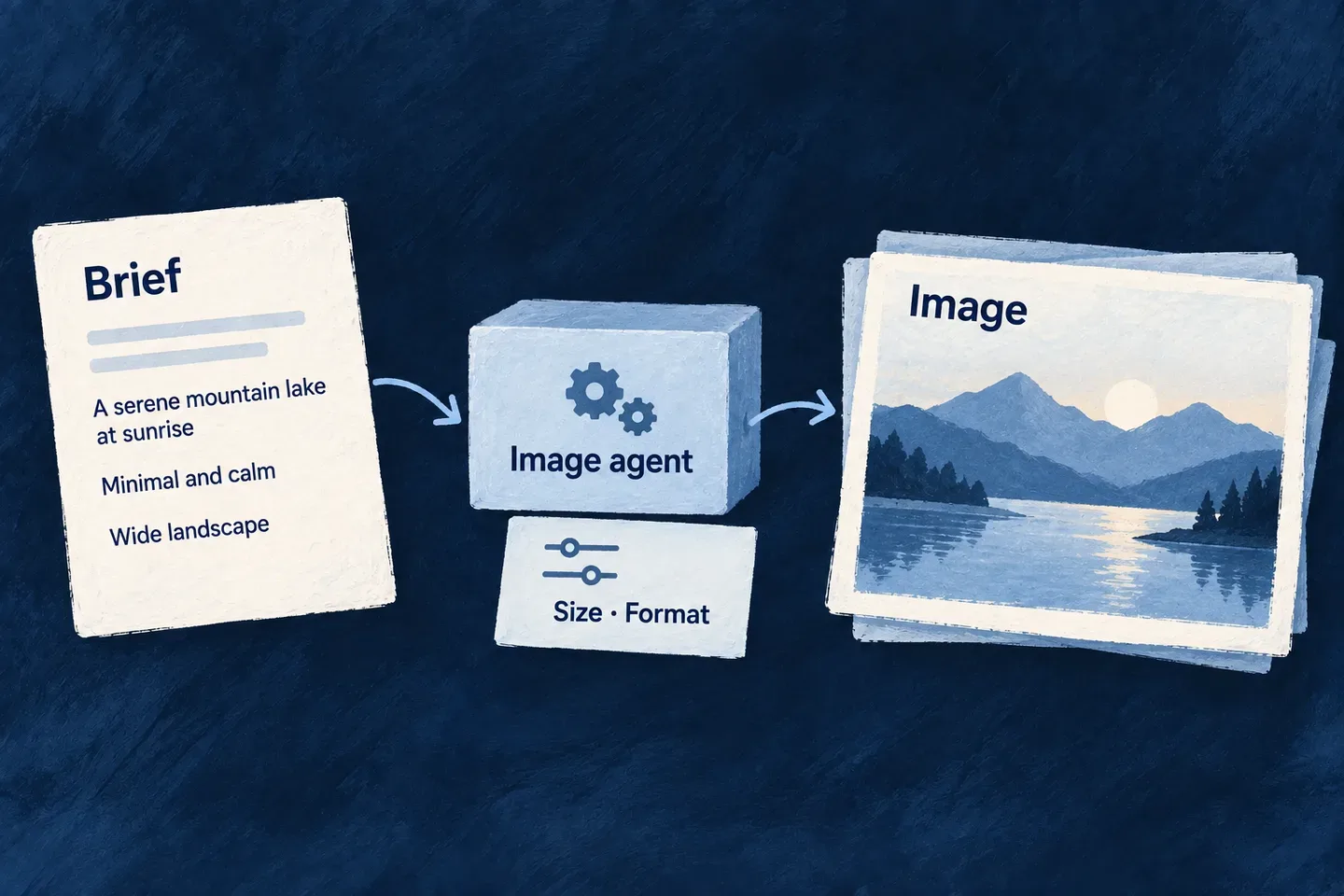
Image generation is an operation with its own controls: dimensions, quality, background and output format. Wildo routes it through an image-capable provider instead of treating an image as an unusual text response.
Your application supplies the visual brief and decides how the resulting asset is used. The same execution machinery can serve a branding workflow or another image-producing feature.
Example — Create an application logo
The development companion uses an image agent to produce a logo from a visual brief. Its configuration requests a square PNG with a transparent background. Those are the logo workflow’s choices. The illustration shows another possible output; this example follows the companion’s logo workflow.
For engineers
This is the companion’s actual logo-agent definition. It separates image settings from language-model sampling and declares image output explicitly. Register the agent in its owning runtime and enable an image provider there before invoking it.
export const LOGO_GENERATION_AGENT_REF = 'brand.logo.generation.agent';
export function buildLogoGenerationAgent(): FlowsActors_Agent {
  return {
    ref: LOGO_GENERATION_AGENT_REF,
    displayName: 'Logo Generation Agent',
    status: FlowsActors_Agent_Status.ACTIVE,
    outputModality: FlowsActors_IO_PartKind.IMAGE,
    inputModalities: [FlowsActors_IO_PartKind.TEXT],
    config: {
      providerRef: 'openai',
      model: ImageProvider_Model.OPEN_AI_GPT_IMAGE_1_5,
      operationKey: ImageProvider_OperationKey.GENERATE_IMAGE,
      size: ImageProvider_Size.SQUARE_1024,
      quality: ImageProvider_Quality.HIGH,
      background: ImageProvider_Background.TRANSPARENT,
      outputFormat: ImageProvider_OutputFormat.PNG,
      n: 1,
      accessControl: [{
        primaryScope: ResourcePrimaryScope.APPLICATION,
        requiresApproval: false,
      }],
      riskLevel: ResourceOperationRiskLevel.LOW,
    },
    operationDefinition: {
      operationKey: ImageProvider_OperationKey.GENERATE_IMAGE,
      providerRef: 'openai',
      inputSchema: ImageProvider_GenerateImageInputSchema,
      outputSchema: ImageProvider_GenerateImageOutputSchema,
      operationContextSchema: ImageProvider_OperationContext_BaseSchema,
    } satisfies ImageProvider_OperationDefinitionBase,
    promptSpec: {
      role: 'You are a brand identity designer generating a single application logo. You receive a '
        + 'fully-assembled visual brief (brand name, mark direction, visual tone, symbolism) and render '
        + 'exactly one clean, production-ready logo mark that honours it.',
      skillType: FlowsActors_Agent_Skill_Type.GENERATION,
      instructions: [],
    },
    createdAt: '2026-07-11T00:00:00.000Z',
  };
}
The executor validates provider enablement, credentials and the image runtime binding, then runs the provider call through its limiter. Output contains images, each with base64 and mediaType; persistence and publication are separate application decisions. The current executor generates from the text prompt. It does not pass reference images to the provider, so this execution path does not support reference-image editing.
Supply a brief and consume the image
This selected companion call runs the registered logo agent. render.prompt is the visual brief already assembled by the workflow; traceContext identifies this run for observation. The invocation uses the image schemas imported alongside the declaration.
const invocation: FlowsActors_Agent_Invocation<
  typeof ImageProvider_GenerateImageInputSchema,
  typeof ImageProvider_GenerateImageOutputSchema,
  typeof ImageProvider_OperationContext_BaseSchema
> = {
  agentRef: LOGO_GENERATION_AGENT_REF,
  initiator: {},
  invocationContext: [],
  input: { prompt: render.prompt },
  output: { images: [] },
  executionContext: { callTimestamp: new Date().toISOString() },
  artifactBindings: [],
};

const result = await this.agentsService.invokeAgent(invocation, traceContext);
const output = result.output as ImageProvider_GenerateImageOutput;
const masterImage = output?.images?.[0];
The workflow checks that masterImage.base64 is nonempty before decoding and processing it. Its logo-specific cleanup, asset staging and derived icons happen afterward. Keep those application decisions separate from generation: another image feature may store the returned bytes through its own file resource instead.