
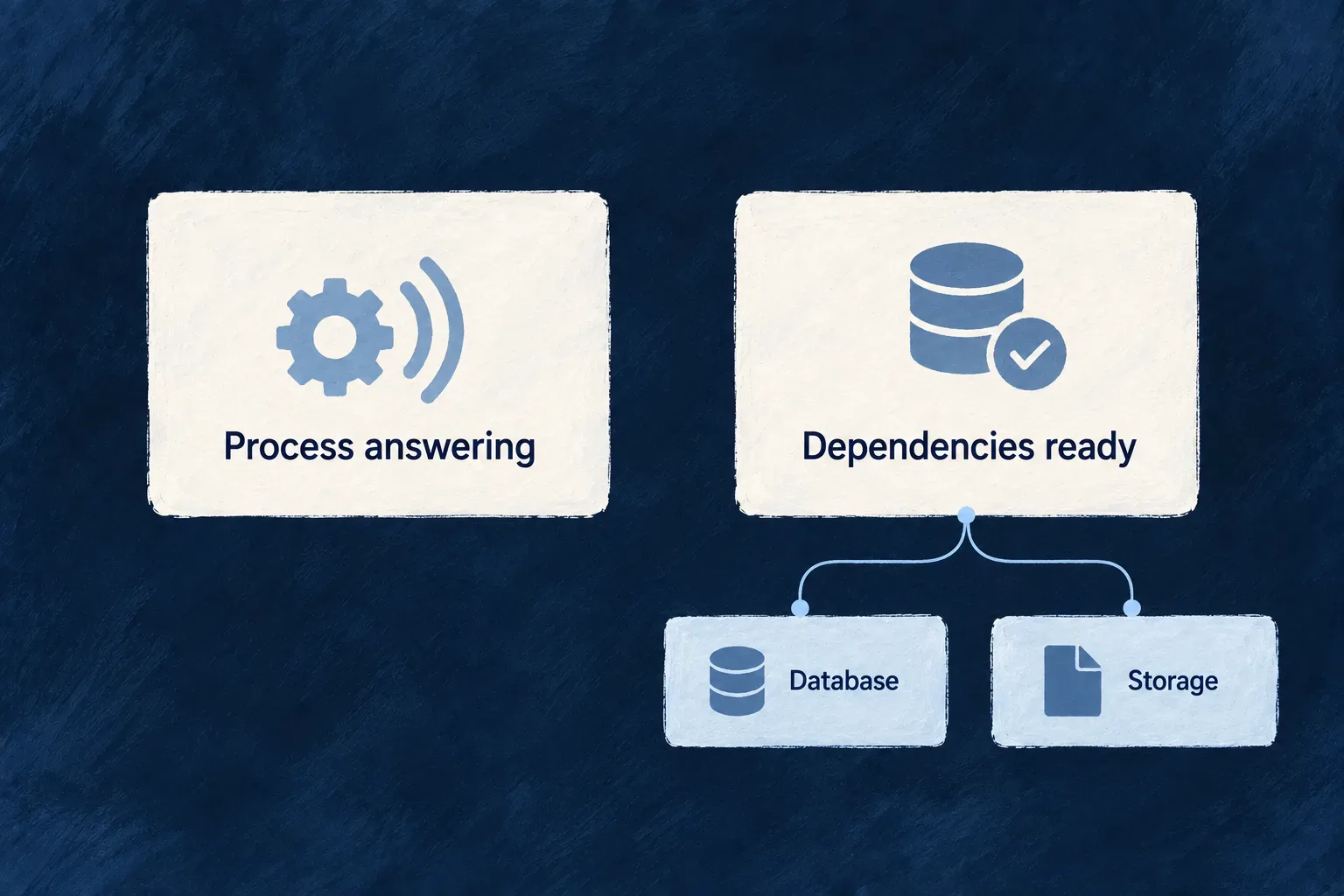
Know whether a process is ready to serve
A process can answer requests while a service it relies on is unavailable. Wildo separates liveness from readiness so a deployment can distinguish those situations.
Readiness evaluates configuration and its registered dependency checks with individual deadlines. Its response identifies unhealthy components; diagnostic logs hold the detailed cause. Your deployment decides how to use that signal to route traffic or investigate a failure.
Example — Keep an unavailable dependency visible
A backend answers its liveness probe, but file storage is unavailable. Readiness returns an unsuccessful status with the failing component named. The operator can investigate storage without treating the backend’s ability to answer as proof that it can do useful work.
For engineers
Read the right endpoint
The engine mounts GET /health and GET /health/ready at the root of the HTTP service. Use readiness for eligibility to receive work, and liveness for the process answering. These are separate deployment inputs, not interchangeable tests.
| Probe | Observation | Response behavior |
|---|---|---|
/health | The HTTP process can answer | Healthy response with uptime and version |
/health/ready | The configured dependency checks pass | HTTP 200 when ready, otherwise 503; includes components and failing |
Follow the actual response contract
This excerpt is from the engine readiness handler; readiness comes from evaluateReadiness(). The response deliberately exposes component names and coarse status, while driver error text stays in logs.
const response: ReadinessResponse = {
  status: readiness.status,
  timestamp: new Date().toISOString(),
  uptime: process.uptime(),
  version: process.env.npm_package_version || '1.0.0',
  components: readiness.components,
  failing: readiness.failing,
};

res.status(readiness.ready ? 200 : 503).json(response);
A probe consumer can therefore distinguish a status failure from an unanswered request and locate the component involved. Read the associated warning for connection details; do not put secrets or raw provider error strings into a public health response.
Inspect a response before changing routing
curl -i http://localhost:4241/health/ready
Use the port of the backend being examined; 4241 is the Wonder Todos backend example. Read the HTTP status together with components and failing. A 503 with a named component is different from a connection refusal or timeout: the former is a completed readiness evaluation, while the latter needs process/network diagnosis.
Choose dependencies by actual runtime need
The evaluation includes initialized application configuration and file storage. MongoDB is conditional on the runtime’s dependency requirements. Redis is not a universal gate because some runtime paths allow an in-memory fallback. Checks run in parallel and each has a five-second deadline.
The built-in list is finite:
| Check | Coverage |
|---|---|
| Application configuration | Initialization state |
| MongoDB | Conditional on the runtime’s MongoDB requirement |
| File storage | Its readiness evaluator, including its configured skip conditions |
| Contributor | Additional checks supplied by the process container |
There is no built-in PostgreSQL readiness probe in this controller. Its startup schema validation is a different event, not continuing connectivity evidence. If PostgreSQL availability should control this host’s traffic eligibility, supply and bind that check through the contributor.
A process-specific dependency can join through HealthReadinessContributorBackendService, injected under SAAS_SERVICE_TYPES.HealthReadinessContributorService. Defining an interface implementation alone does not register it: the process container must bind that contributor. Inspect its actual registration when extending readiness.
A sustained failure is logged again when the failing set changes, or at the throttled interval with suppressed-probe information. Readiness reports a condition; deployment routing, alert policy and repair remain operating decisions.