
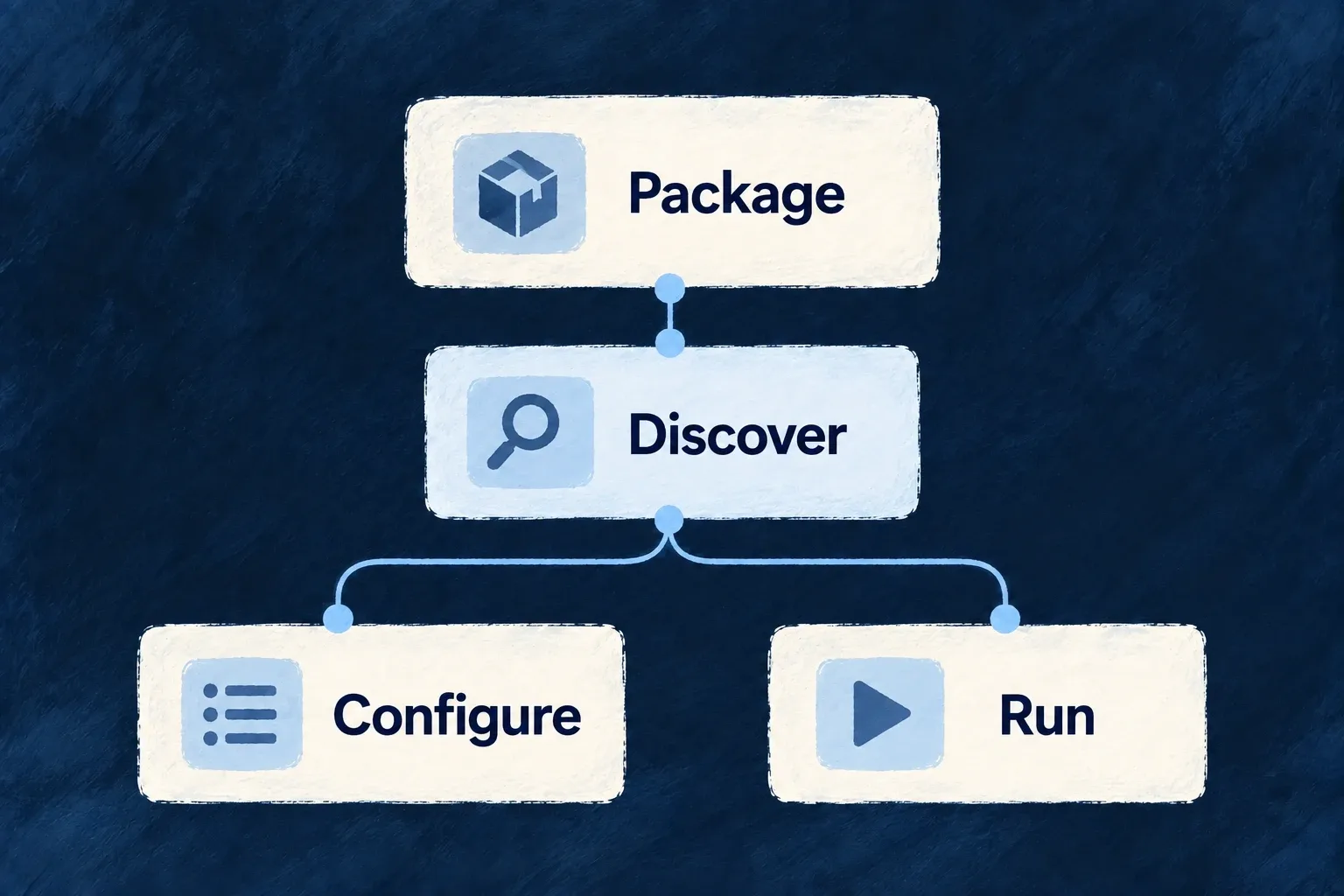
Configure from the providers your application knows
Configuration tooling discovers provider contributions and generates the catalogue used while authoring. The editor can offer provider references, capabilities and protocols from that catalogue instead of asking you to remember their names.
The same discovery feeds provider data and backend runtime artifacts. Add a contribution at its owning package, then synchronize the application to make the new definition available.
Example — A new integration appears in configuration
A team adds a provider package with the expected contribution. After synchronization, its reference becomes available to the application’s typed provider declaration and its runtime reach can be configured.
For engineers
Generate the catalogue, then consume its type
From the SaaS application root, run the configuration workflow:
wildo config sync
The generated .wildo-saas/generated/provider-catalog.types.ts exports WildoDiscoveredProviderCatalog. Wonder Todos imports that type and passes it to defineSaaSProviders. This reduced configuration shows the authoring connection:
import { defineSaaSProviders } from '@wildo-ai/platform-config-lib';
import type { WildoDiscoveredProviderCatalog } from './.wildo-saas/generated/provider-catalog.types';

const providers = defineSaaSProviders<WildoDiscoveredProviderCatalog>({
  scopes: {
    backend: {
      providers: {
        resend: {
          engineCapabilities: [EngineCapability.EMAIL_TRANSACTIONAL],
          providerCapabilities: ['EMAIL_TRANSACTIONAL'],
          protocols: ['EMAIL_PROVIDER'],
        },
      },
      selection: { [EngineCapability.EMAIL_TRANSACTIONAL]: { primary: 'resend' } },
    },
  },
});
This example assumes EngineCapability is imported from @wildo-ai/saas-models and transactional email is enabled in the enclosing SaaS configuration. Place the resulting declaration in that configuration’s providers field. The type import does not pull a provider SDK into the configuration module.
Separate editor checking from runtime validation
defineSaaSProviders<WildoDiscoveredProviderCatalog> checks provider references and each provider’s capability/protocol values against the generated catalogue in TypeScript. That catalogue is a type import: it is erased at runtime. The helper then parses the general provider configuration shape with Zod; it does not repeat the catalogue-specific type check using a hidden runtime catalogue.
Keep both checks: typecheck the authored configuration after synchronization, then verify the runtime has loaded the declared provider and can resolve its access. Valid configuration syntax does not supply credentials or prove that an account may perform an operation.
Make the provider discoverable at its owner
Discovery follows the application’s admitted service, library and provider-package contribution contracts. Built-in engine providers are discovered through their package’s companion export; application scopes choose their runtime reach. An application-owned provider supplies a contribution from its own package, including its module entrypoint and supported runtime targets.
Do not add a row directly to the generated catalogue. It would disappear on the next synchronization and would not create the implementation or runtime contribution it claims to describe.
Verify both authoring and execution artifacts
| Check | Purpose |
|---|---|
| Generated catalogue contains the provider | Discovery found the contribution. |
| Scope names the intended capabilities/protocols | The application explicitly admits the use. |
| Generated backend runtime artifact names its entrypoint | The backend host has an implementation to load. |
| Browser host receives its frontend module map | Browser SDK and component functions reach the bundle; provider JSON cannot carry them. |
| Runtime resolves the provider with its configuration | The application can actually use the declared contribution. |
The catalogue is a generated authoring aid, not evidence that credentials are installed or a vendor request has succeeded. Rerun synchronization after contribution changes and retain the runtime’s validation rather than treating editor completion as deployment proof. Browser code has a separate prerequisite: supply the frontend module map through the host registration path, such as startApplicationService.initializeApplication({ frontendProviderModules, ... }) for the SaaS app. The current synchronization workflow does not generate that frontend code map.