
Create documents from your business data
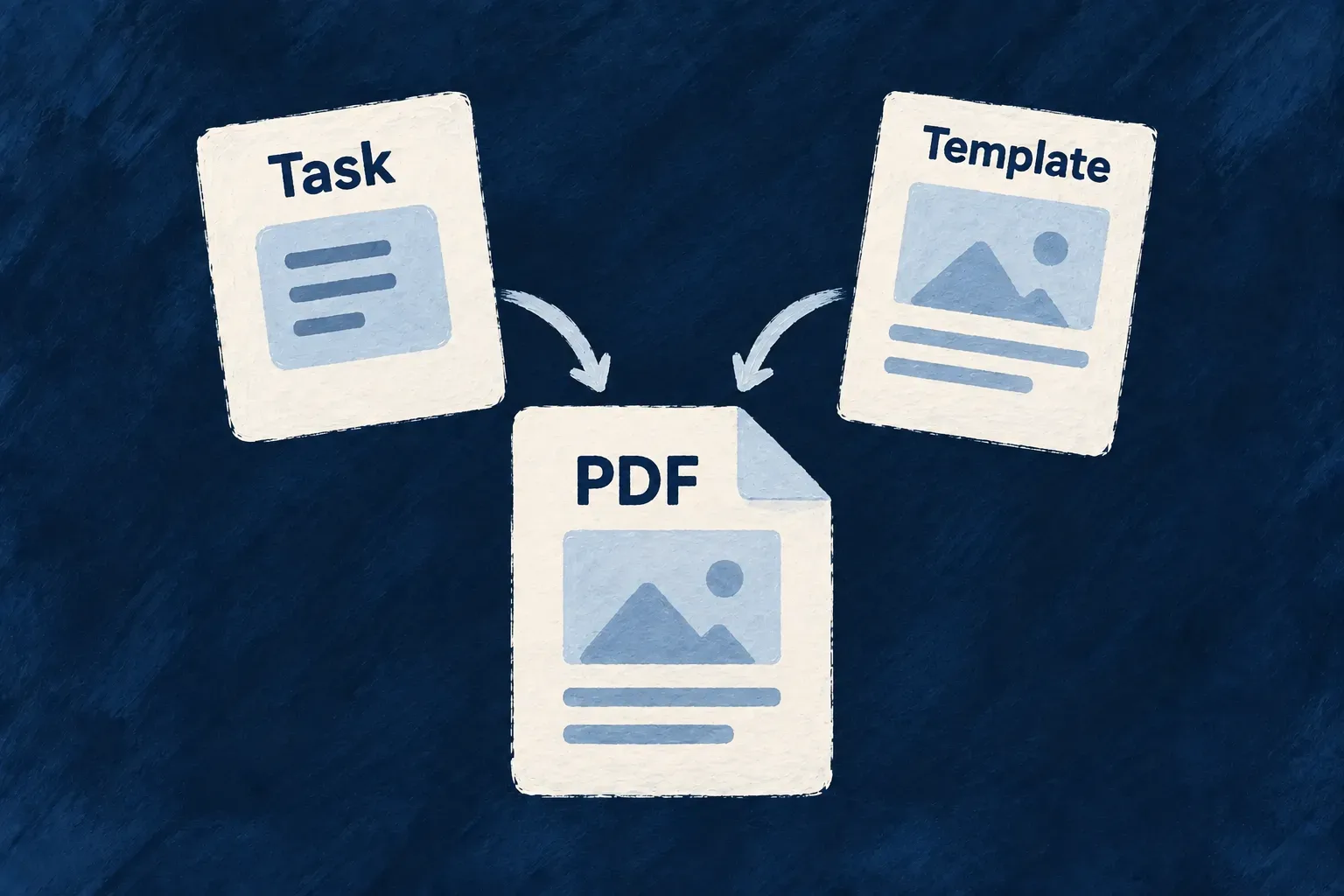
A report, summary or certificate should use the information your application already holds. Connect a resource field to a PDF template, and Wildo renders the document as part of creating the record.
You design the content and layout. Wildo connects the result to the record’s file field, so the document can be opened through the same record-based access rules as other files.
Example — A summary that belongs to its task
A task summary can include its title, status, priority and due date. The PDF stays attached to the task, giving people a document they can read or download without assembling those details by hand.
For engineers
Declare the document as a generated field
Wonder Todos’ todos.schemas.ts names the output and its template. The shared field contains safe metadata; the rendering code stays in the backend.
generatedSummaryPdf: z_file({
  nature: FileNature.PDF,
  generation: {
    source: FileGenerationSource.PDF_TEMPLATE,
    templateId: TODOS_SUMMARY_PDF_TEMPLATE_ID,
  },
}).optional(),
FileGenerationSource.PDF_TEMPLATE makes this an application-generated PDF. Its reference is read-visible and stripped from client write contracts. The frontend presents it as a generated file rather than offering an upload control.
Provide the operation the generated field depends on
The resource must declare a default, non-bulk, URL-bearing UPDATE operation. The factory uses it to derive the field’s regeneration action and its access basis. This is required even when your immediate goal is to render the document during CREATE; a create-only resource does not satisfy that setup.
The field, template, backend binding and UPDATE operation form one declaration. Keep the generated field out of client-written payloads; clients request regeneration through its action instead of assigning a replacement file ID.
Prepare the data before rendering the layout
The backend template implements PdfTemplateDefinition. Its buildContext prepares the data; body returns React-PDF elements. This is the context builder from todo-list-summary.template.tsx:
async buildContext({ currentObject }) {
  return {
    title: currentObject.title,
    status: currentObject.status,
    priority: currentObject.priority,
    description: currentObject.description,
    dueDate: formatDate(currentObject.dueDate),
    generatedAt: new Date().toISOString(),
  };
},
currentObject is the operation-visible parent data. The template explicitly selects the values to print, formats the date and records when it rendered. The same file’s body uses that prepared context alongside localized labels and React-PDF styles. For example, its header reads:
<View style={styles.header}>
  <Text style={styles.eyebrow}>{labels.eyebrow}</Text>
  <Text style={styles.title}>{context.title}</Text>
</View>
Keep data loading in buildContext and rendering in body. The context builder can use the provided readResource facade for related data. At creation, design around the parent payload and available parents; regeneration can work from the persisted record and supported relationships.
Bind the actual template to the resource field
The module’s pdf-template-bindings.ts connects the field to the imported template object:
export const tasksManagerPdfTemplateBindings = definePdfTemplateBindings({
  [TasksManager_ResourceType.TODOS]: {
    generatedSummaryPdf: {
      template: todoListSummaryTemplate,
    },
  },
});
The binding is included in the backend module assembly. Startup checks the resource field, template identifier and binding together, so a mismatch is found before the first document request.
Let resource creation own the resulting file
During CREATE and CREATE_MANY, the engine builds context, renders the PDF and materializes the generated file before persisting the parent reference. A render failure fails that creation; cleanup handles materializations that cannot be attached successfully.
Keep the resource and file metadata on the same persistence adapter so their metadata writes can share the required transaction. The storage bytes are managed through the file writer. Rendering is synchronous, so keep the template’s reads and layout appropriate for a request.
Declare each generated document as a single file field outside arrays and dynamic containers, and describe it in the resource specification. To publish a refreshed document after later edits, use its regeneration action.