
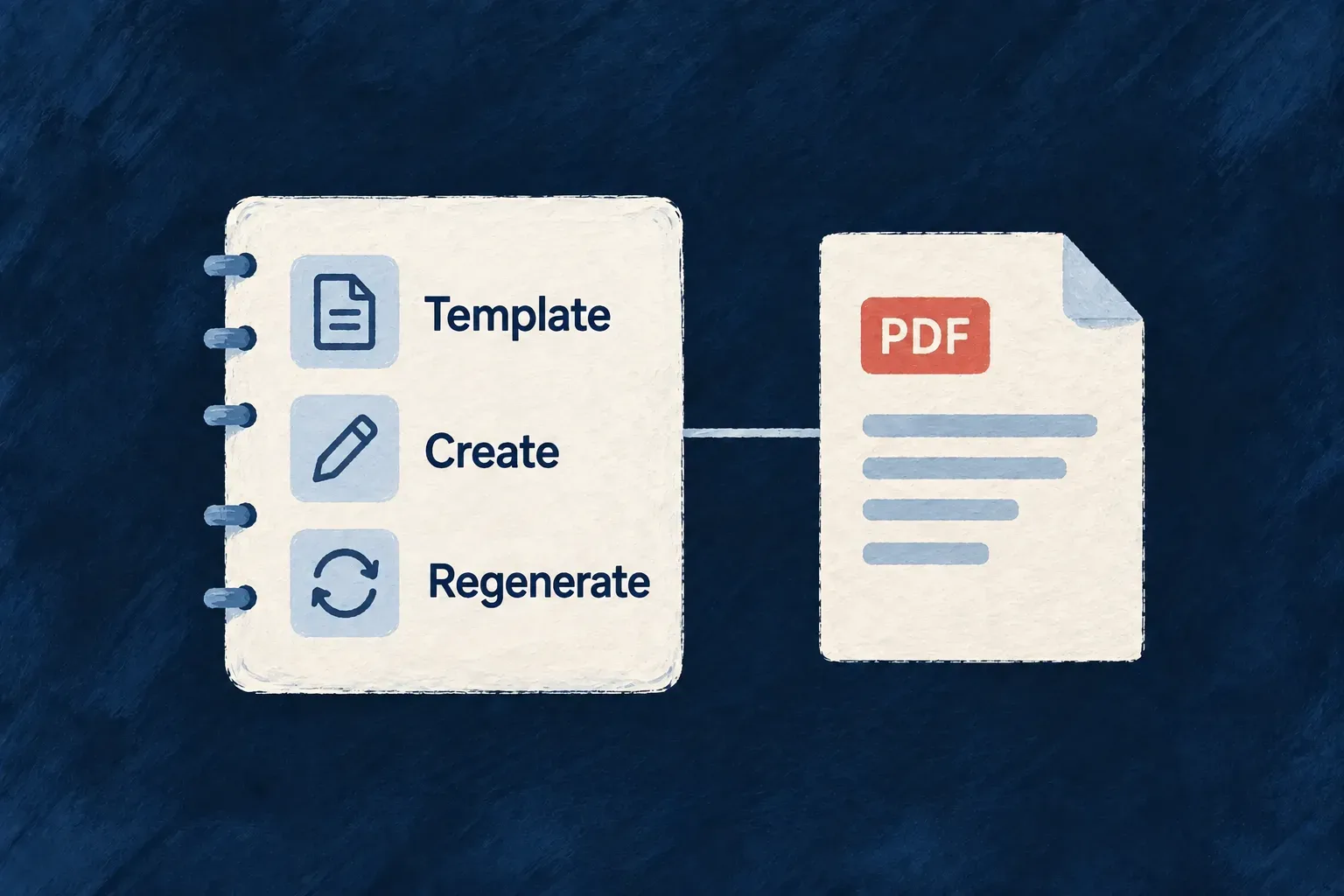
Make each document’s purpose part of the model
A generated document has more meaning than “a PDF file”. People and development tools need to understand what it contains, when it is produced, and whether editing a record changes the document.
Describe that behavior alongside the resource. Wildo checks the document specification against the field and derived operation, keeping the explanation connected to the implementation rather than leaving it in a separate note.
Example — Explain what a task summary represents
The summary is generated when the task is created. Editing the task does not silently replace it; a separate action refreshes it. Recording that distinction helps someone changing the application preserve the intended experience.
For engineers
Describe the same field and template
Wonder Todos’ todos.resource.specification.ts describes the generated summary through pdfTemplates:
pdfTemplates: [
  {
    fieldName: 'generatedSummaryPdf',
    templateId: todoListSummaryPdfTemplateId,
    output: {
      mimeType: 'application/pdf',
      multiple: false,
      readVisible: true,
      writeStripped: true,
      uploadRoute: ResourcePdfTemplateOutputUploadRoute.NONE,
    },
    operations: {
      create: ResourcePdfTemplateCreateBehavior.RENDERS_SYNCHRONOUSLY,
      update: ResourcePdfTemplateUpdateBehavior.DOES_NOT_AUTO_RENDER,
      regenerateOperationIdentifier: 'pdfTemplates:regenerate:generatedSummaryPdf',
    },
    contextAvailability: {
      create: ResourcePdfTemplateContextAvailability.PARENT_PAYLOAD_AND_PARENTS_ONLY,
      regenerate: ResourcePdfTemplateContextAvailability.PERSISTED_RECORD_AND_SUPPORTED_RELATIONSHIPS,
    },
  },
],
fieldName and templateId connect the description to the shared schema. The output is a single readable PDF, stripped from client writes, with no upload route. The operation entries explain synchronous creation, unchanged PDFs on ordinary updates, and the exact regeneration action.
Make the available data explicit
The context declarations distinguish creation from regeneration. A create-time template works from parent payload and available parents. A regeneration template can use the persisted record and supported relationships. That distinction tells an author which information can be relied on at each moment.
The template’s actual layout remains backend code. The specification exposes its contract and purpose without importing React-PDF or backend services into the shared description.
Check the explanation against the implementation
The specification validator finds generated fields in the resource schema, requires matching specification entries, and checks their output and lifecycle values. It also checks the derived regeneration operation and its response contract against the resolved resource configuration. The frontend-configuration constructor requires that configuration when generated document specifications are present.
A missing generated field description or a mismatched template identifier is a validation error. Keep the schema marker, backend binding and specification together when changing a document, and pass the resource configuration when constructing a specification from frontend configuration so runtime operation checks have their source.
For example, a business description could say: “The current task summary gives a reader the task’s title, status, priority, description and due date as a portable PDF. It is created with the task and refreshed explicitly after edits.” This is illustrative wording for the existing summary, not an extra runtime property to add to pdfTemplates.
The description should make clear whether the document is a current view or an issued historical record. A valid template identifier and lifecycle declaration do not verify that the PDF’s words, numbers or layout are correct; those need a rendered-document check.
Describe the field’s business meaning as well as these lifecycle facts. That gives documentation and coding tools both the mechanical contract and the reason the document exists.