
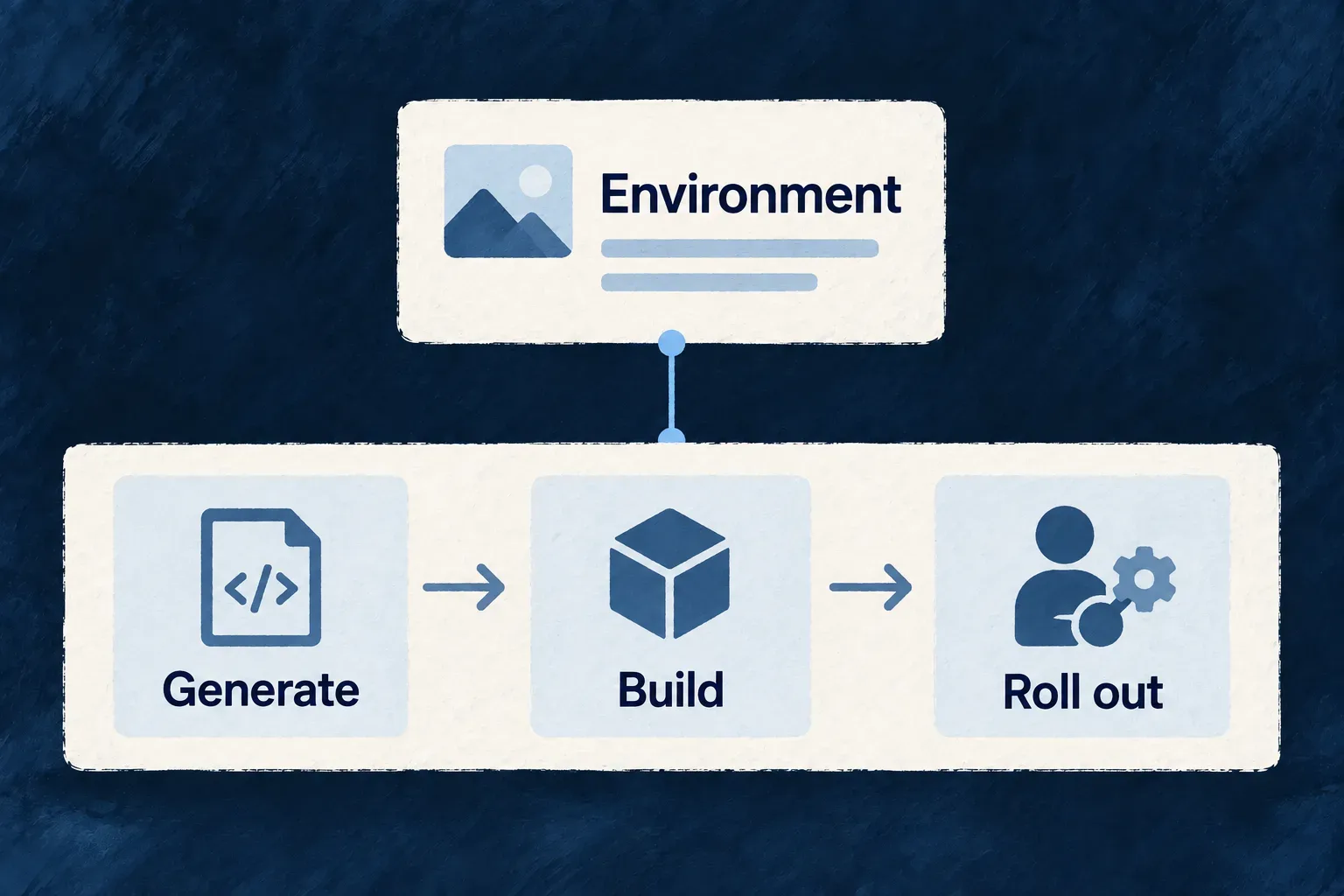
Start deployment workflows from your environment
An environment already names its deployment branch and runtime. Wildo uses those choices and the application’s declared services to prepare a GitHub Actions workflow, keeping its starting point connected to the application it will ship.
The workflow exposes generation, image builds and rollout as readable steps. Operators supply credentials and hosting details, review generated changes and complete remote delivery for Docker Compose.
Example — Add a worker to the release
When an application declares a worker, workflow generation includes that worker’s own image build alongside the services. Review the newly generated workflow against an existing customized one before adopting it.
For engineers
Which declarations drive generation?
This is the deployment block from Wonder Todos’ production infrastructure configuration. Its surrounding environment declaration and imports are omitted:
deployment: {
  branch: 'main',
  runtime: WildoDeploymentRuntime.KUBERNETES,
  namespace: 'wonder-todos-production',
},
CiWorkflowGeneratorService selects the runtime template, resolves the image-tag strategy and derives build targets from declared services, workers and minions. Each target needs its Dockerfile at the configured package path. The example is authored configuration, not evidence that this particular production environment has been deployed.
Generate, inspect and adopt
From an application root, after declaring its environments:
wildo config sync --domain cicd

# Review .github/workflows/deploy-<env>.yml before using it.
# Deliberately replace existing generated workflows only after preserving custom work:
wildo config sync --domain cicd --force
Existing files are preserved by default. --force replaces them; it does not merge operator edits. Re-running generation after changing a service therefore requires deliberate adoption of the new workflow.
| Runtime | Generated procedure | Operator setup |
|---|---|---|
| Kubernetes | Generate artifacts, build and push service images, install ingress/TLS controllers and apply manifests | Registry credentials, cluster credentials, names and reachable infrastructure |
| Docker Compose | Generate deployment inputs, build images and push them when the environment declares a registry endpoint; remote deployment is provided as commented guidance | Registry credentials, remote transfer, target-host apply and verification |
Both templates run npx wildo config sync --ci --env=<environment> --domain config before image builds, because provider artifacts generated into package source must exist before compilation. They then sync each frontend’s Content-Security-Policy for that environment, since an image bakes its policy in at build time. Images are pushed to the environment’s remoteProvider.registryEndpoint — the registry the generated manifests pull from — logging in with REGISTRY_USERNAME and REGISTRY_TOKEN repository secrets, or the workflow’s own GitHub token for GHCR. A Docker Compose environment without an endpoint builds images and says in the workflow that nothing is published. The Kubernetes template later applies .wildo-saas/deploy/<environment>/k8s/.
Generated workflows target GitHub Actions. Secret mappings name variables configuration sync consumes; storing and granting those secrets remains an operator responsibility. A successful workflow generation is a reviewable procedure, not a completed remote rollout.