
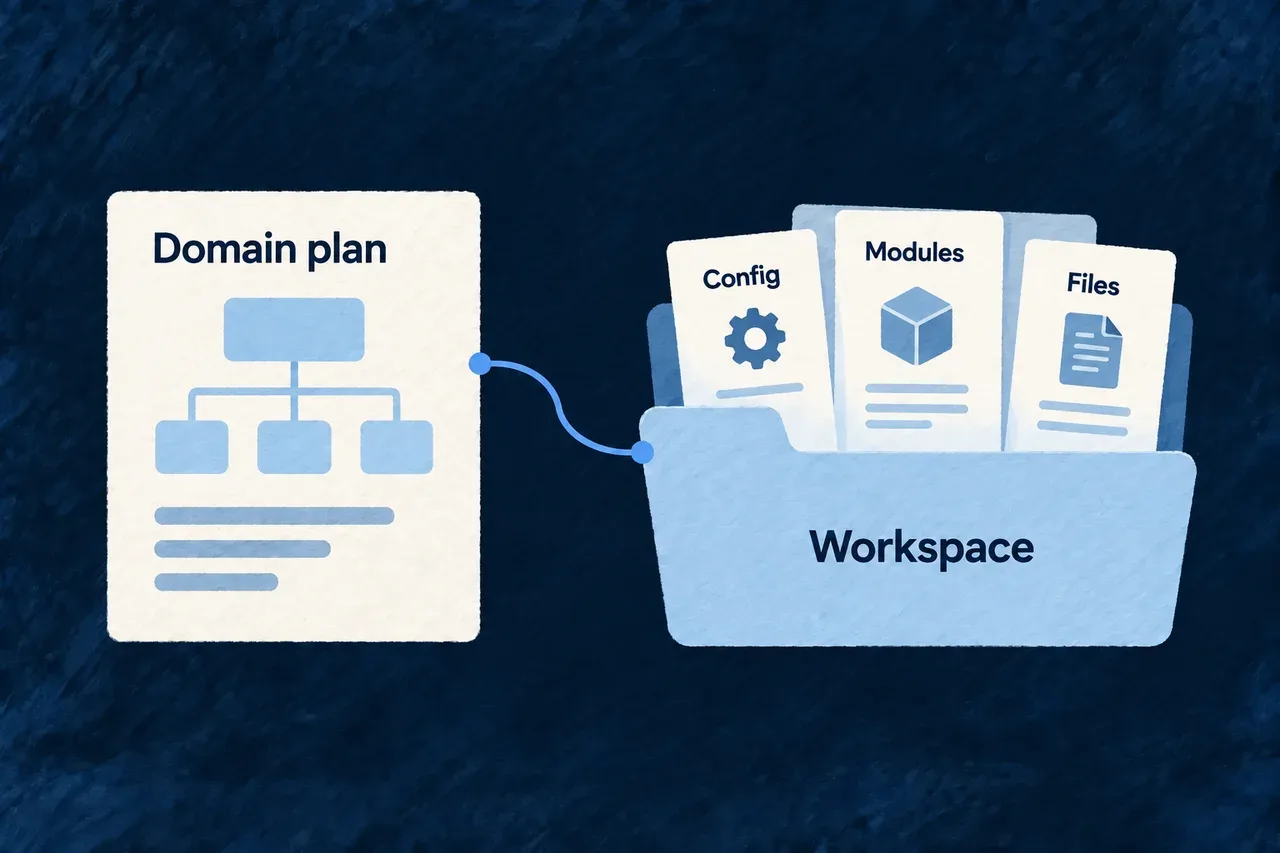
Turn the domain plan into connected project structure
The product’s domain plan describes its business areas and the objects they own. Those decisions should carry into the project structure rather than being interpreted again for each folder.
Wildo derives module and resource composition from that plan. It gives each resource an owner and connects the resulting structure to the application’s tenancy choices.
Example — Share a customer without creating it twice
Sales owns the customer resource; support refers to it. The composition keeps one customer resource under its owning module, while support’s use of that resource remains a relationship to the same business concept.
For engineers
Start from a valid domain plan
The foundation method consumes the product’s domain plan and related context. Its executor derives composition scenarios for modules and resources, applies the tenancy configuration, then applies those scenarios.
| Plan decision | Structural consequence |
|---|---|
| Module identity | Names the module being composed |
| Main resources | Establishes the owning module for each resource |
| Supporting resources | Refers to resources without creating another main owner |
| Tenancy | Supplies the primary application scope |
| Shared package name | Connects generated imports to the actual application package |
A resource with no main owner uses the first supporting owner. Conflicting main owners are rejected before choosing an arbitrary location.
See the ownership check
This selected loop comes from the foundation composition planner. moduleId has already been derived and checked for uniqueness:
for (const resourceName of domainModule.mainResources) {
  const resourceDir = toKebab(resourceName, `resource "${resourceName}" of module "${moduleId}"`);
  const existingOwner = mainOwnerByResourceDir.get(resourceDir);
  if (existingOwner !== undefined && existingOwner !== moduleId) {
    throw new FoundationCompositionPlanError(
      `Resource "${resourceDir}" is a mainResource of BOTH "${existingOwner}" and "${moduleId}" — `
        + "ownership must be unambiguous before composing (a supportingResources entry is how a module references another module's resource).",
    );
  }
  mainOwnerByResourceDir.set(resourceDir, moduleId);
}
The distinction prevents a supporting reference from becoming an accidental duplicate resource. The application still implements the resource fields, actions and user experience on top of the composed structure.
Continue through the application setup
Foundation composition is one part of bootstrap. It does not run the complete initialization, asset installation and local-environment setup sequence by itself. Follow the foundation method and the environment guide for those steps.
Scenarios run sequentially. A later failure does not undo every earlier successful invocation, so inspect the working changes before retrying. A resource preview may also depend on its module first being created. Review the resulting files and registrations, then perform the relevant compilation, migration and runtime checks before accepting the application state.