
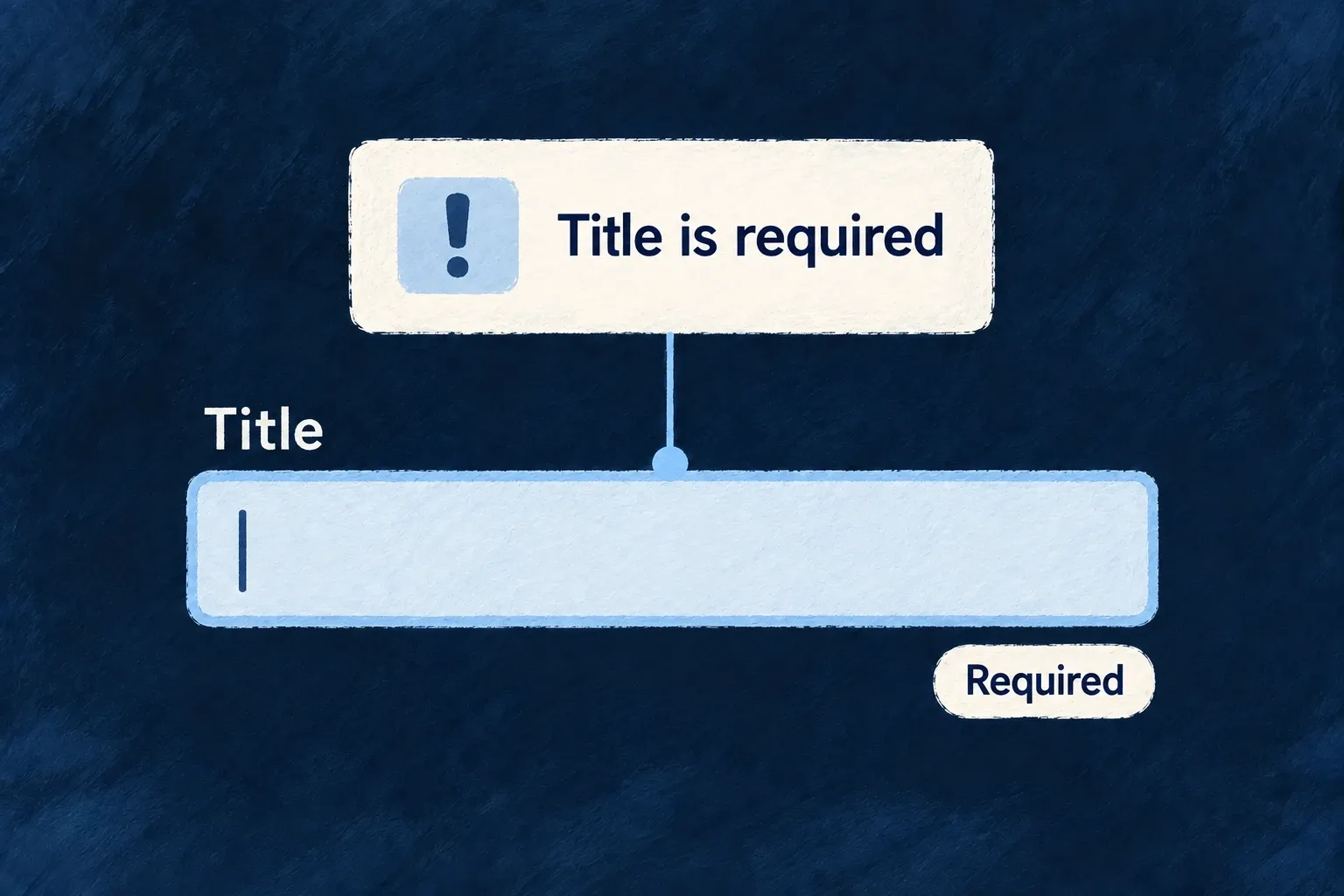
Help people correct the right field
A rejected form should explain what needs fixing and bring the person to it. Wildo combines field feedback with summaries for cross-field and server errors.
When the server identifies a field, its message can appear on that field and clear as the person edits it. The application supplies the business rule and an error that describes it accurately.
Example — Correct the title that was refused
A task submission returns a title validation error. The form brings the title into view, shows the reason and removes that server message when the person changes it.
For engineers
Keep validation at both boundaries
The standard resource form validates the operation’s input schema before submission. The backend remains authoritative and may reject a value that depended on current data, uniqueness or a business rule.
ResourceAutomatedForm extracts structured server validation errors, maps their paths into the form and focuses the first rejected field. Do not flatten a field error into a generic toast before the form sees its path.
Preserve the error lifecycle in custom forms
The framework’s useServerErrorInjection implementation receives the active form methods. This selected runtime fragment shows the injection contract, not application code to copy instead of using the hook:
const injectServerErrors = useCallback((validationErrors: Record<string, string>) => {
  if (formMethodsRef.current) {
    Object.entries(validationErrors).forEach(([fieldName, message]) => {
      formMethodsRef.current!.setError(fieldName, {
        type: SERVER_ERROR_TYPE,
        message,
      });
      serverErrorFieldsRef.current.add(fieldName);
    });
    // Bring the first rejected field into view (audit D4). Injection happens
    // after a submit gesture, so the viewport is typically parked at the
    // submit button while the errored fields sit off-screen. Placing the
    // scroll HERE (the single injection seam) instead of at each catch block
    // keeps every server-validation path — direct submit, RMM mutation
    // result, draft save, publish, auth presets — covered by construction.
    // No-ops when no matching `[data-field]`/`[name]` element exists.
    scrollAndFocusFirstErroredField(Object.keys(validationErrors));
  }
}, [formMethodsRef]);
Call initAutoClearing when a custom form becomes ready, clearServerErrors before a new submission, and injectServerErrors with the extracted field-message map after a rejection. Auto-clearing watches edits to those paths; it does not remove unrelated client validation errors.
Put the summary where the layout needs it
FormErrorSummarySlot places the summary in a template. Generated layouts include it by default. The summary normally gathers cross-field and server errors; the surface policy can promote ordinary field errors to the top as well. In a wizard, field and server entries can be restricted to the current step, while cross-field errors remain visible.
For custom templates, retain the field wrappers and their field/name attributes so focus resolution can find the rejected input. Uniqueness prechecks can improve feedback, but a successful precheck is not a reservation: server validation still decides the final write.