
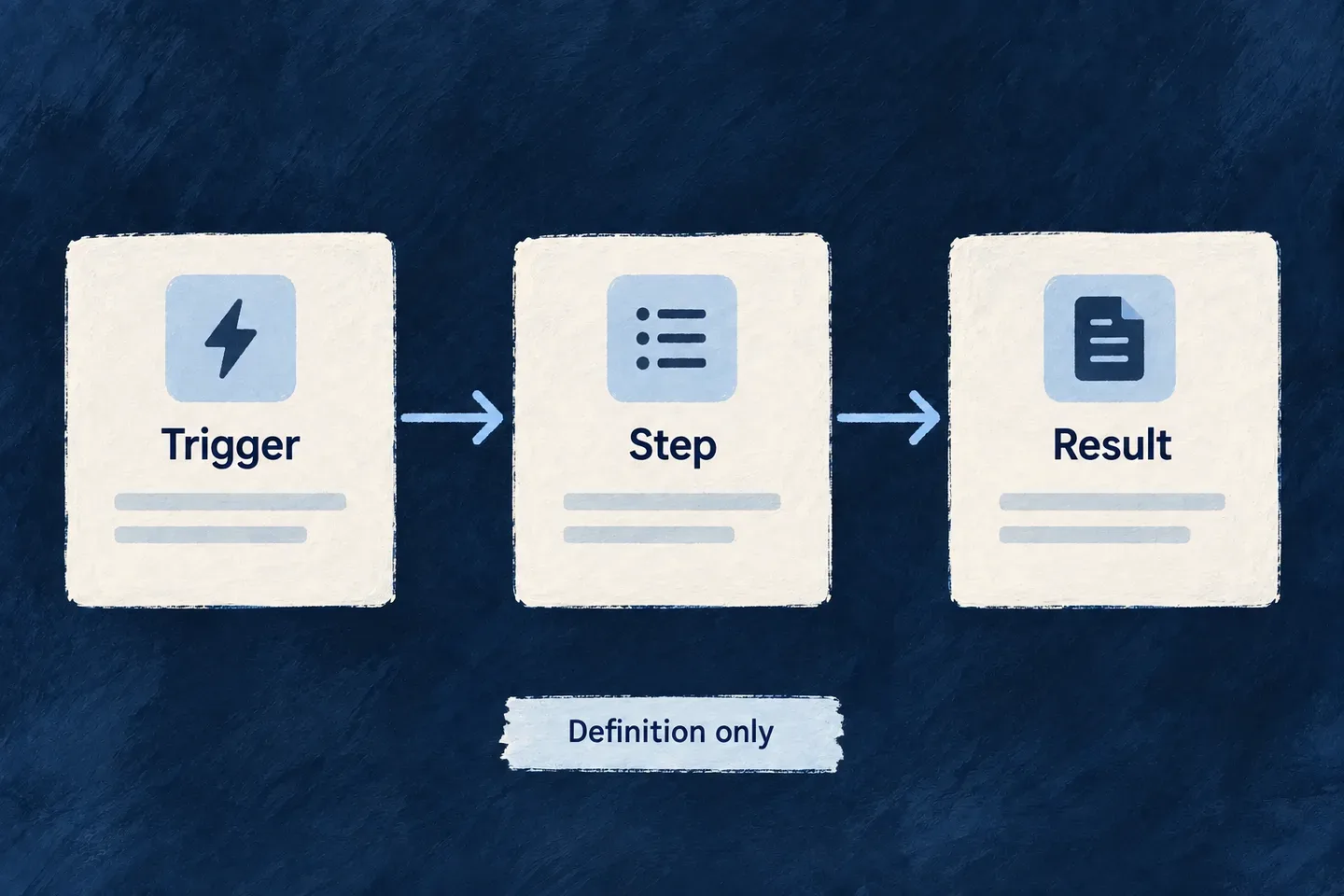
Describe a flow as connected steps
A flow describes a sequence through triggers, steps and connections. It is a separate model from an assistant that chooses tools during a conversation.
Use the distinction to explain the intended behavior: a conversation responds to a person; a flow follows an authored path through work, and the engine walks it step by step. Conversational execution belongs to actor systems.
Example — Distinguish a discussion from a process
“Help me update this record” is a conversational request to an assistant. “When this event occurs, run these steps in this order” describes a flow. Similar diagrams do not make their execution contracts interchangeable.
For engineers
FlowActorSystem separates ActorSystem and FlowSystem using kind. An actor system contains actors; a flow system contains its graph. Do not parse either through the shared base shape and assume the kind-specific fields are retained.
function describeSystem(system: FlowActorSystem) {
  if (system.kind === FlowActorSystem_Kind.ACTOR) {
    return {
      ref: system.ref,
      actorCount: system.actors.length,
    };
  }
  return { ref: system.ref, kind: system.kind };
}
This is a type-narrowing example, not a flow runner. The shared union is currently type-only because the flow trigger and step unions do not have a complete runtime validation schema; a registered flow is checked at startup instead.
Keep modeling and execution distinct
| Contract | Current meaning |
|---|---|
| Actor system with agentic actor | The conversational runtime can resolve and invoke its agent. |
| Flow system | An authored step graph the flow service runs, started by the application’s code on a person’s behalf. |
| Kind-agnostic frontend projection | A way to represent nodes and edges; a run’s recorded node states say which steps ran. |
| Flow run | Recorded on the actor-plane rows: running, waiting on a person, completed, or failed on a named step. |
Start a run with FlowsBackendService.startFlow, handing it the request’s own execution context. A step that fails ends the run as failed and nothing after it runs. For an in-app assistant, declare an actor system and use the conversational path described alongside this capability.