
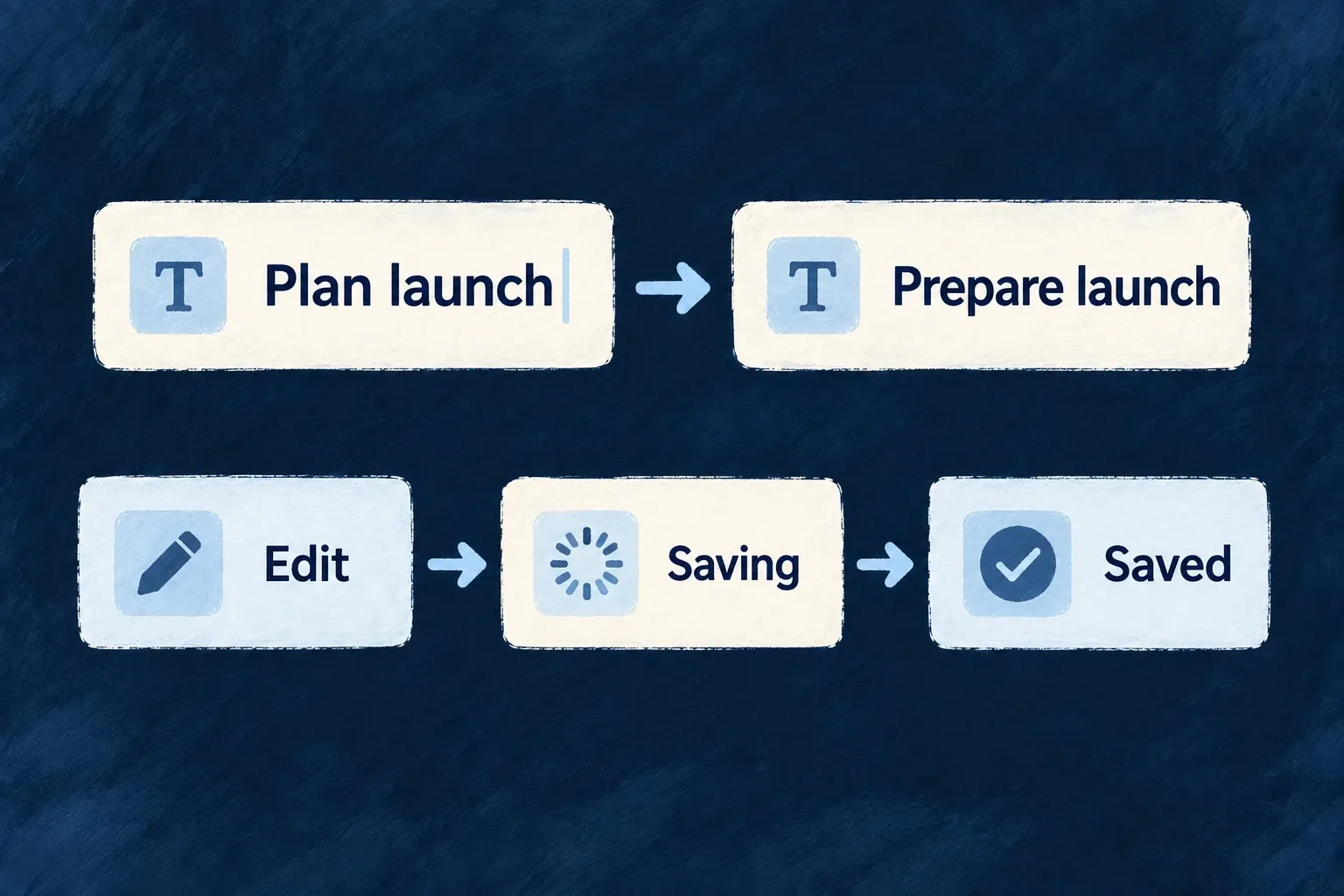
Save small edits as people work
A small correction need not require a separate edit-and-submit journey. Selected fields can save as people change them, with a visible saving, saved or failed state.
Choose where that behavior helps. Standard update forms can opt individual fields into autosave; inline editing also has dedicated support for single values and array items.
Example — Tick a checklist without submitting a form
A task’s checklist saves a tick or label edit in place. The person stays on the detail screen and can see whether the change was saved.
For engineers
Opt in at the right surface
On an update-like ResourceAutomatedForm, a field declaring edit.autosave: true or an enabled autosave configuration activates the provider. Undeclared fields keep autosave off in this derived mode. Create forms do not derive autosave: there is no existing record to patch yet.
For example, adapt an existing resource UI behavior’s fields and edit layout together. This is illustrative configuration for the existing todo title and description, not a change already installed in Wonder Todos:
fields: {
  title: sh.title.stringUI({
    edit: {
      autosave: { enabled: true, trigger: AutosaveTrigger.BLUR },
    },
  }),
  description: sh.description.stringUI({
    edit: {
      autosave: { enabled: false },
    },
  }),
},
layout: {
  edit: () => (
    <FormLayout>
      <FormField name="title" />
      <FormField name="description" />
    </FormLayout>
  ),
},
Import AutosaveTrigger from @wildo-ai/zod-decorators. sh is the resourceUIBehavior callback’s schemaShape; the layout components come from @wildo-ai/saas-frontend-lib. Open the resource’s standard UPDATE operation so ResourceAutomatedForm consumes this behavior. With no form-wide override, leaving a valid title triggers its field save; editing description does not initiate autosave. Keep an explicit submission path for fields that do not autosave. This example selects save triggers; it does not promise that a request payload excludes every other form value.
An explicit form-level autosaveConfig takes precedence. The framework’s actual resolution is shown here so the distinction between field opt-in and a form-wide default is visible:
const derivedAutosaveEnabled = useMemo(
  // `effectiveFormOperationType`, not `operationType`: a CUSTOM operation declaring
  // `resourceOperationLike: UPDATE` (a `rotate`, say) edits an existing row and autosaves on the
  // same terms. That variable is the one the rest of the form filters fields by.
  () => autosaveConfig === undefined && deriveAutosaveEnabledFromFields(formFieldShape, effectiveFormOperationType),
  [autosaveConfig, effectiveFormOperationType, formFieldShape],
);

const autosaveProviderConfig: AutosaveConfig = useMemo(() => ({
  enabled: autosaveConfig?.enabled ?? derivedAutosaveEnabled,
  defaultTrigger: autosaveConfig?.defaultTrigger ?? (derivedAutosaveEnabled ? AutosaveTrigger.NONE : AutosaveTrigger.DEBOUNCE),
  debounceMs: autosaveConfig?.debounceMs ?? 500,
  savedStateDurationMs: 2000,
}), [autosaveConfig, derivedAutosaveEnabled]);
The NONE default is significant: enabling one field does not silently make its neighbours save. Per-field triggers choose debounce, blur or no autosave; field validation runs before submission.
Bind custom array controls to the save contract
Wonder Todos declares its checklist inline-editable with arrayUI({ display: { inlineEditable: true }, objectItemLayout: ArrayObjectItemLayout.ROW }). Its custom item template then uses this real helper:
function useChecklistItem(itemPath: string): {
  done: boolean;
  toggleDone: (next: boolean) => void;
  label: string;
  setLabel: (next: string) => void;
} {
  const done = useArrayItemAutosaveField<boolean>(`${itemPath}.done`);
  const label = useArrayItemAutosaveField<string>(`${itemPath}.label`);
  return {
    done: !!done.value,
    toggleDone: (next) => done.setValue(next),
    label: typeof label.value === 'string' ? label.value : '',
    setLabel: (next) => label.setValue(next),
  };
}
useArrayItemAutosaveField updates the form state and signals the array editor to save the whole array. A raw React Hook Form controller alone does not perform that second step. The helper also works inside an ordinary edit form, where the surrounding submission persists the values.
Understand the write path
Scalar inline editing saves on its commit/blur path through the mutation manager. The inline array host mounts AutosaveProvider; generated update forms can now mount it from the field opt-in above. These are related surfaces, not one universal on-change handler.
The resource mutation manager orders updates and reconciles confirmed values. Network failures, rejected validation, conflicts and deleted records produce different outcomes. Custom controls should retain the provided save status and retry affordances rather than treating a local value change as proof of persistence.