
Explain what is available to each customer
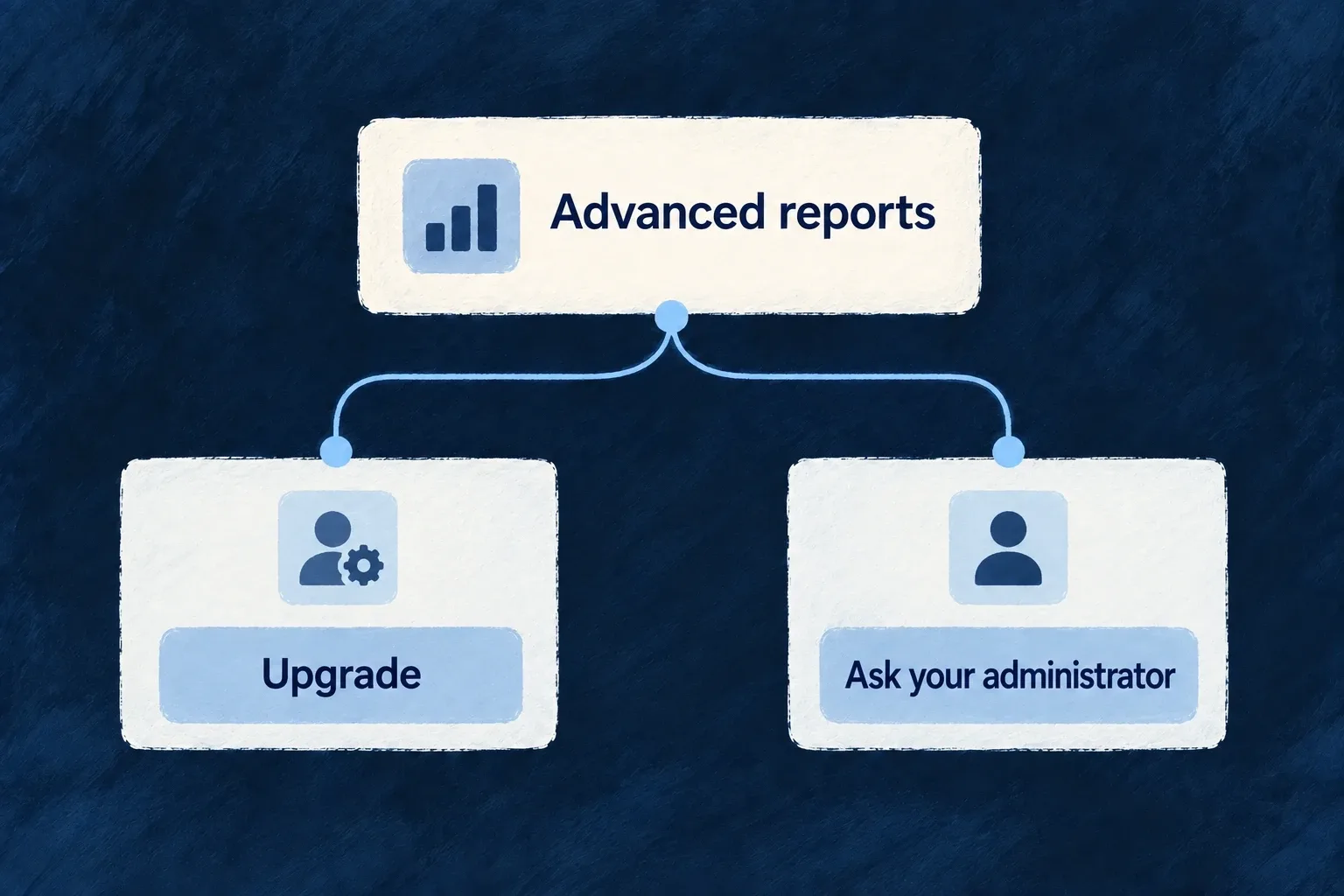
An unavailable feature should not leave the person guessing. Wildo can adapt its presentation to the reason and the person’s role: offer an upgrade, explain a limit, ask an administrator or hide the surface.
Declare the availability policy once and connect it to the relevant operation or view. Backend enforcement remains separate from what the interface displays.
Example — Offer the right next step for reports
An administrator can see an upgrade action for advanced reports. A regular member can instead be directed to an administrator, without being offered a billing action they cannot complete.
For engineers
Define availability and the response to its absence
Wonder Todos defines product features in its shared configuration. This selected declaration gives advanced reports a default upgrade prompt and a member-specific response:
defineFeature(ApplicationFeature.ADVANCED_REPORTS, {
  scope: ResourcePrimaryScope.ORGANIZATIONS,
  unavailability: {
    behavior: FeatureUnavailabilityBehavior.UPGRADE_PROMPT,
    byRole: { [CORE_ORG_ROLES.ORG_MEMBER]: FeatureUnavailabilityBehavior.CONTACT_ADMIN },
  },
}),
The feature registry and the current scope’s grants determine availability. The policy determines how unavailability is presented. Product plans or non-billing feature profiles supply grants; the policy alone does not enable a feature.
Apply it at the surface that owns access
For an authored component, FeatureGate accepts a featureId and children. Its implementation renders those children when available, renders nothing for HIDE, otherwise delegates to a custom renderer or the policy-driven prompt. Use renderUnavailable only when the product needs a distinct presentation of the same availability result.
This complete illustrative component consumes the same ApplicationFeature.ADVANCED_REPORTS used by the Professional grant and protected READ variant. Place it in the normal application provider tree; its parent supplies the report content:
import type { ReactNode } from 'react';
import { FeatureGate } from '@wildo-ai/saas-frontend-lib';
import { ApplicationFeature } from '@wonder-todos/shared-lib';

export function ReportsAccess({ children }: { children: ReactNode }) {
  return (
    <FeatureGate featureId={ApplicationFeature.ADVANCED_REPORTS}>
      {children}
    </FeatureGate>
  );
}
When the effective grant is available, the report content renders. Once an unavailable result is resolved, the existing policy can offer an upgrade to an administrator or direct a member to their administrator. A HIDE policy renders nothing, including when a custom unavailable renderer exists.
The frontend treats unresolved/loading feature state optimistically to avoid flashing a lock. It must not be used to keep confidential data out of a response: the protected backend READ remains the authority. Keep data fetching on that authorized path even when the wrapper is already visible.
Resource operation variants and registered views can declare requiredFeatures. The route guard checks those requirements when the route is opened directly; action resolution applies the relevant policy to operation affordances. A manually hidden navigation item is not a replacement for either check.
Separate entitlement, permissions and installed capability
| Question | Owning decision |
|---|---|
| Does this customer have the feature or remaining allowance? | Feature grants and usage limits |
| What should the person see when it is unavailable? | Unavailability policy, including role/reason overrides |
| May this person perform the operation on this record? | Backend authorization and resource scope |
| Is the mechanism configured in this application? | Runtime capability/configuration |
Test a direct route as well as its launcher. Also test billing-disabled and non-administrator cases: an upgrade prompt without a usable action is not helpful guidance.