
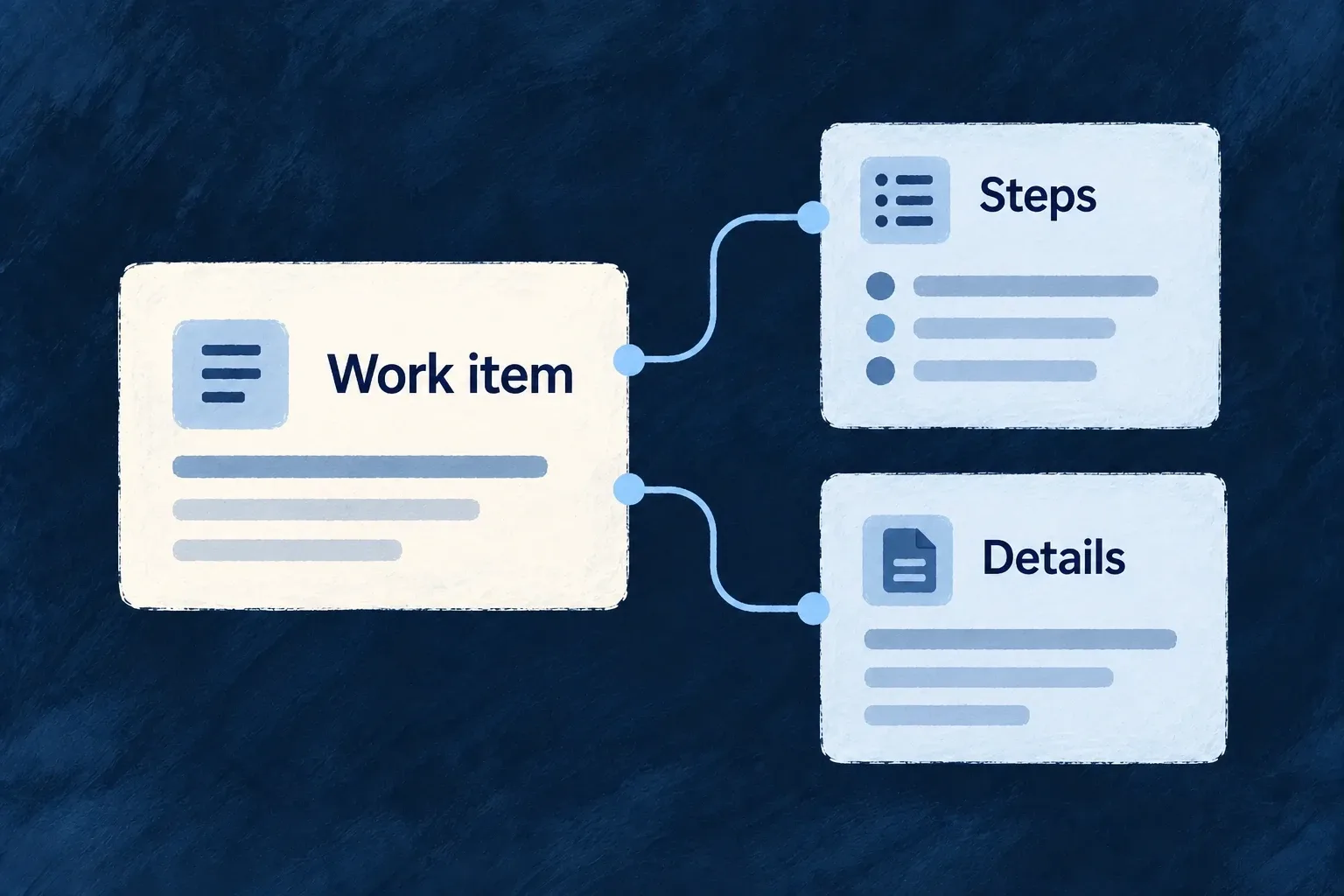
Keep complex work in one workspace
A complex interaction can involve a main record, related records and temporary working state. An execution view gives that interaction a host with a clear anchor.
The application builds the workflow interface. Wildo supplies the context and navigation mechanisms for opening related operations locally or handing them to the application router.
Example — Inspect related work while keeping the task open
A task workspace opens the parent todo’s read surface inside itself. The person can inspect that context and return to the workspace without replacing it with an unrelated page.
For engineers
Declare what the workspace is anchored to
A resource-owned execution view lives in executionViews, uses a stable view reference and points its anchor to a declared parent or additional resource requirement. participations can name the anchor and related records resolved from it. An anchor is a named binding, not whichever resource happens to appear first in an array.
Register the frontend resource behavior, give the view its matching specification/labels and choose its launch placement. The resource’s actual operation and relationship registrations still determine what can be opened.
Open an existing operation inside the execution host
This selected callback from Wonder Todos’ TaskExecutionView runs inside a component using useExecution(). parentTodoId comes from the resolved anchor:
const embedAnchoredTodoRead = useCallback(() => {
  if (!parentTodoId) {
    return;
  }

  execution.actions.operation({
    resourceType: TasksManager_ResourceType.TODOS,
    resourceId: parentTodoId,
    operationLike: CoreResourceOperation.READ,
    navigationInitiator: {
      sourceOperation: CoreResourceOperation.READ,
      sourceRelationship: {
        parentResourceType: TasksManager_ResourceType.TODOS,
        childResourceType: TasksManager_ResourceType.TASKS,
        foreignKeyField: TasksManager_ResourceFieldIdentifier[TasksManager_ResourceType.TODOS],
      },
    },
  }).embed();
}, [execution.actions, parentTodoId]);
The navigation initiator preserves the task-to-todo relationship. .embed() places the resource operation inside the execution shell; the router-delegated path opens it through the application’s navigation instead. Both retain the operation context rather than fabricating a parallel data API.
Keep local state distinct from durable work
The host also exposes local-pane and embedded-content state. Opening another embed replaces the current embedded-content slot; this is not an arbitrary collection of independent React windows. The supported embedded target is a resource operation.
Dirty markers let participating work report unsaved changes to the execution navigation policy. The application still decides what each step does and which backend operation persists it. An execution view is a frontend workspace contract, not an automatic durable workflow engine or a transaction spanning every step.