
Make every email part of your product
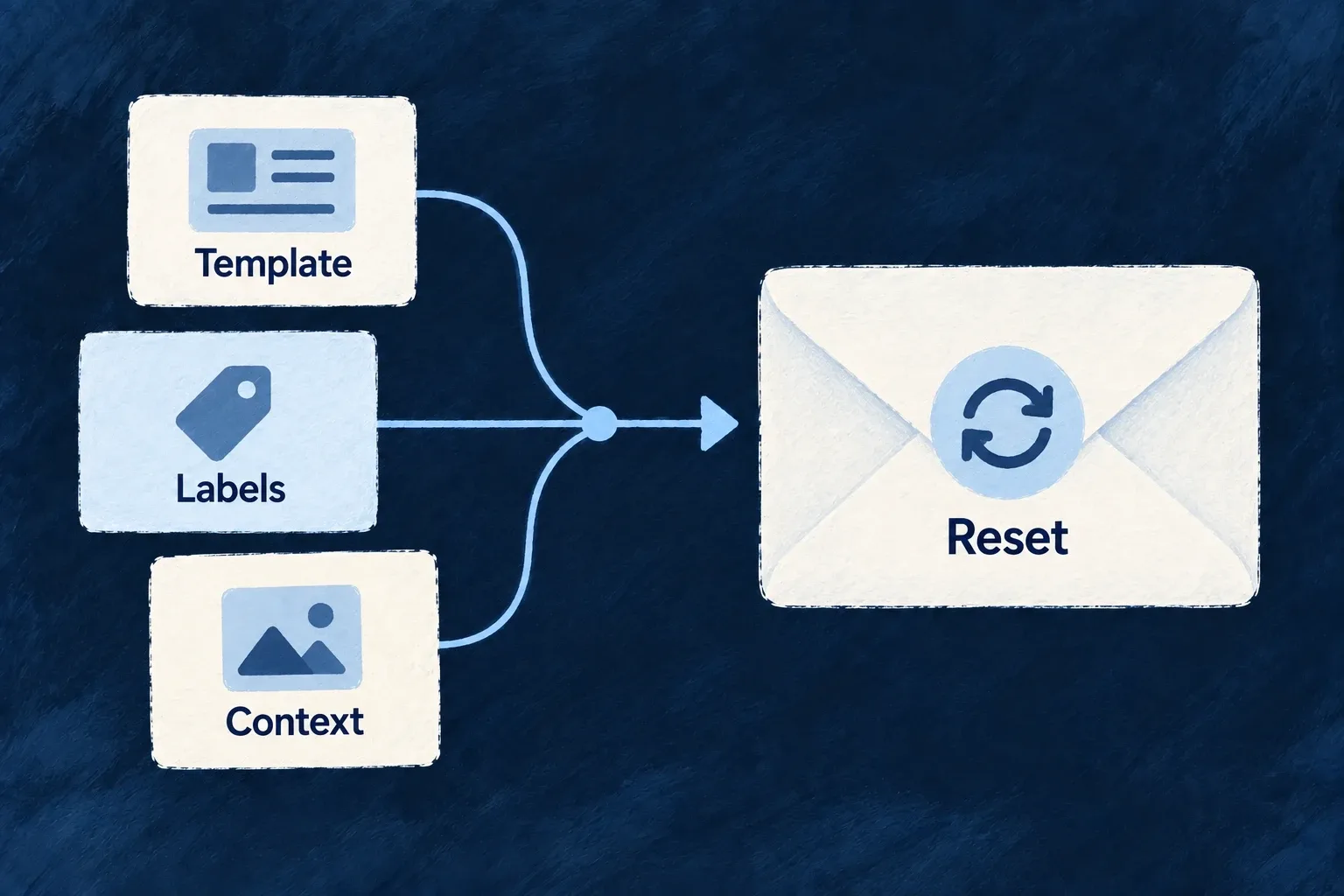
Write email layouts and behavior in React alongside the application. Templates receive typed labels, brand values and message context, so account and business emails can share the same design without duplicating their content.
Template files are reviewed and versioned with your code.
Example — Give a reset email a clear next step
A password-reset template reads its link and expiry from context and renders the button using localized labels.
For engineers
Author a definition, then register it
A template directory contains template.tsx and locale label modules such as labels.en.ts. The template default-exports EmailTemplateDefinition<Labels>, with a subject function and a body function. Wonder Todos’ password-reset template starts with:
Selected from template.tsx; surrounding module configuration is omitted.
import * as React from 'react';
import type { EmailTemplateDefinition } from '@wildo-ai/saas-backend-lib';
import { EmailLayout, HeadingText, BodyText, PrimaryButton, AlertBox, Divider } from '~backend-api/engine/email/components'
import type { PasswordResetLabels } from './labels.en';

const template: EmailTemplateDefinition<PasswordResetLabels> = {
  subject: ({ context, labels }) =>
    `${labels.subject} — ${context.objectContext.primaryScopeContext.appName}`,

  body: ({ context, brand, labels }) => {
    const appName = context.objectContext.primaryScopeContext.appName;
    const { resetUrl, expiresInMinutes } = context.additionalContext as {
      resetUrl: string;
      expiresInMinutes: number;
    };

    return (
      <EmailLayout brand={brand} appName={appName} logoUrl={context.objectContext?.primaryScopeContext?.logoUrl} previewText={labels.subject}>
        <HeadingText brand={brand}>{labels.heading}</HeadingText>
        <BodyText brand={brand}>
          {labels.body.replace('{appName}', appName)}
        </BodyText>
        <PrimaryButton href={resetUrl} brand={brand}>
          {labels.button}
        </PrimaryButton>
        <BodyText brand={brand} muted style={{ marginTop: '24px' }}>
          {labels.expiry.replace('{expiresInMinutes}', String(expiresInMinutes))}
        </BodyText>
        <Divider brand={brand} />
        <AlertBox variant="info" brand={brand}>
          <BodyText brand={brand} muted style={{ margin: 0, fontSize: '14px' }}>
            {labels.safetyTitle}
          </BodyText>
        </AlertBox>
      </EmailLayout>
    );
  },

  description: 'Password reset email with secure reset link, expiry notice, and safety disclaimer.',
};

export default template;
The application scanner loads compiled template modules and produces emailTemplateDefinitions; its owning backend module contributes that map to the initialization registry at startup. System directories become system.<name> references; resource directories become email.<resource>.<operation>.<target> references. Match the exact runtime reference, including a variant or custom notification suffix when used.
Keep rendering independent from the browser
Use email-safe React components and the supplied context. Do not import SPA state, hooks or application screens. Keep visible wording in label modules; the same layout then renders with the selected locale. Shared header and footer components are ordinary template imports, not database-managed templates.
The scanner reads compiled output. After authoring, use the normal application development pipeline and verify the resolved template in the companion. A source file that has not reached the scanned output is not yet available to the running sender.