
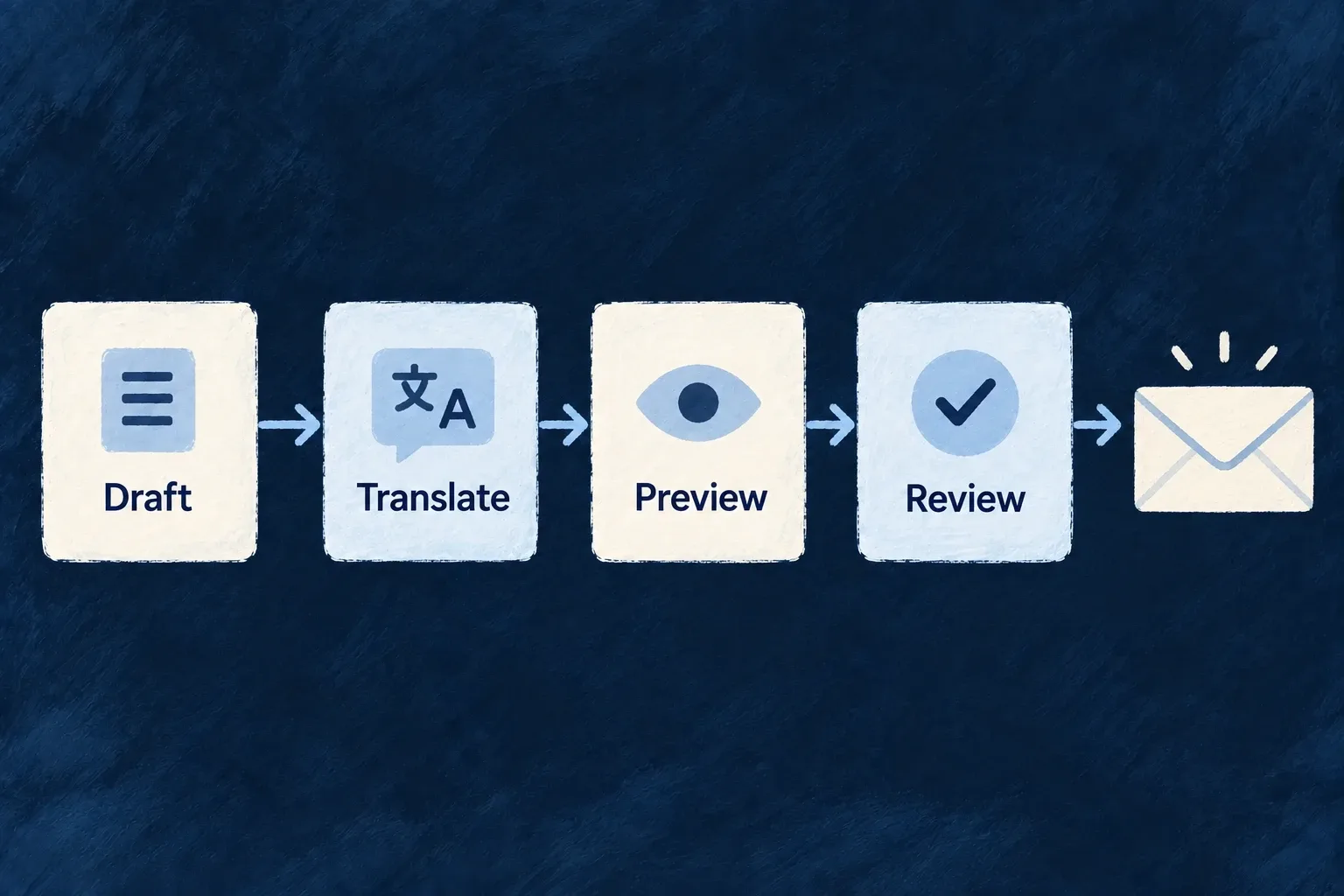
Draft, translate and preview your emails
The development companion provides tools for generating template files, translating labels and previewing rendered messages. Work stays in the application’s source files, where it can be reviewed with the rest of the product.
Example — Review a translated recovery email
Generate the primary-language template, translate its labels, then inspect the rendered message in the target language before using it.
For engineers
Work through the application’s companion
The Wildo CLI email commands reach the running development companion in application scope. The generation command can target template references, generation starts with the primary locale, and translation produces the other locale labels. Preview renders the chosen reference and locale; test-send additionally requires a recipient and uses the configured email path. Both use the configured email logo and support the same context overrides; the recipient address does not supply a real user or organization context.
From the application root with its companion running, preview an existing password-reset template:
wildo generate email preview \
  --template system.password_reset \
  --locale en \
  --out /tmp/password-reset-preview.html
The template reference and locale are required by email-preview.command.ts; --out selects the rendered HTML file. Open that file to review the message. Use a locale actually registered by the application. This example invokes preview only; test-send is a separate command that additionally requires --to and runs the configured sending path. With the local preview provider, it renders and logs without a network submission.
Inspect the artifact you will ship
The companion writes TSX and label files, validates their consistency and refreshes its template registry. Preview can produce an HTML file, which lets you inspect actual layout rather than only a subject line in the terminal. Generation can use the system email’s specification context, but the author still reviews the output.
Check placeholders, links, brand assets and target-language layout. A preview with synthetic context does not establish that a real operation supplies the same data. Finish by exercising the message’s producer with the local preview provider, then use a real provider test when validating deployment delivery.