
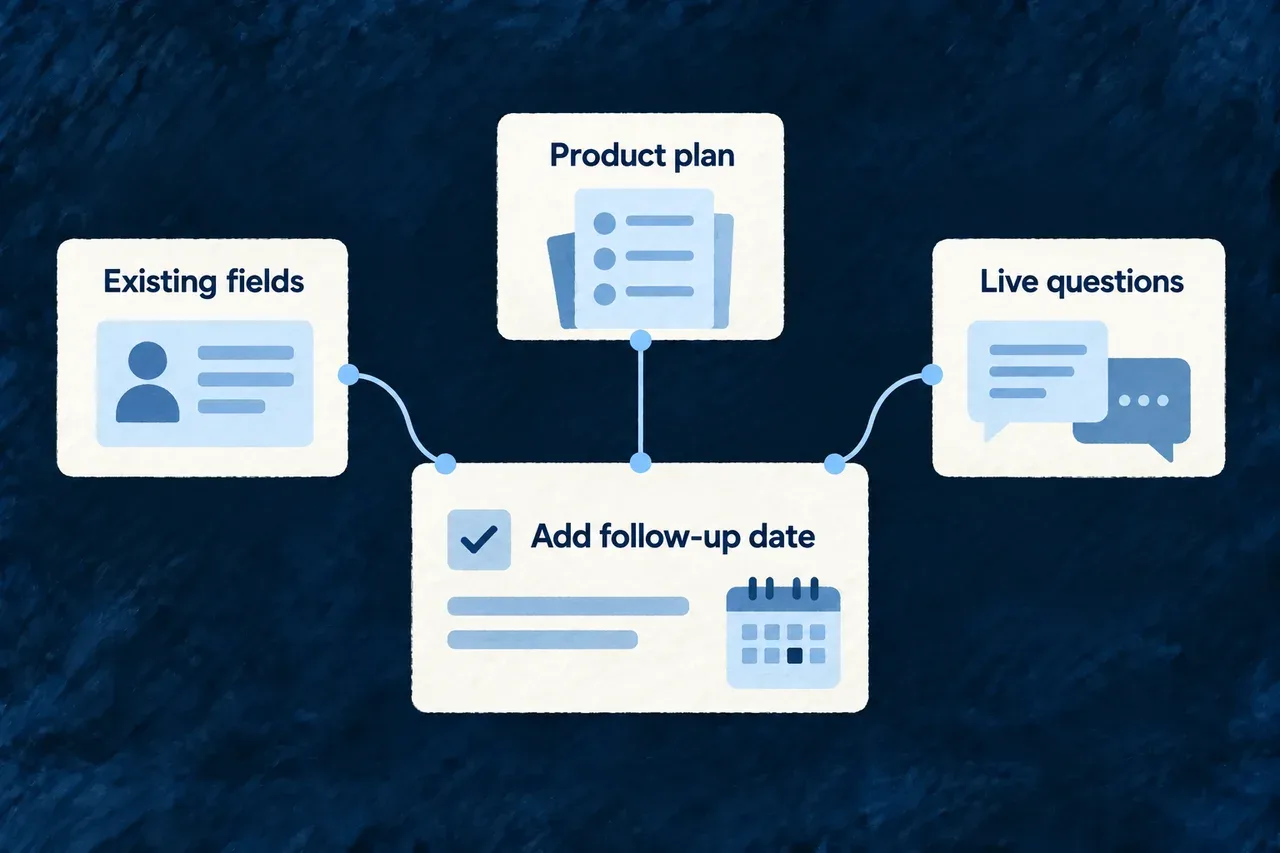
Start each task with the relevant application context
A useful coding brief explains both what should change and what already exists. Wildo prepares that context around the task’s target, bringing its objective together with the relevant application structure and product plan.
The agent also receives a menu of questions it can ask the running companion. It can inspect further details as it works, instead of relying entirely on the starting brief.
Example — Extend the existing customer record
A task adds a follow-up date to a customer. The initial context identifies the registered customer resource and its current fields, helping the agent enrich the existing declaration instead of creating a second one under a guessed name.
For engineers
Understand how the starting brief is assembled
The build dispatch composes sources from the task and its target. The source categories are declared in code; their contents vary with the application and task. This is distinct from a model autonomously choosing every source before a run.
| Source | What the coding run receives |
|---|---|
| Task description | Objective, target, skills, prerequisites and position in the build plan |
| Live-query menu | Available companion behavior identifiers and commands for inspecting them |
| Workspace slice | Module identifiers and the target module’s registered resources and present schema fields |
| Domain-plan slice | The target module’s intended structure and relationships touching its resources |
The workspace and domain-plan sources are best effort. If introspection fails or the relevant plan is absent, dispatch can continue with the remaining sources. The host logs failures; absence of a source is not proof that the application has no matching resources.
Inspect before choosing an identifier
Run these commands from the application workspace with its companion available:
# Discover the queries exposed by this running companion.
wildo context list

# Read registered resources rather than inventing their names.
wildo context info resources-registry

# Inspect relationships between accepted product declarations.
wildo context coherence
The registry snapshot describes what the companion can currently introspect. The domain plan describes intended structure. Keep those two meanings separate when deciding whether a task creates a resource or enriches one already registered.
Keep scope and context as separate inputs
This selected framework excerpt shows the boundary between supplied content and the mutation/check policy:
export interface BuildTaskCodingBoundary {
  readonly allowedPathPrefixes: readonly string[];
  readonly prohibitedPathPrefixes: readonly string[];
  readonly requiredCheckRefs: readonly string[];
}

export interface BuildTaskContextSource {
  readonly sourceRef: string;
  readonly originRef: string;
  readonly content: unknown;
}
composeBuildTaskCodingContract combines those inputs with the typed build task. It refuses a missing target, a companion generation task assigned to a coding agent, an empty allowed scope, missing required checks or an empty context set. Task skills are translated to namespaced references for the coding contract.
Every selected source is mandatory in this composer. Its token figure is a coarse estimate derived from serialized content and summed across the selected sources; it does not trim content to a configurable spending limit. Model safety also remains the source selector’s responsibility: the composer labels supplied content SAFE_FOR_MODEL without inspecting it. Do not use that label as a content-classification or secret-redaction service.