
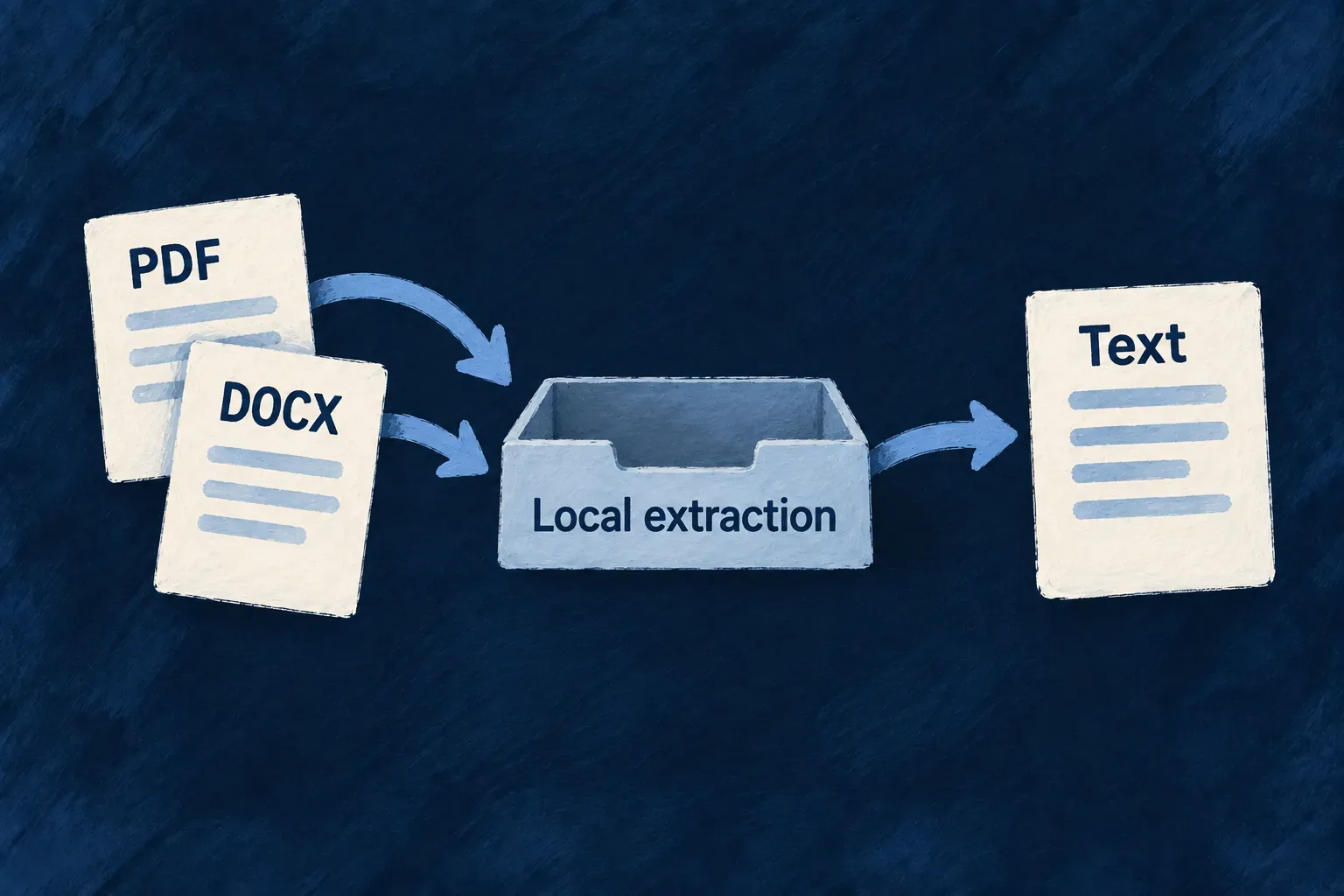
Read the text already inside your documents
Many documents already contain readable text. Wildo can extract it inside your deployment, making the contents available to processing and retrieval without requiring a document-reading provider.
The local readers handle PDF text layers, plain text and supported modern Office and OpenDocument formats. A scanned page is different: it contains an image of words and needs the separately configured recognition path.
Example — Read a brief without copying its contents
Upload a text-based PDF or a modern Word document to a knowledge field. Extraction makes the text available for indexing, so someone can later find a passage without manually copying the document into the application.
For engineers
Match the reader to the document format
The extraction service downloads the file through its resolved storage provider. Plain text is read directly. PDFs use the local text-layer reader; .docx, .xlsx, .pptx, .odt, .ods and .odp use the ZIP/XML reader.
The Office reader extracts text from the document’s parts. Its partCount represents those units—for example, slides in a presentation—rather than inventing a printed page count. Extraction returns text plus metadata such as character and word counts.
A PDF with no text layer needs provider-backed recognition. Legacy binary .doc, .xls and .ppt also require a provider that declares support for their media type. Choose accepted upload formats according to the paths your deployment enables.
Make the local path an intentional field choice
This shared-schema declaration is adapted from Wonder Todos’ knowledge documents. It selects a smaller, locally readable MIME set from that application’s full list. Keep it in the resource schema used by the factory; a standalone unused schema does not register a corpus.
import { z } from 'zod';
import { initZodDecorators, z_file, RAGChunkingStrategy } from '@wildo-ai/zod-decorators';

initZodDecorators(z);

export const KnowledgeDocument = z.object({
  document: z_file({
    allowedMimeTypes: [
      'application/pdf',
      'text/plain',
      'application/vnd.openxmlformats-officedocument.wordprocessingml.document',
    ],
    multiple: false,
    textExtraction: { ocr: false },
    ragSource: {
      chunkingStrategy: RAGChunkingStrategy.RECURSIVE,
      chunkSize: 1_500,
      chunkOverlap: 200,
    },
  }).optional(),
});
These options make separate decisions: the MIME list admits uploads, textExtraction chooses whether a provider may read them, and ragSource selects the extracted text for chunking. A PDF MIME type does not establish that its pages contain a readable text layer. Do not add legacy binary Office formats to a local-only field merely because the general document MIME group includes them.
After a normal upload and record write, this single-file field holds { fileId, updatedAt }. Ingestion reads the stored bytes once the file is eligible, extracts text and derives chunks; retrieval becomes usable after successful ingestion and search-index readiness. The retrieval guide connects those chunks to an authorized query. Upload success alone is not an indexing receipt.
When ingestion reads a file field, it passes that field’s extraction choice to the service. This is the connection in rag-ingestion.backend.service.ts:
extracted = await this.fileTextExtraction.extractText(file, input.executionContext, {
  allowProviderExtraction: input.fieldMeta.textExtraction?.ocr === true,
});
Only an explicit ocr: true permits provider-backed extraction. An absent setting or false keeps the field on its local path. Even with a provider selected, plain text is handled directly.
Read the outcome according to the input
| Input on the local path | Expected reader |
|---|---|
| Plain text | Decode the stored text directly. |
| PDF containing text | Extract its text layer. |
| Modern Office document | Extract text from the supported ZIP/XML parts. |
| Scan without a text layer | Local reading cannot recover the pictured words; provider recognition needs its own opt-in. |
These are format paths, not a guarantee that every file with that extension is readable. Keep failed downloads and parser outcomes distinct from successful extraction of an empty document.
Distinguish unreadable content from an unavailable service
A malformed document and a failed storage download need different treatment. Parsing failures identify unreadable bytes; storage and provider availability failures remain failures that can be retried. When a provider fails, a usable local text layer can still supply the result.
If neither path can read a scan during a provider outage, extraction fails rather than reporting an empty document. That preserves an existing retrieval corpus for a later retry. The extracted text can then flow into the field’s retrieval configuration, which separately controls indexing and chunking.