
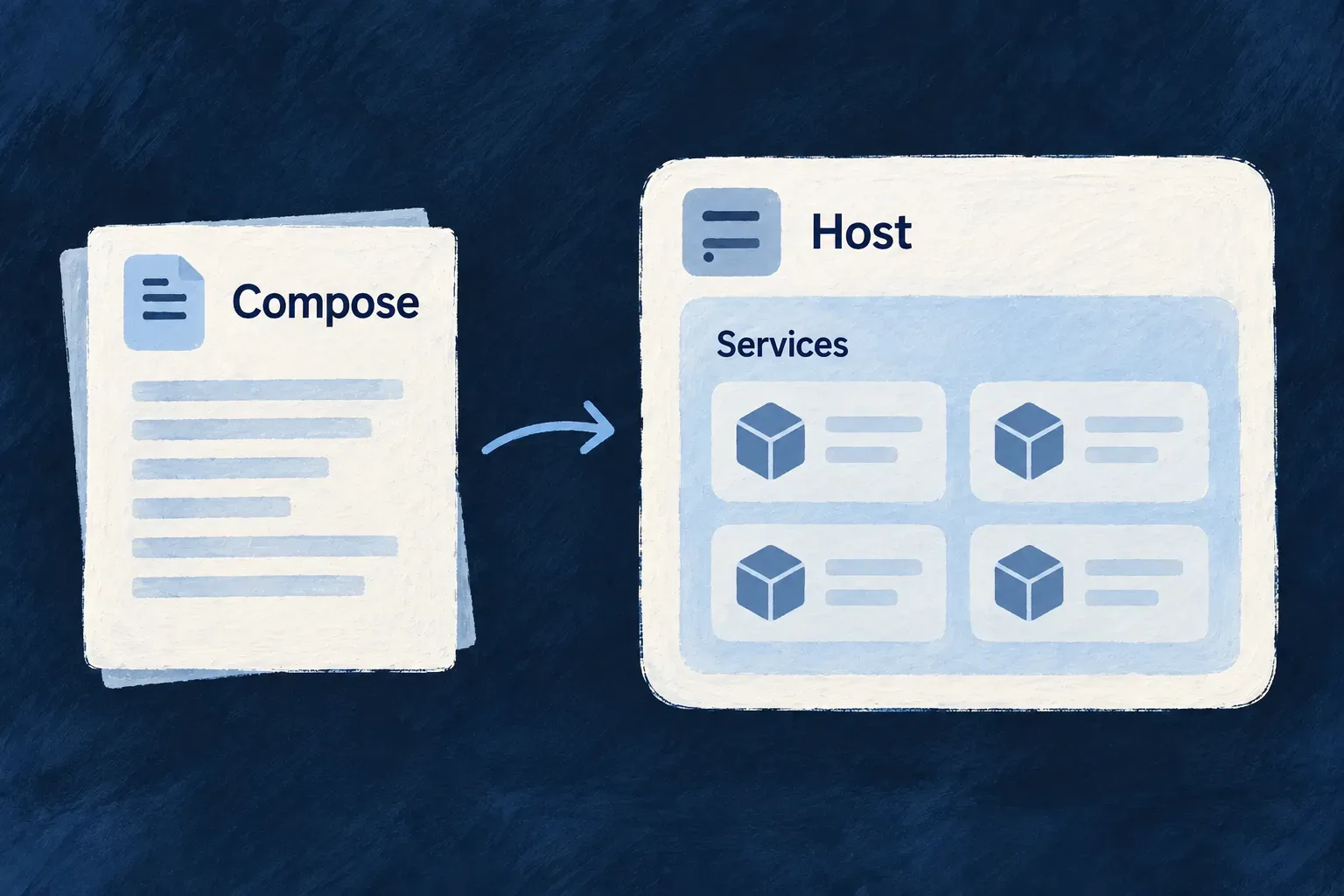
Run the stack with Compose
Wildo generates a Compose stack from the environment’s service choices. Databases, queues and other supporting processes receive the configuration, mounts and network connections that belong together.
Use the local commands to start and inspect infrastructure. During development, application processes run through the supervised development command; a container deployment uses its generated application stack.
Example — Start the services before the application
A developer brings up the local infrastructure, checks its status, then starts the application development session. The database and broker are ready before application code begins trying to use them.
For engineers
Choose the command for the intended result
From an application workspace whose local environment has already been set up:
# Start and inspect the supporting stack.
wildo local up
wildo local status

# Start the supervised application development session.
wildo local dev
local dev includes infrastructure preparation, so a normal working day need not run up separately. Use up when you specifically want the supporting stack. local down stops it; local reset additionally removes local data and asks for confirmation.
Read generated Compose as a projection
The platform template carries backing-service workloads and, for the application-creator lane, platform services. The application template carries application containers and their routing. Framework developers can run platform processes natively, so their generated platform stack is not identical to an installed application’s stack.
| Generated detail | Source of the decision |
|---|---|
| Whether a local service is included | Shared self-hosting predicate and database selection |
| Published host port | Environment override or service default |
| Container-side port and address | Service catalogue and container perspective |
| Persistent host directory | Environment data-path resolver |
| Runtime network membership | Runtime infrastructure needs |
The host-facing connection and the container-internal address need not be identical. A host port override avoids a local collision without changing where the image listens internally.
Preserve startup and storage behavior
The template’s health checks support dependency readiness, with fast startup checks and a quieter steady-state cadence. Generated start_interval requires the Compose plugin version accepted by Wildo’s preflight. Memory limits bound resident services; persistent bind mounts preserve state across container replacement.
MongoDB binds /data/db and /data/configdb individually because a parent mount can be shadowed by the image’s declared child volumes. Do not simplify these generated mounts by hand.
The MongoDB search sidecar illustrates why startup is more than launching containers. Its template waits for the initializer that creates its authentication user:
mongot:
  depends_on:
    mongodb-init:
      condition: service_completed_successfully
  mem_limit: 2048m
  healthcheck:
    interval: 60s
    timeout: 10s
    start_period: 30s
    start_interval: 3s
This is an excerpt of the current template, omitting its image, mounts and probe command. The dependency is successful initialization, not merely a running database. The separate startup cadence checks readiness promptly without repeating the same expensive probe every few seconds throughout the day.
On a server, deployment automation applies the generated artifacts. Local startup is not proof of a server deployment or of Kubernetes equivalence; verify the selected lane’s rendered configuration and operating result.