
Let people decide what an outside tool may access
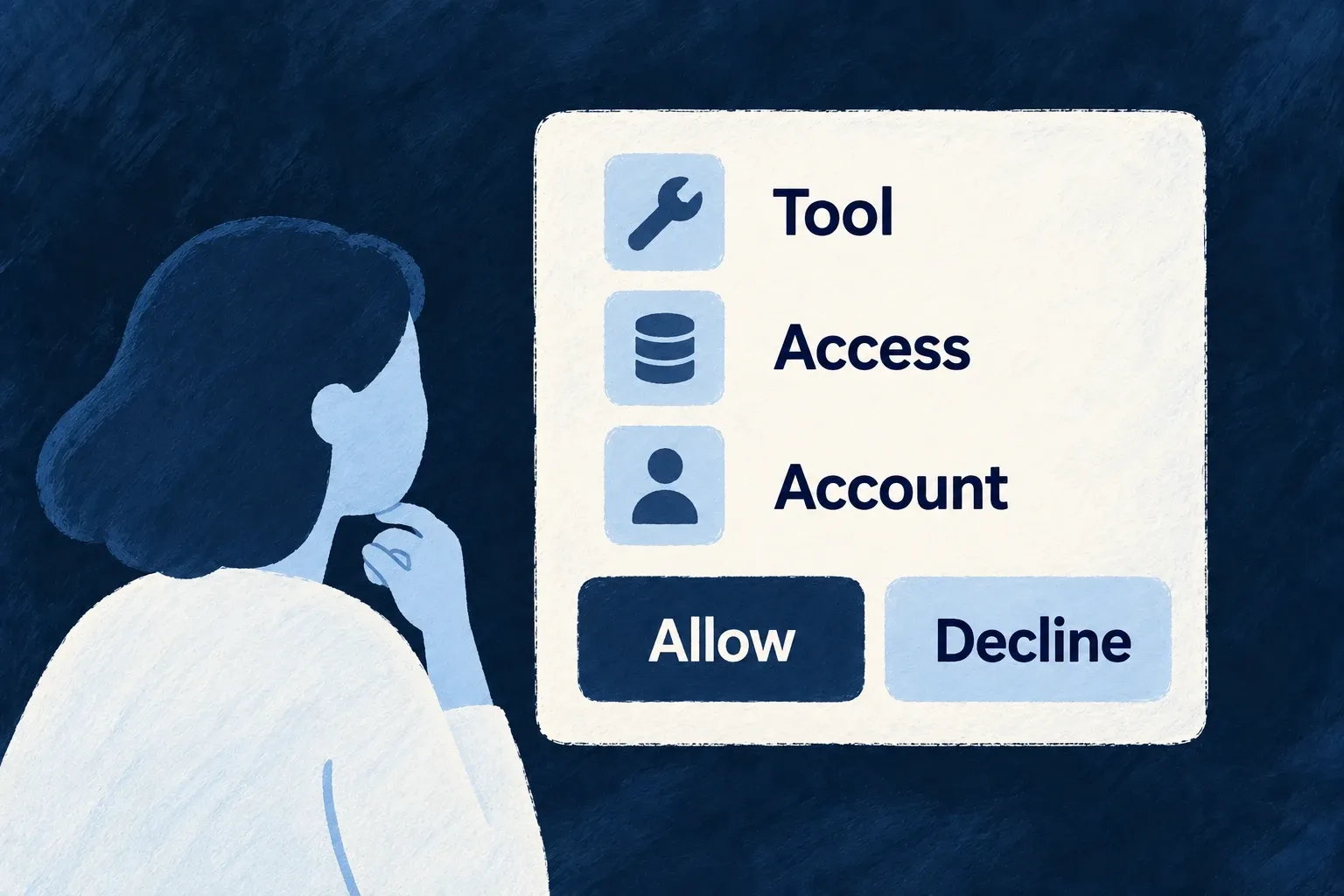
Signing into an application is different from allowing another tool to act through it. Wildo provides a consent screen where the person can review the requesting tool and access before approving or declining.
The decision belongs to the authorization request, rather than an editable collection of permissions sent back by the browser.
Example — Authorize an assistant deliberately
An assistant requests access to an account. The person sees the tool and requested scope, declines or approves, and can choose whether to remember an eligible approval.
For engineers
The authorization endpoint validates and stores the request in a single-use consent token. The frontend sends the decision using that token. This actual component callback shows approval, denial and the optional remembered-grant choice:
Source: Auth_OAuthConsent.tsx (selected excerpt).
  const decide = useCallback(
    async (decision: 'approve' | 'deny') => {
      if (!consent || submittingRef.current) return;
      submittingRef.current = true;
      setStatus('submitting');
      setErrorLabel(null);
      try {
        const { redirect_to } = await getManualCallsHttpClient().oauthConsentDecision(
          consent.consent_token,
          decision,
          // Only an APPROVE meaningfully "remembers"; a deny sends `false` harmlessly.
          decision === 'approve' && remember,
        );
        // Complete the OAuth redirect back to the third-party client (carries `code` or the error).
        window.location.assign(redirect_to);
      } catch {
        // Release the local latch. A lost response may follow server-side token consumption;
        // the error view does not retry this request token. A fresh flow obtains fresh state.
        submittingRef.current = false;
        setStatus('error');
        setErrorLabel(UserOAuthConsentLabel.ERROR_DECISION);
      }
    },
    [consent, remember],
  );
The user must be authenticated before the consent request is shown. The token binds the validated client, redirect, scopes and related request state on the server; the UI does not get to rewrite those values when deciding. A submission latch protects against duplicate decisions.
The screen displays the client, scopes and resource endpoint where present, and resolves through a replaceable public-layout preset for branding. Preserve those meaning-bearing disclosures in a custom preset. A metadata-declared client always requires consent; a registered consent-free client cannot use that setting to skip another organisation’s trust boundary.
Remembered approval is opt-in and is evaluated against the relevant grant context on later requests. Revocation belongs to the grant lifecycle. This is delegated-access authorization, distinct from general data-processing preferences or acceptance of a privacy notice.