
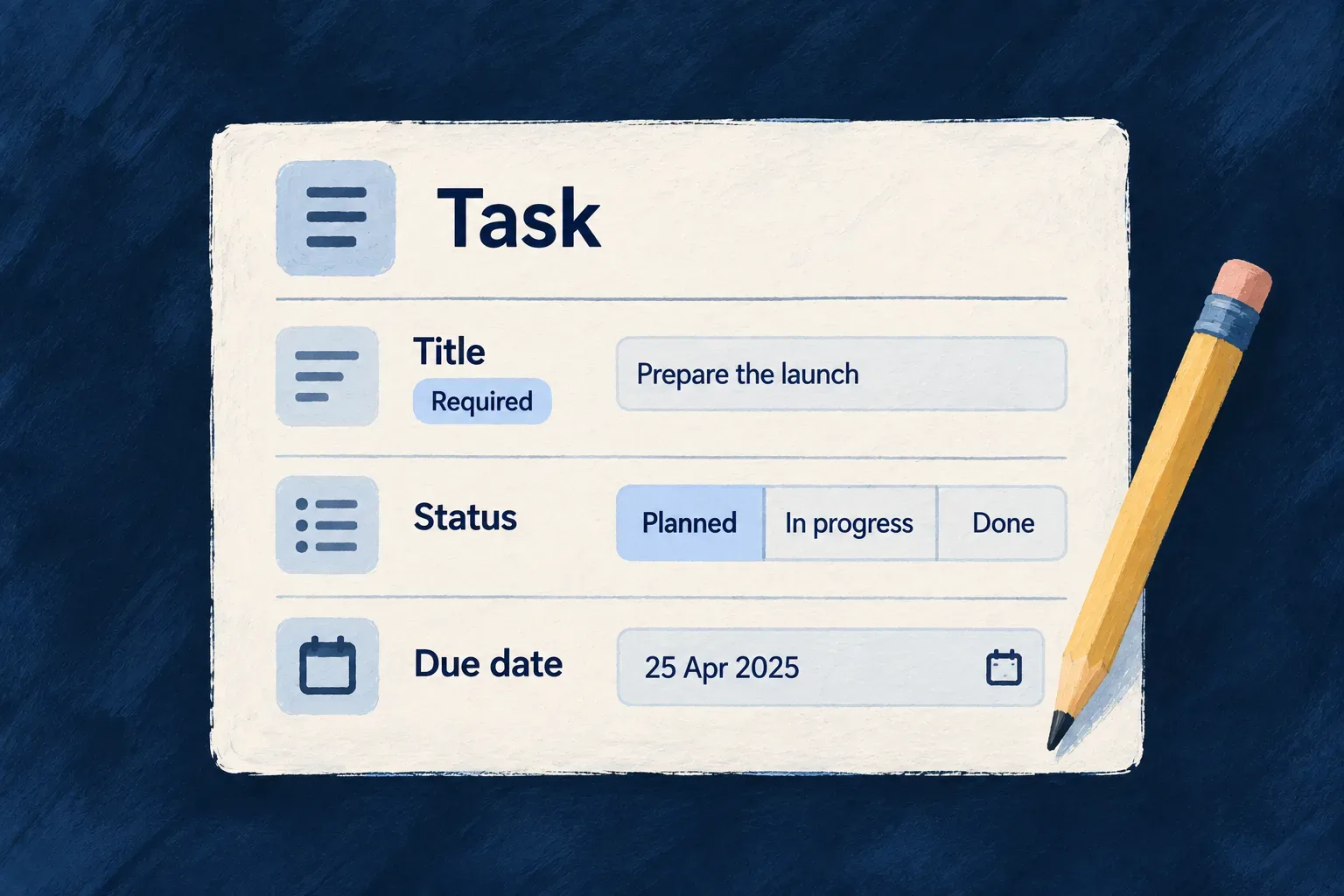
Give every field one definition
A required title should mean the same thing in a form and in the API. A priority should have the same allowed values wherever it appears.
Describe those facts on the resource’s fields. Wildo uses that shared definition to derive operation contracts and supply validation to standard forms. Field metadata also tells the relevant consumers how to store, expose or summarize a value.
You then choose how each field looks and explain what it means. Those choices refer to the same field, so you can change its presentation without inventing another data model.
Example — A priority that stays the same across the application
A task has one set of priorities. A form offers those values, the API checks them, and a task card can show the selected value as an icon. The detailed view can use a badge instead; it is still the same priority.
For engineers
Start with the facts about the value
The shared schema uses Zod for types, constraints, defaults and optional values. Wildo decorators add information that other parts of the framework consume, such as whether a field belongs in a compact resource summary.
Selected declarations from Wonder Todos’ todos.schemas.ts, with source comments omitted:
title: z.string().min(1).max(200).isSummaryField(),
description: z.string().max(1000).optional(),
status: z.enum(Todos_Status).default(Todos_Status.PENDING).isSummaryField(),
priority: z.enum(Todos_Priority).default(Todos_Priority.MEDIUM).isSummaryField(),
recurringType: z.enum(Todos_RecurrenceType).default(Todos_RecurrenceType.ONE_TIME).isDiscriminator(),
dueDate: z.date().optional().isSummaryField(),
tags: z.array(z.string().min(1).max(40)).optional(),
progressPercent: z.number().int().min(0).max(100).default(0),
snoozedUntil: z.date().nullish(),
title accepts a non-empty string of up to 200 characters. status and priority use named enums, with defaults applied when the input omits them. progressPercent accepts whole numbers from 0 to 100.
optional() allows omission; nullish() also accepts an explicit null. That distinction matters in an update: omitting snoozedUntil leaves it alone, while sending null can clear it. Making the distinction in the field definition gives derived consumers the same vocabulary.
Follow the definition into an operation
The resource factory derives request and response schemas for standard operations. A create request excludes fields marked backend-only or excluded from creation; an update uses a patch shape. The backend validates incoming requests against the selected operation’s contract. Standard forms use their supplied validation schema through the form resolver.
This is why the stored record and the editable form can have different shapes while sharing field definitions. An operation that needs a purpose-specific input can declare its own request schema in the resource configuration.
isSummaryField() selects a field for compact resource representations. isDBIndexed() supplies index metadata to storage consumers. These annotations express a field’s role; the operation configuration still selects actions and access rules.
Give the same field a deliberate presentation
In the frontend, sh.priority refers to the shared priority field. This excerpt from todos.ui-behavior.tsx gives it different treatments in detail and summary views:
priority: sh.priority.enumUI({
  display: { displayMode: EnumDisplayMode.BADGE, showDescription: true },
  summaryOverride: { displayMode: EnumDisplayMode.ICON },
  edit: { showDescription: true },
  values: {
    [Todos_Priority.LOW]: { color: BadgeSemanticVariant.SECONDARY, icon: ArrowDown },
    [Todos_Priority.MEDIUM]: { color: BadgeSemanticVariant.DEFAULT, icon: Minus },
    [Todos_Priority.HIGH]: { color: BadgeSemanticVariant.WARNING, icon: ArrowUp },
    [Todos_Priority.URGENT]: { color: BadgeSemanticVariant.DESTRUCTIVE, icon: AlertTriangle },
  },
}),
The detail view uses a badge; compact summaries use an icon. Each enum member gets an explicit color and icon, and the editing control can show its description. The allowed values remain in Todos_Priority; the frontend supplies how people recognize and choose them.
Explain its meaning for people and development tools
The resource specification refers to that same field through schemaShape.priority. This excerpt from todos.resource.specification.ts records why priority exists and what its values mean:
priority: schemaShape.priority.enumSpec({
  meaning: 'Expresses urgency and ordering pressure among open todos.',
  whyItMatters: 'It helps the application decide what should visually stand out or be treated first.',
  enumDeclaration: {
    packageName: '@wonder-todos/shared-lib',
    exportName: 'Todos_Priority',
    symbolKind: CodeSymbolKind.ENUM,
    declarationKind: CodeDeclarationKind.TYPESCRIPT_ENUM,
  },
  values: {
    [Todos_Priority.LOW]: { meaning: 'Can wait — no time pressure.' },
    [Todos_Priority.MEDIUM]: { meaning: 'Normal urgency — should be handled in due course.' },
    [Todos_Priority.HIGH]: { meaning: 'Needs attention soon — may block other work.' },
    [Todos_Priority.URGENT]: { meaning: 'Immediate action required — top of the queue.' },
  },
}),
A type can say that URGENT is allowed. The specification explains that it means immediate action. Keeping both gives documentation and development tools more useful information than a field name alone.
Add a field across its actual responsibilities
Author the shared field, add its labels and meaning, and choose its display and editing treatment. Review any purpose-specific operation contracts that should accept it. For PostgreSQL storage changes, publish the corresponding migration; regenerate published documentation through its owning workflow.
The shared schema owns the value definition. UI behavior owns presentation. Specifications own meaning. They build on a common field identity without mixing browser code into the shared model.