
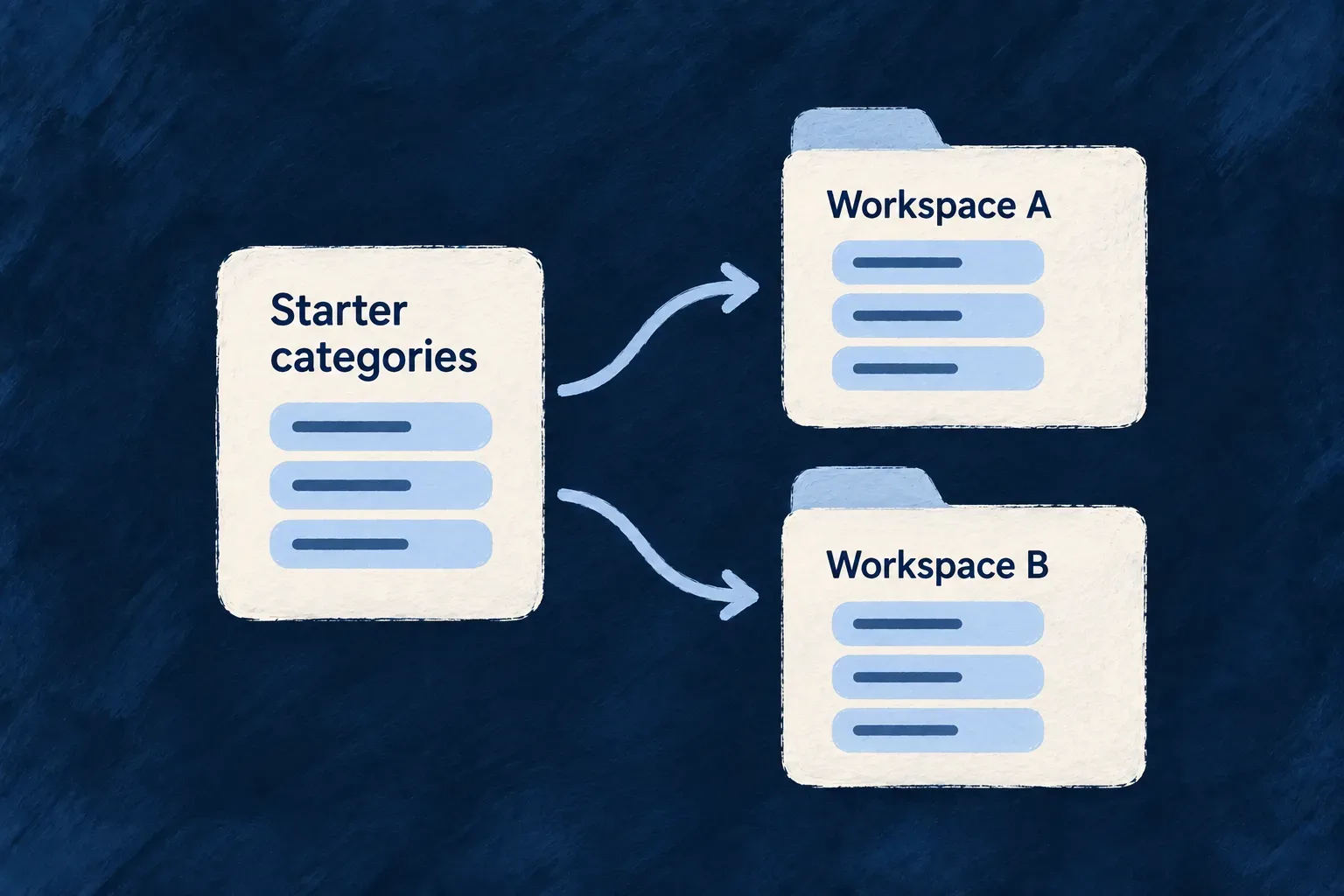
Give each new workspace a useful starting point
A new workspace often needs records before anyone can use it: a default configuration, a set of reference values or an initial working area. Those records should appear at the right moment and behave predictably when setup runs again.
Wildo describes seeding as part of the application. A seed names the destination resource, the records it supplies, what identifies them and when the work should happen. Its mode decides how another run treats records that already exist.
This makes initial data part of the product’s design. The team can distinguish a value that is merely created once from reference data that the application continues to manage.
Example — Prepare settings when an organization is created
Wonder Todos creates an organization webhook configuration after a new organization is created. The seed uses that organization’s identifier as its business key, so the settings belong to the correct workspace and a repeat run addresses the same record.
For engineers
Connect the seed to a resource lifecycle
This seed from Wonder Todos’ webhook-configs.seeds.ts creates a local-development webhook configuration. Source comments are omitted; the listener constants are declared earlier in the file:
export const organizationWebhookConfigSeed = createDataSeedDefinition({
  seedKey: 'tasks-manager:organization-webhook-config',
  scope: { kind: DataSeedScopeKind.ORGANIZATION },
  resourceType: CoreResourceType.ORGANIZATION_WEBHOOK_CONFIG,
  triggers: [
    {
      triggerKind: DataSeedTriggerKind.RESOURCE_LIFECYCLE,
      resourceType: CoreResourceType.ORGANIZATIONS,
      phase: DataSeedResourceLifecyclePhase.AFTER_CREATE,
    },
  ],
  mode: DataSeedMode.ADDITIVE,
  version: 1,
  entry: ({ triggeringRow }) => {
    if (triggeringRow === null) {
      throw new Error(
        '[DataSeed:tasks-manager:organization-webhook-config] expected a triggering Organization row but received null — RESOURCE_LIFECYCLE / AFTER_CREATE always provides one (verified at data-seed-dispatcher.backend.service.ts).',
      );
    }
    return {
      businessKey: { organizationId: triggeringRow._id },
      data: {
        enabled: true,
        endpoints: [
          {
            id: LOCAL_LISTENER_ENDPOINT_ID,
            url: LOCAL_LISTENER_URL,
            description: 'Wonder Todos local listener (dogfood)',
            enabled: true,
          },
        ],
      },
    };
  },
});
seedKey names the seed independently from the rows it writes. The scope and destination resource describe where it operates. The AFTER_CREATE trigger supplies the new organization as triggeringRow, and its identifier becomes the entry’s business key. The endpoint values are the development listener configured by this application.
Choose what a later run may change
The seed mode is a product decision. LAZY materializes missing data at first access. ADDITIVE inserts missing keys and reapplies the declared data on existing rows, without deleting rows. UPGRADE uses versions, migrators and managed fields to evolve selected values while preserving other fields. SYNC reconciles a declared set and uses an explicit orphan policy for records no longer present.
This example uses ADDITIVE: rerunning it can restamp the declared endpoint configuration. Use a mode with managed-field ownership when administrators’ changes outside selected fields must survive maintenance. “Safe to repeat” means an explicit repeat behavior, not that every mode leaves every existing value untouched.
Register once and observe runs
The backend module exports its seed definitions through the module’s seeds collection. In Wonder Todos, the seed file groups the organization and application webhook definitions:
export const webhookConfigSeeds: DataSeedDefinition[] = [
  organizationWebhookConfigSeed,
  applicationWebhookConfigSeed,
];
The tasks-manager backend module then includes that collection alongside its other seeds:
seeds: [
  ...webhookConfigSeeds,
  ...enterpriseAuthConfigOrgSeedDefinitions,
  ...enterpriseAuthConfigApplicationSeedDefinitions,
  ...applicationMetadataSeedDefinitions,
],
The snippets come from seeds/webhook-configs.seeds.ts and the backend module’s index.ts. Defining the seed object alone does not register it. Keep its contribution in the module that owns it, and ensure that module participates in the backend’s module registry. Initialization threads the registered definitions into the dispatcher, which applies the supported trigger/mode combination and records execution in the data-seed run resource.
Application-start, application-upgrade, scheduled and manual triggers operate at deployment level. Resource-lifecycle triggers operate with a particular row in context. Choose the trigger that actually has the information the entry needs; an organization identifier comes from organization creation, not from assuming one organization at application boot.
External copy-in pipelines reuse the reconciliation machinery for remotely supplied records, while keeping extraction and scheduling in their own declaration.