
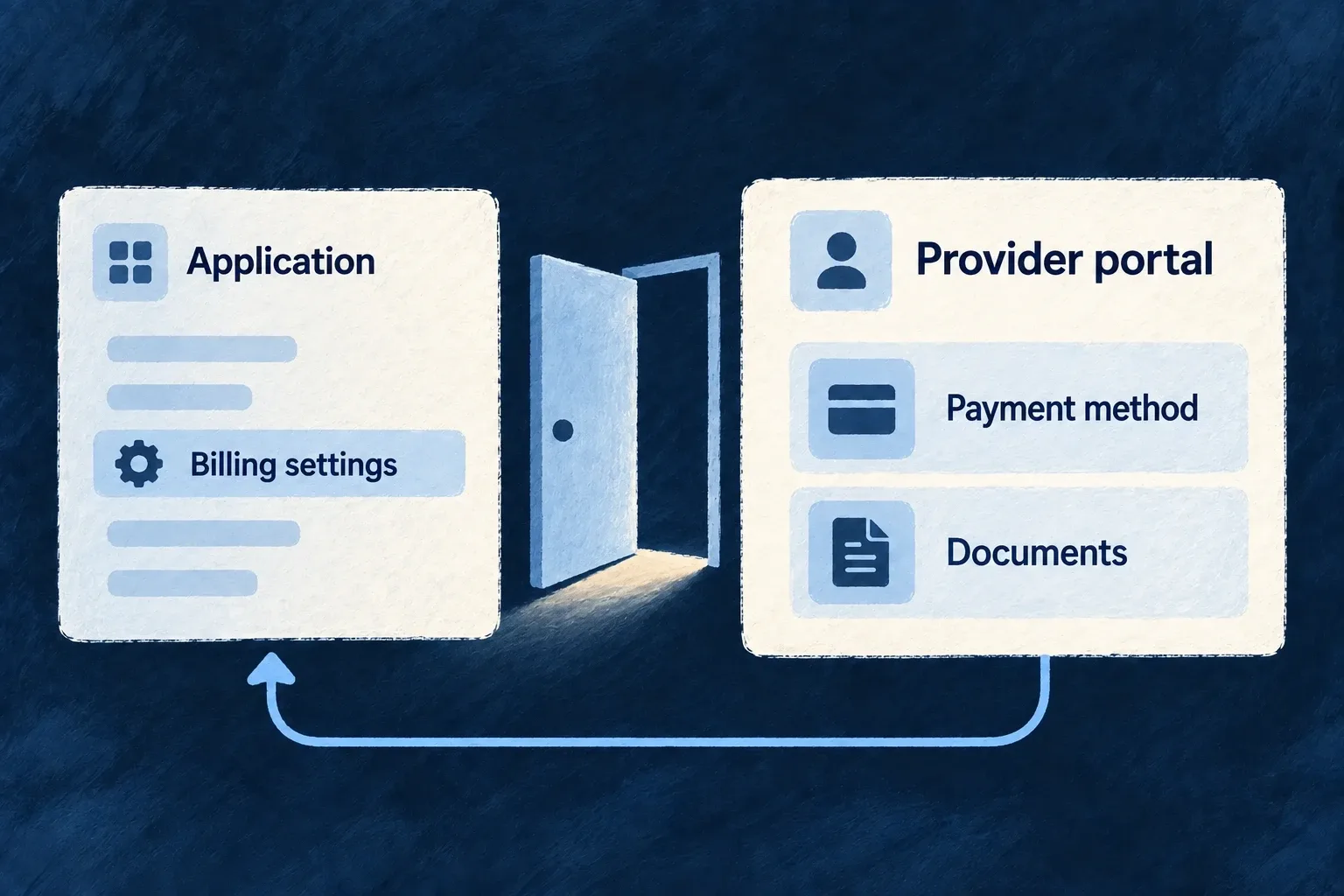
Let customers manage their payment details
Open the billing provider’s customer portal from the application. Customers can use the provider’s configured tools for payment methods and billing documents without your application handling card details.
Example — Replace an expiring card
A customer opens billing settings, enters the provider portal and updates the payment method associated with the workspace’s billing account.
For engineers
useBilling().openCustomerPortal() calls the scoped account’s OPEN_PORTAL operation and follows its returned URL. Render the action after billing state has loaded and the correct payer is selected. The account must already have a provider customer ID.
The backend operation uses the current authorized account, not a caller-supplied provider customer:
The following selected excerpt is from billing-account.mutations.custom-impl.backend.service.ts; the surrounding module and explanatory source comments are omitted.
const result = await provider.createCustomerPortalSession(
  billingAccount.providerCustomerId,
  input.returnUrl,
);
return { url: result.url };
The surrounding handler checks that the provider customer exists. The Stripe adapter creates a portal session with that customer and the application’s return URL. Configure which portal features the provider offers; opening a session does not author those settings.
Keep invoice documents behind their intended access path
The local invoice list carries status and totals, while hosted invoice and PDF URLs are backend-only fields. Use the portal for customer access to provider billing documents rather than projecting those links into a generic response.
Changes performed at the provider can arrive through billing webhooks. Refresh local billing state when the customer returns, and keep application subscription actions aligned with the provider portal options you enable. A portal is a provider-managed surface, not a second independently implemented payment settings screen.