
Make the screen your product needs
Standard screens provide a starting point, not the final shape of every product. Replace the presentation of one resource operation, or create a screen with its own interaction.
These are different choices. An operation-owned custom view receives that operation’s context; a fully custom screen owns its data loading and composition.
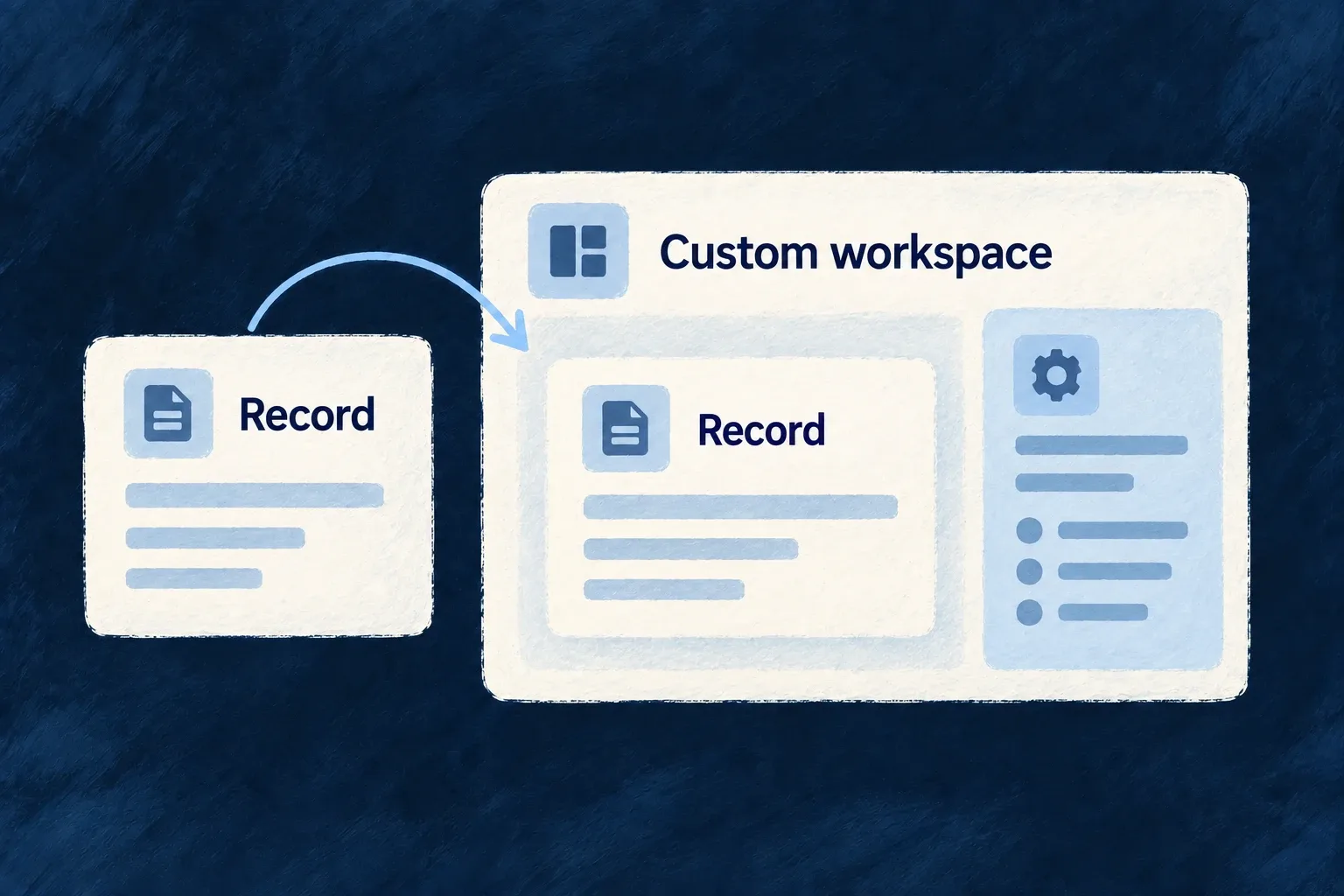
Example — Add a workspace beneath a record
A task read view keeps the standard record content and adds a related workspace below it. The application authors the composition while retaining the normal read surface.
For engineers
Start with a typed operation host
This is Wonder Todos’ actual TodoReadCustomView. Its imports and source markers are omitted:
export const TodoReadCustomView: ResourceReadCustomViewComponent = (props) => {
  const { resourceContext } = useReadOperationSurface({
    resourceContext: props.resourceContext,
    navigationZone: props.navigationZone,
    navigationInitiator: props.navigationInitiator,
  });

  return (
    <ResourceLayoutPreset_Read_Default
      {...props}
      showCharts={false}
    >
      <EmbedResourceOwnedCompositeView
        resourceContext={resourceContext}
        viewRef={TODO_WORKSPACE_COMPOSITE_VIEW_REF}
        navigationZone={props.navigationZone}
        navigationInitiator={props.navigationInitiator}
      />
    </ResourceLayoutPreset_Read_Default>
  );
};
ResourceReadCustomViewComponent supplies the read-host props. useReadOperationSurface resolves the resource context; forwarding the navigation zone and initiator preserves where the request came from. The standard read preset renders the familiar record surface, and the explicit composite embed adds the application’s workspace.
The resource’s views map binds customView: TodoReadCustomView to its READ operation. Keep that binding inside the resource’s registered frontend behavior. Other operations can continue using the standard hosts.
Choose an independent screen when there is no single host operation
A full custom view instead declares a stable ref, componentRef, scope and addressability in the app/module’s fullCustomViews. The component reference must be registered in the component registry. The host supplies context identifiers; the component owns its fetches, actions and layout.
Use the framework resource hooks or embeds when those interactions should retain resource semantics. A bare fetch or custom button does not inherit standard mutation reconciliation just because the screen has a Wildo route.
| Choice | Retained starting point | Application responsibility |
|---|---|---|
| Layout template | Existing operation host and fields | Field order, grouping and local presentation |
Operation customView | Typed operation and navigation props | Compose the host and explicitly place its inserted views |
| Full custom view | Registered route/view context | Data loading, interaction and composition |
Custom presentation does not bypass backend access rules. Declare feature requirements and route scope deliberately, then make the component’s requests through the correct application contract.