
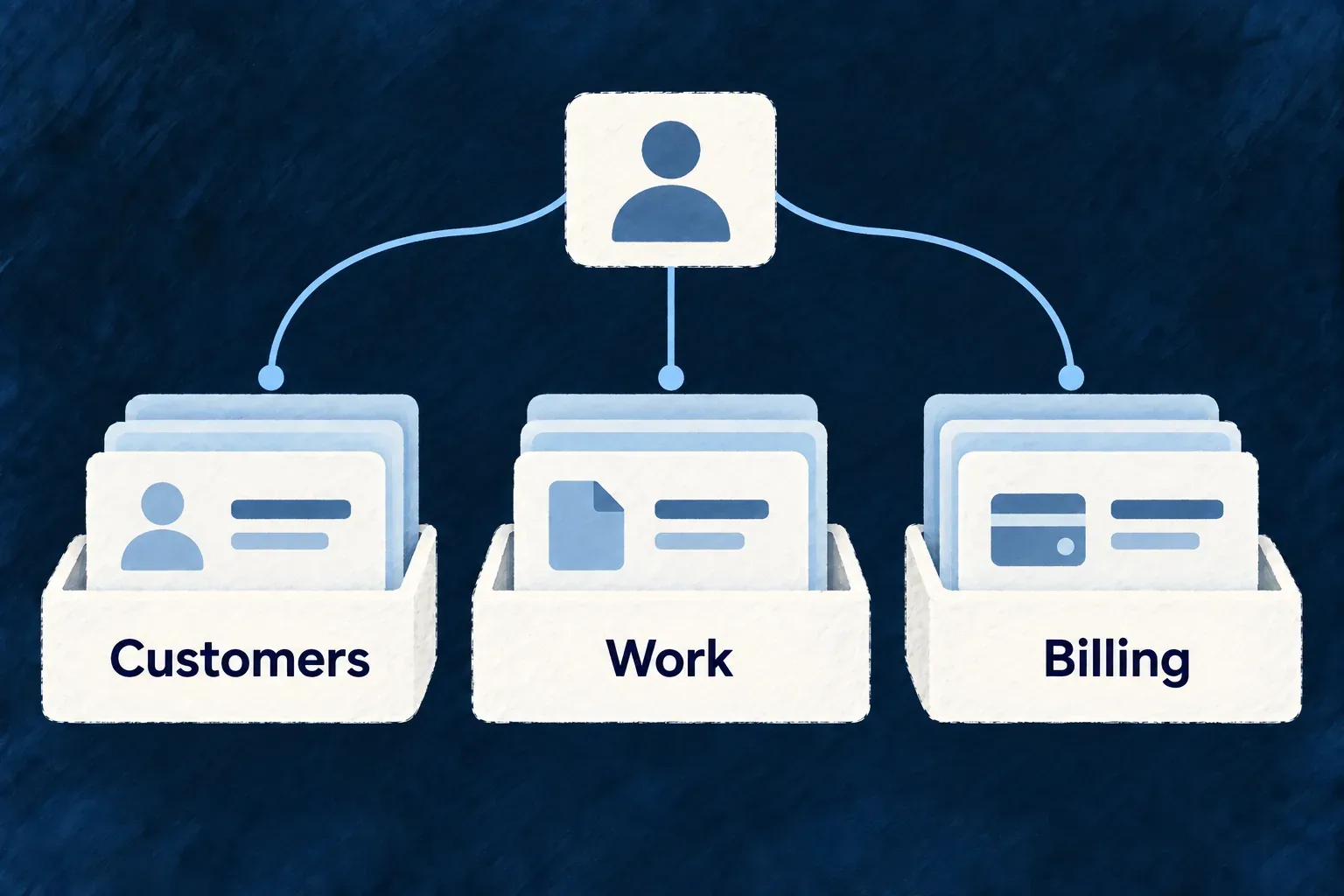
Organize the reference around the product
Group API resources by the work they support, with names and descriptions readers can recognize. The engine supplies groups for its own resources; the application names the concepts only it understands.
Example — Find customers before learning internal names
A CRM reference puts companies and contacts together under a clear customer heading, instead of asking an integrator to scan an undifferentiated resource list.
For engineers
Wonder CRM supplies these category entries inside apiReferenceResourceCategories. This is the first entry from its existing configuration:
  apiReferenceResourceCategories: [
    {
      id: 'customer-records',
      label: 'Companies and contacts',
      description: 'The organizations you sell to and the people you deal with at them.',
      resourceNames: ['company', 'contact'],
    },
    // Other application categories follow.
  ],
The resource names are resolved API identifiers, not display labels. The companion merges application assignments with the engine’s specification-derived defaults. An explicit application assignment can replace the default category for a named engine resource when a shared product taxonomy is useful.
Keep the assignment exact
Duplicate category IDs, a resource assigned twice, an unknown resource name or an uncovered published resource are publication errors. The application should normally describe its own resource groups and allow the engine to maintain the engine groups.
After changing a resource or category, regenerate the reference and inspect the category navigation. Good grouping needs human judgment: the validator can detect inconsistent ownership, but cannot decide whether a heading helps a first-time integrator understand the product.