
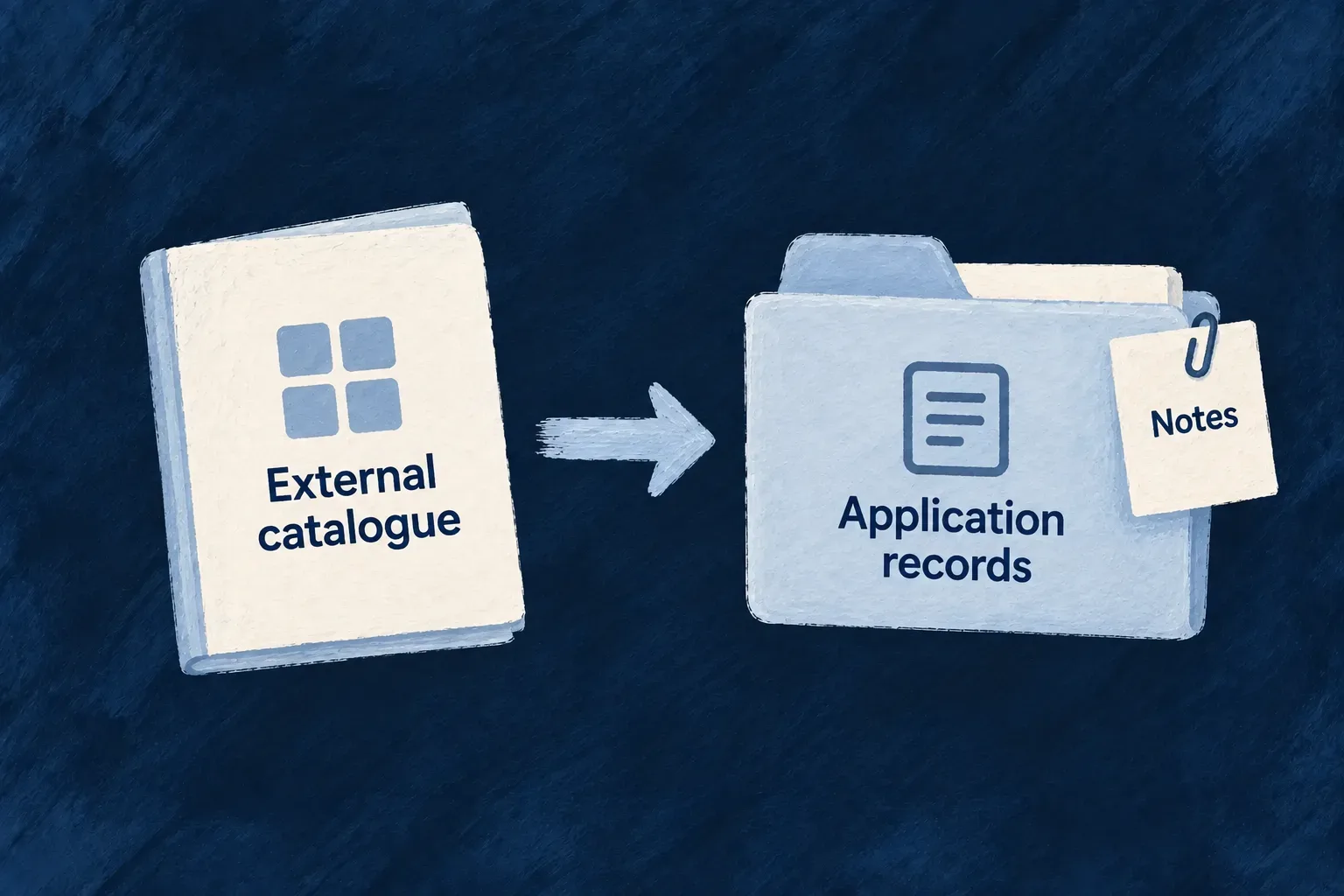
Bring external records into your application
An application sometimes needs more than a view of another system’s data. People may want to attach files, add an internal note, connect records to their work or query them locally.
Wildo’s copy-in pipelines bring selected external values into an ordinary resource in the application’s database. The pipeline describes where the records come from, how fields map and how later runs reconcile changes.
This makes ownership clear. The remote system supplies its mapped fields; the application can keep its own fields beside them. A schedule controls how often the local copy is refreshed.
Example — Keep customer accounts and local notes together
Wonder Todos synchronizes company accounts from Odoo into its external-customers resource. Odoo supplies the customer name and email; a team member can add an internal note locally. A later synchronization refreshes the mapped values without replacing the note.
For engineers
Map external values to local fields
This pipeline declaration is from Wonder Todos’ external-customers.resources-config.ts. The surrounding resource is locally stored and offers READ, LIST and UPDATE; source comments are omitted:
externalDataPipeline: {
  binding: {
    dialect: HttpApiTransportDialect.ODOO_JSONRPC,
    providerRef: 'odoo',
    entityRef: 'res.partner',
    keyFields: [{ localField: 'id', remoteField: 'id', codec: HttpApiKeyComponentCodec.INTEGER }],
    tenancy: {
      stance: HttpApiTenancyStance.SINGLE_TENANT_BINDING,
      justification: 'Wonder Todos serves one company, whose Odoo holds one client list; there is no per-tenant partition to push down.',
    },
    erasure: { stance: HttpApiErasureStance.NO_SUBJECT_DATA },
  },
  remoteKeyLocalField: 'odooPartnerRef',
  mapping: [
    { kind: ExternalDataMappingEntryKind.REMOTE_FIELD, remoteField: 'name', localField: 'name' },
    { kind: ExternalDataMappingEntryKind.REMOTE_FIELD, remoteField: 'email', localField: 'email' },
  ],
  sourceFilter: { is_company: true },
  population: ExternalDataDestinationPopulation.CLOSED,
  orphanPolicy: ExternalDataOrphanPolicy.REPORT,
  scheduleCron: '0 * * * *',
},
The binding selects Odoo’s res.partner entity. remoteKeyLocalField identifies the local business-key field used to reconcile a source row. The mapping names the values the pipeline owns, while sourceFilter chooses company records. The hourly schedule expresses the application’s refresh cadence.
Declare which local fields the source owns
The destination schema in external-customers.schemas.ts pairs that mapping with an explicit reconciliation key and read-only imported fields. Comments and unrelated fields are omitted:
odooPartnerRef: z.string().min(1).isBusinessKey().isUnique().isDBIndexed().isSummaryField()
  .excludeFromCreate().excludeFromUpdate(),

name: z.string().optional().isSummaryField().excludeFromCreate().excludeFromUpdate(),
email: z.string().optional().excludeFromCreate().excludeFromUpdate(),

internalNote: z.string().optional(),
The remote-key field must be a string marked both isBusinessKey() and isUnique(). Mapped fields must be excluded from caller CREATE and UPDATE. Optional source values need destination fields that admit absence. internalNote is not mapped, so a refresh preserves the application’s own annotation.
Decide which records belong to the pipeline
population: CLOSED means every row comes from the source, so the resource does not offer caller creation. Local UPDATE remains useful for fields the pipeline does not own. Mapped destination fields are declared excluded from caller CREATE and UPDATE in the schema, keeping that ownership visible through the generated input and form.
orphanPolicy: REPORT records unmatched records without deleting them. Disappearance reconciliation requires a completed pass with an accepted, complete source-membership history. An open population, where people also create rows, uses report behavior so a source comparison does not remove their work.
Extract, transform and reconcile through shared services
Extraction uses the same remote read client as virtual resources. A pure transformation maps each page, and the load step uses the existing data-seeding reconciler. Managed fields preserve local values outside the pipeline’s ownership; content comparison avoids rewriting rows whose mapped values have not changed.
Cursor and membership checkpoints let a bounded run continue without forgetting identities seen earlier. The final comparison uses that accepted history together with the current run’s observations, rather than treating earlier pages as vanished rows.
| Pass outcome | Reconciliation behavior |
|---|---|
| More pages remain | Load the current rows; defer orphan comparison. |
| Complete pass with identifiable source rows | Compare against the accumulated membership set. |
| A rejected row has no usable source identity | Load valid rows, but skip orphan inference, including REPORT. |
| Loading fails | Do not advance the accepted cursor/checkpoint; replay from the accepted position. |
The run summary separates extraction completion, load status and reconciliation status. A complete extraction is not by itself a successful import. A missing accepted membership chain is refused instead of silently replacing it with an empty set.
The resulting records support local resource behavior. Their source values reflect the last successful refresh; a virtual resource is the choice when each read should consult the remote system directly.